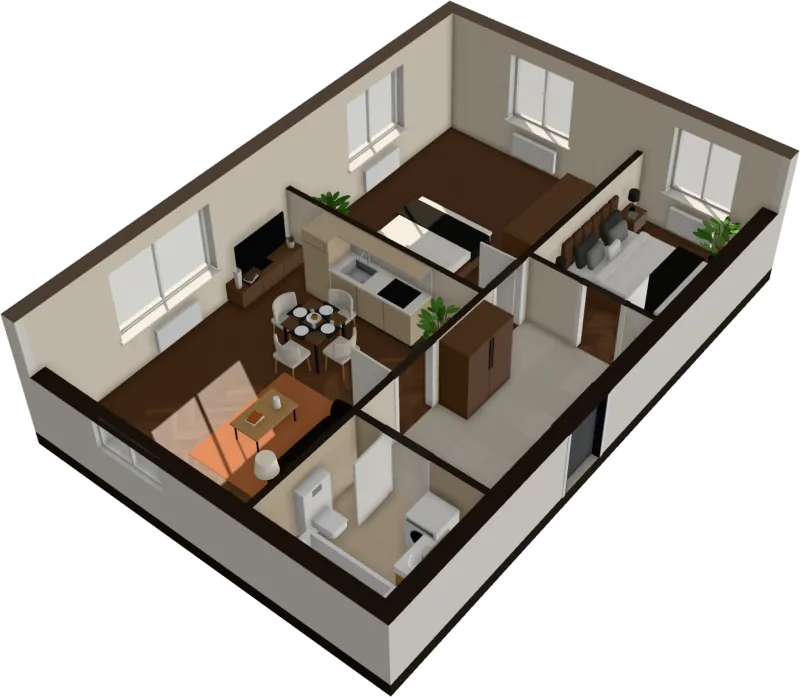
3D walkthrough
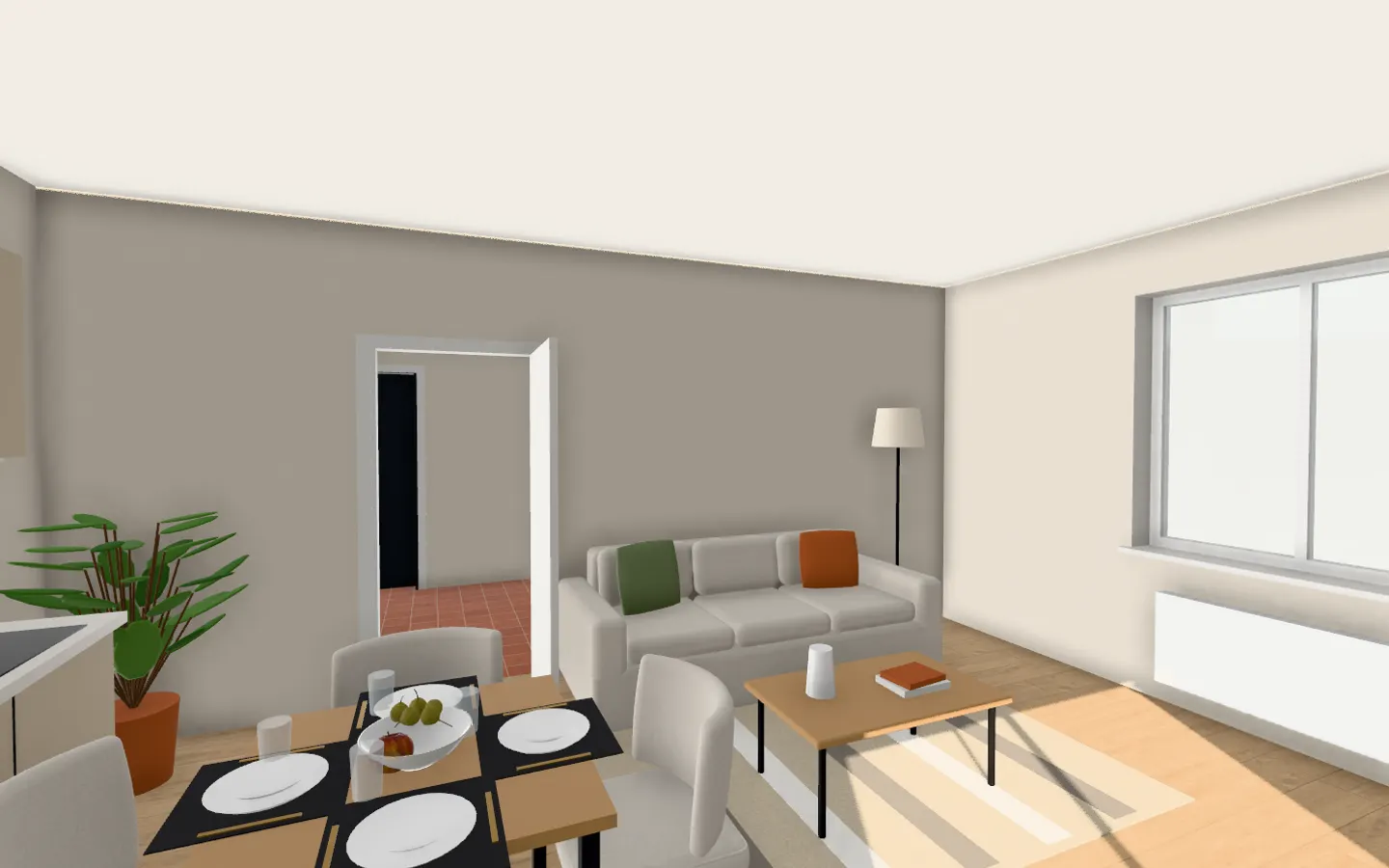
Walk through your floor plan at eye level
Not a slideshow of fixed 360° points: stand anywhere in the flat, look around, walk into the next room. Made from your floor plan in seconds.
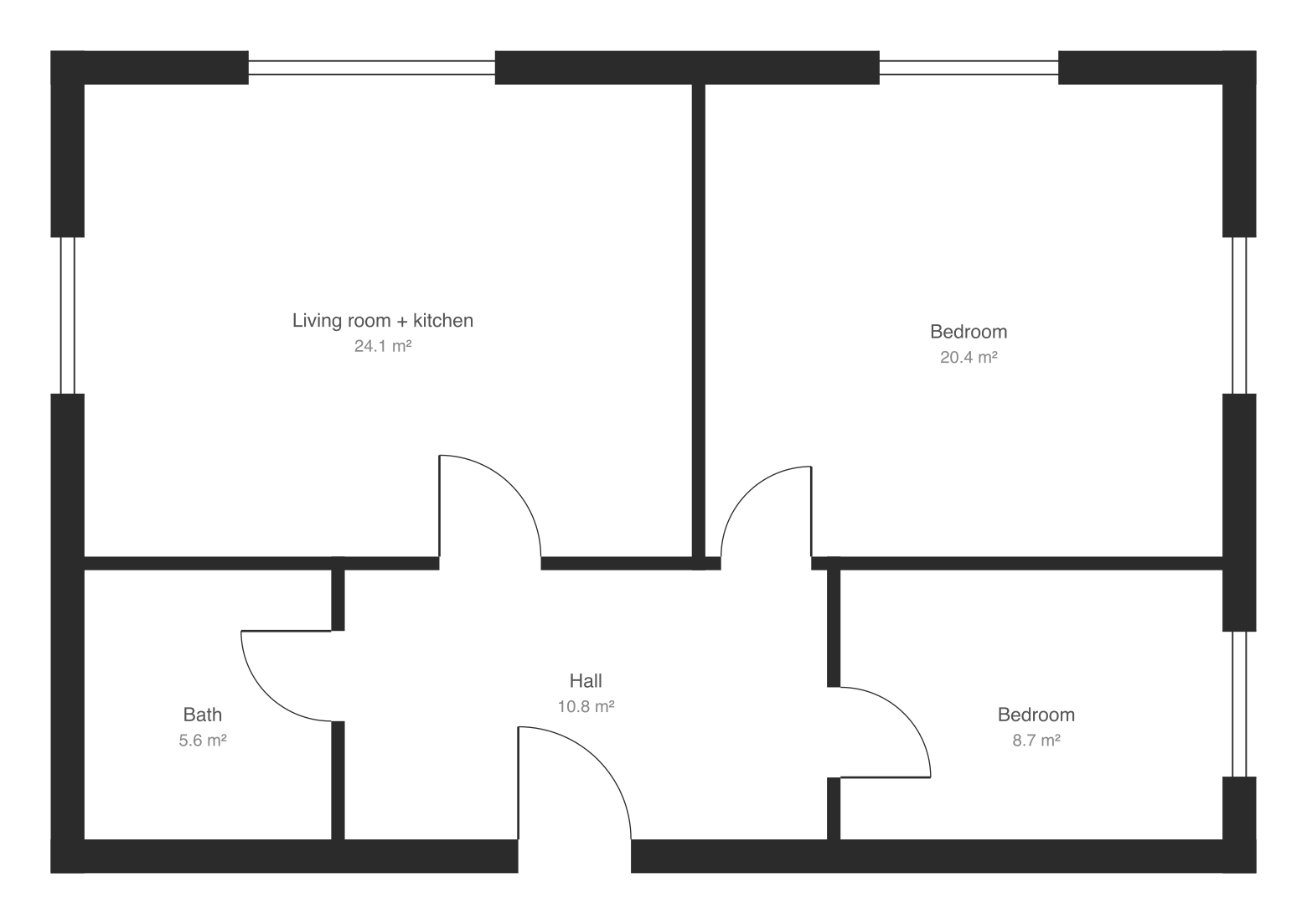
Read in seconds · No install · In your browser, not on a server
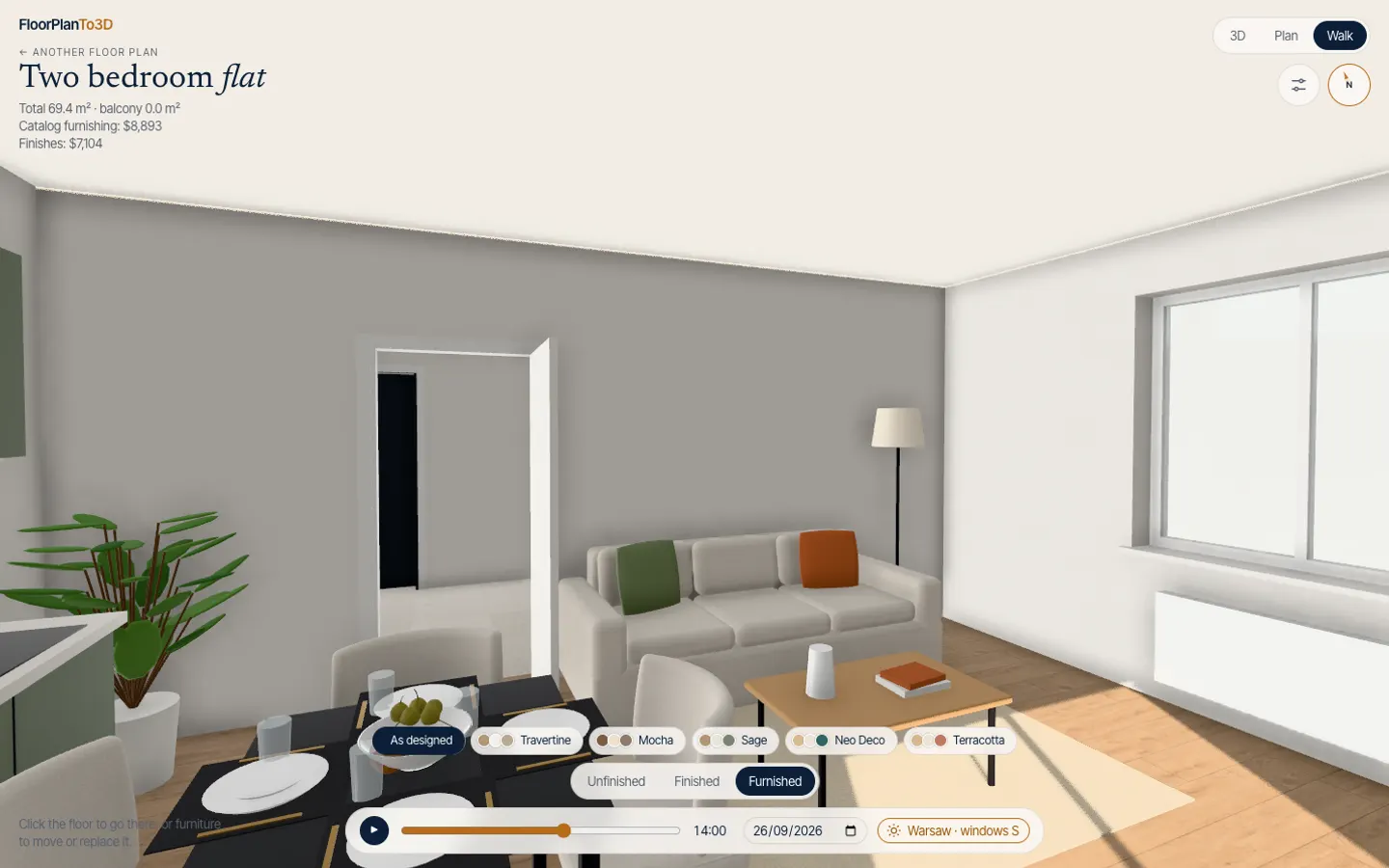
Move freely
Click the floor to go there. Arrows to step and turn.
Walking works the way you expect: click a spot on the floor and you walk to it. On a keyboard, up and down step, left and right turn.
- Click a piece of furniture to walk up to it
- Switch to the 3D or plan view at any time
- The ceiling is on, so rooms feel their real height
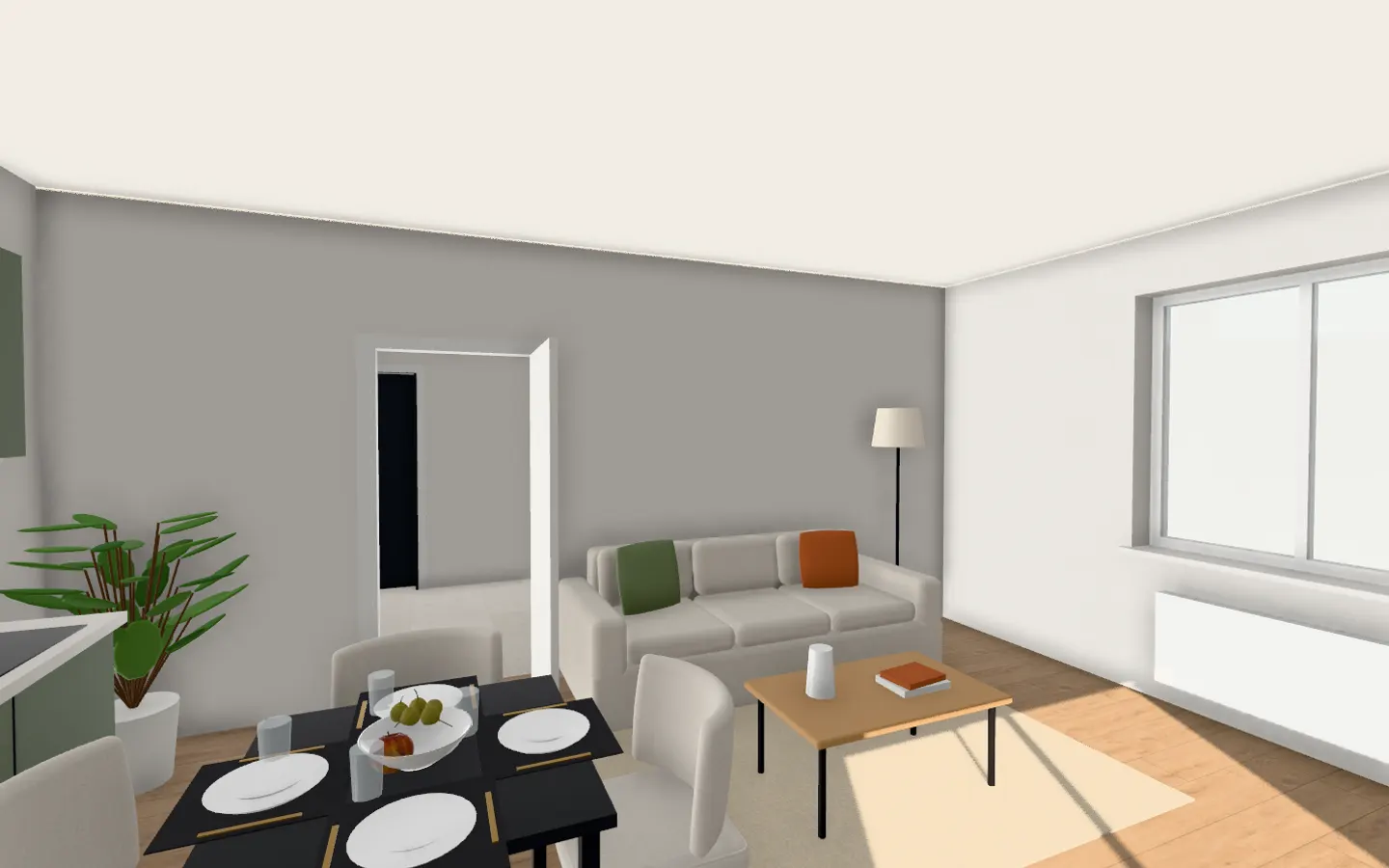
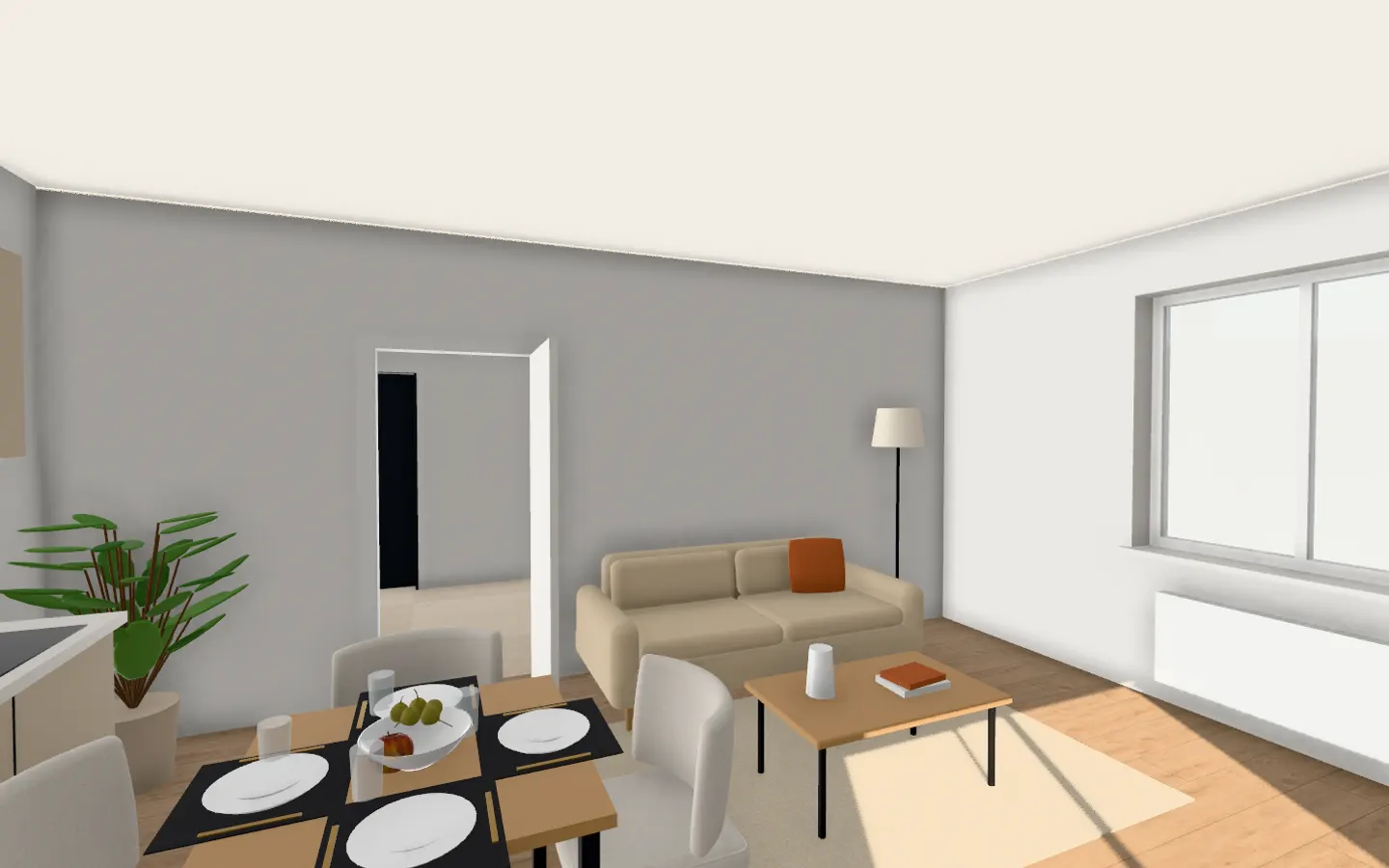
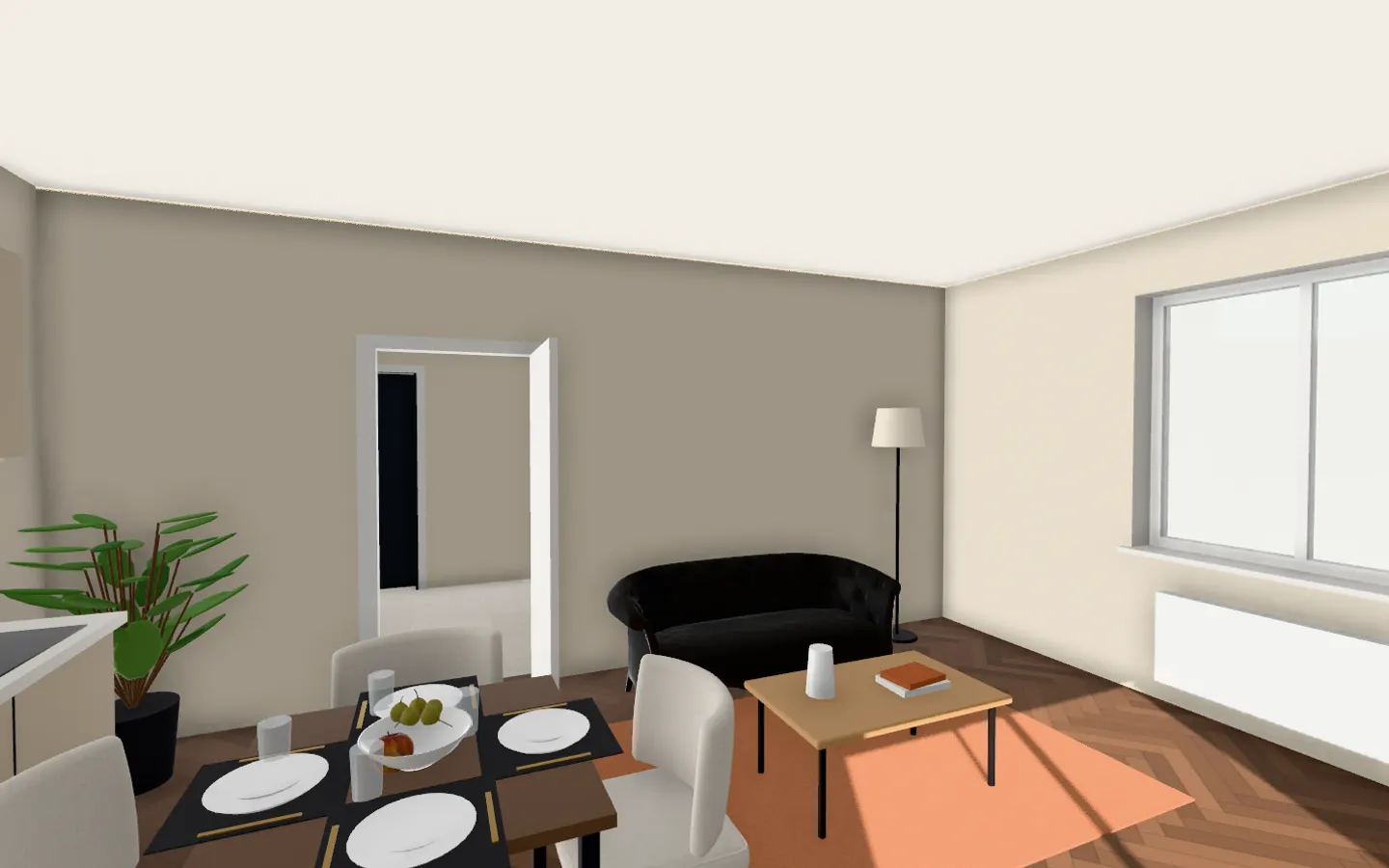
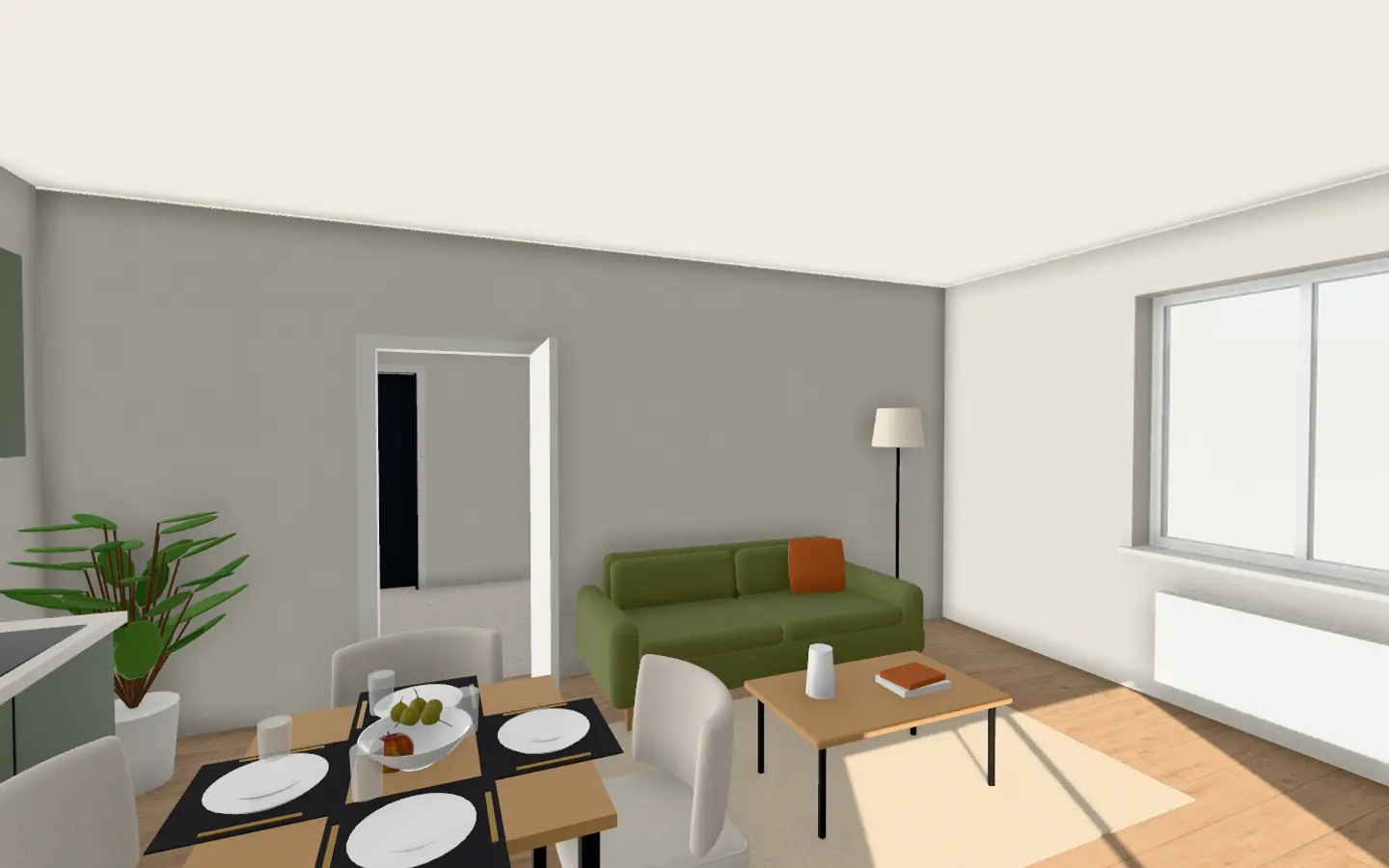
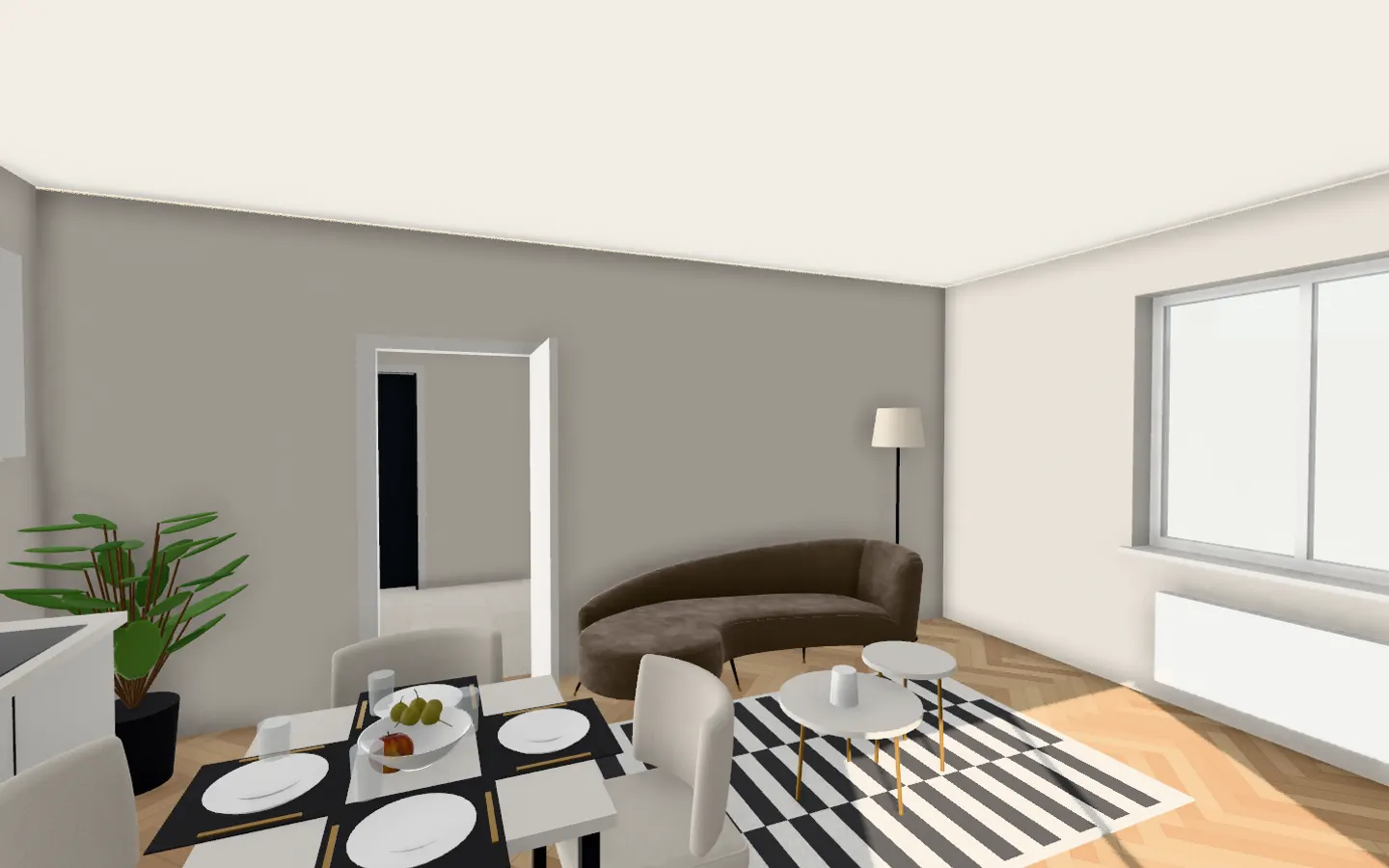
Walk the same room in every style
Questions, answered
How do I walk through a floor plan in 3D?
Upload the plan, wait a few seconds for it to open in 3D, then choose Walk. Click the floor where you want to go, or use the arrow keys: up and down to step, left and right to turn.
Is it a 360° tour or a real walkthrough?
A real walkthrough: you can stand anywhere in the flat and look in any direction, not only from a few fixed points.
Does it work on a phone?
Yes, in a recent mobile browser. A laptop or desktop gives the smoothest walk.
Can I record a video of the walkthrough?
Yes. The 3D view exports two videos: a flight round the flat and a room-by-room walk.
Stop squinting at the plan. Walk in.
It takes less time than reading this page, and you see your plan read before you pay anything.
Read in seconds · No install · In your browser, not on a server