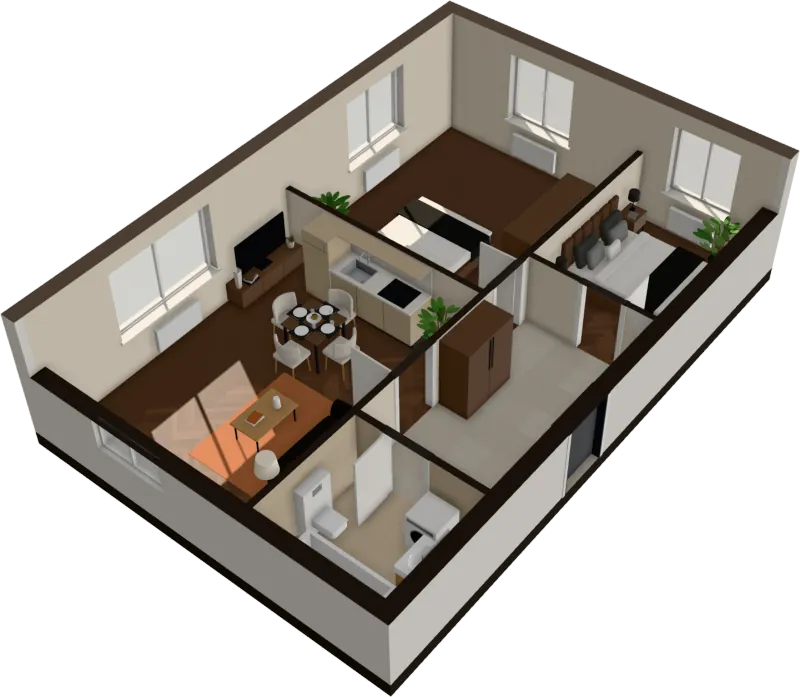
Sunlight simulator
How much sun will the flat get? Check before you buy.
Tell it which way the windows face, choose a date and press play. Sunlight and shadows move through every room of your floor plan, from sunrise to sunset.
$29 a flat, paid after you see it · Read in seconds · No install
One flat, three times of day
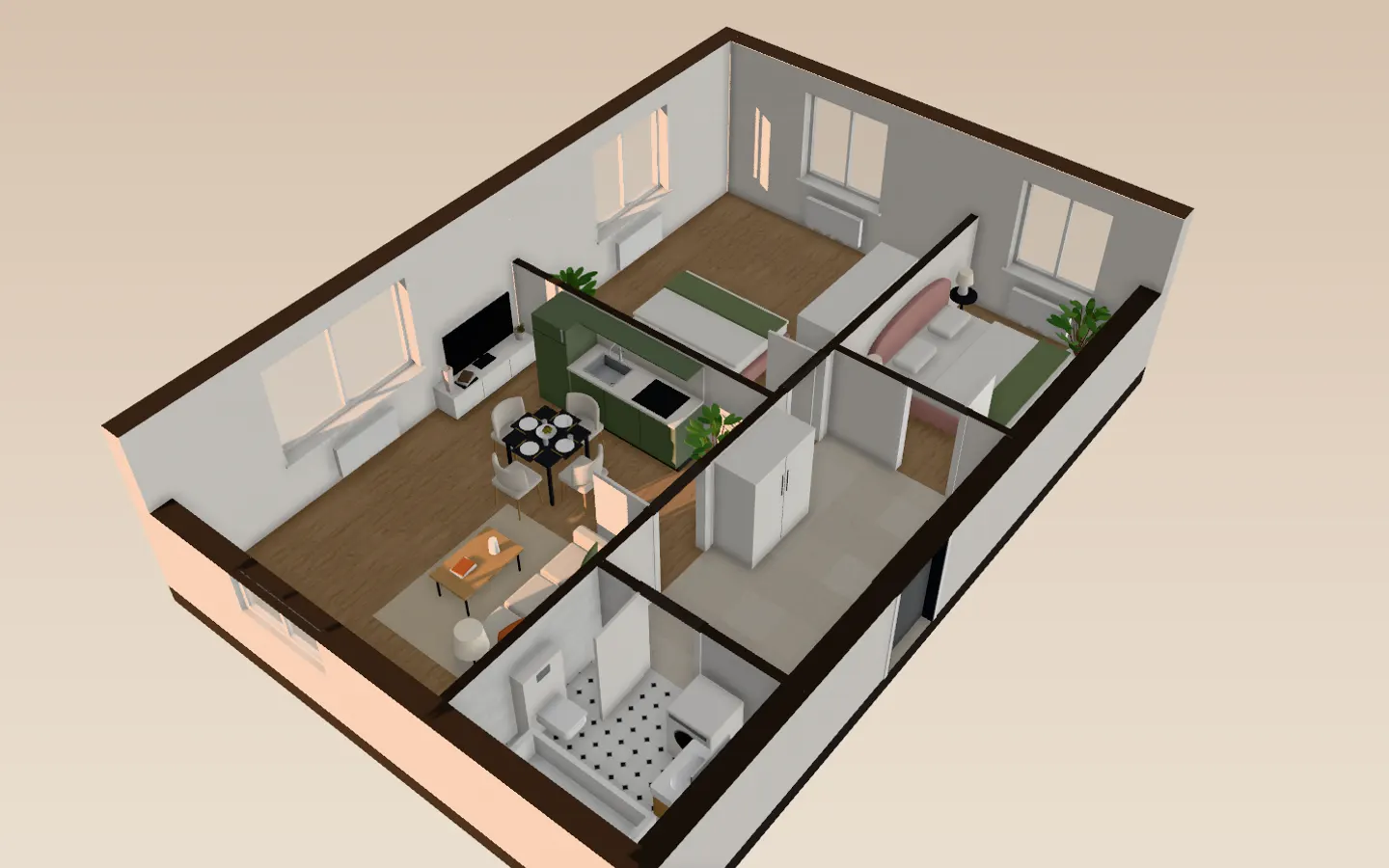
8:00Morning light in the living room
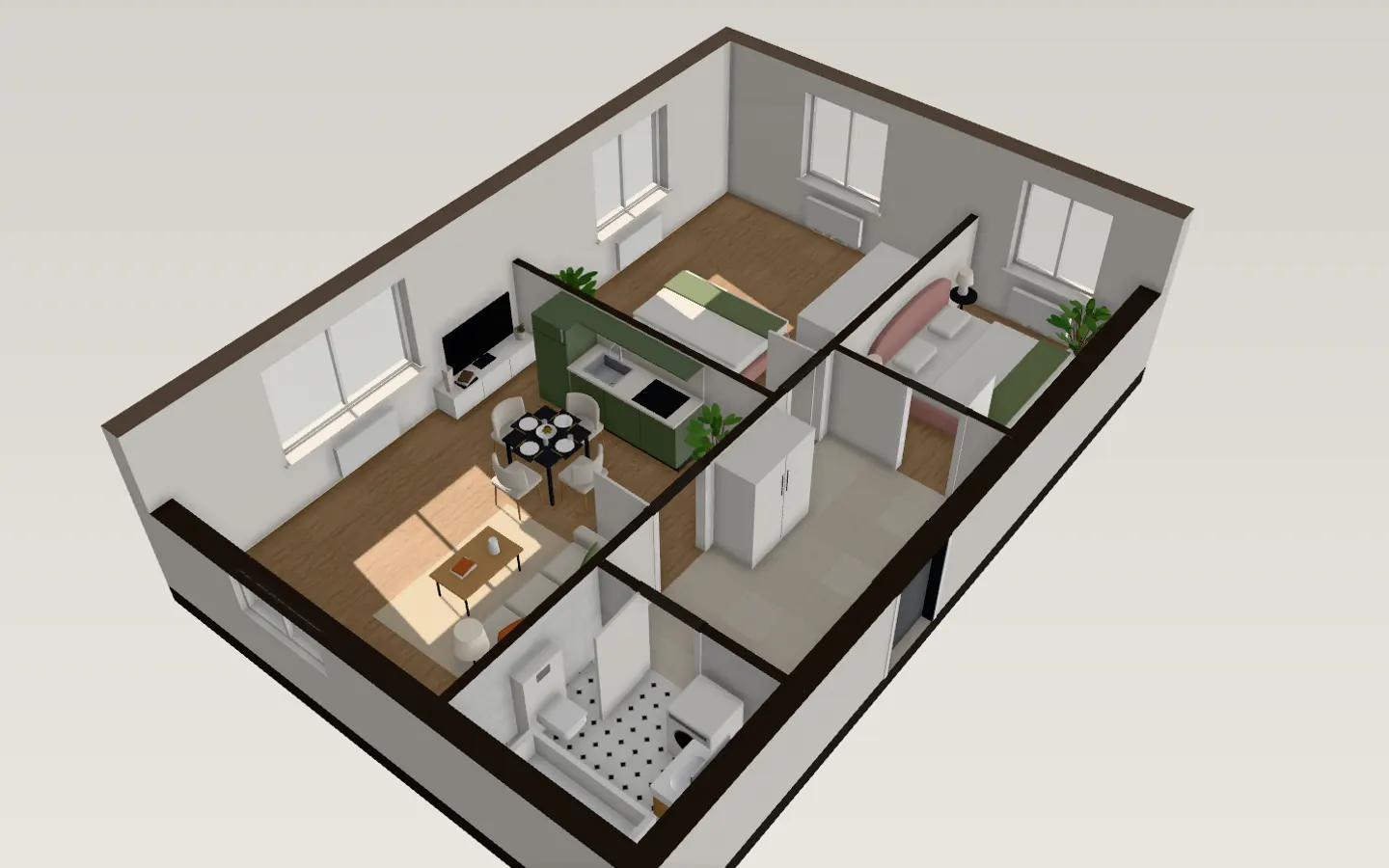
12:00Midday
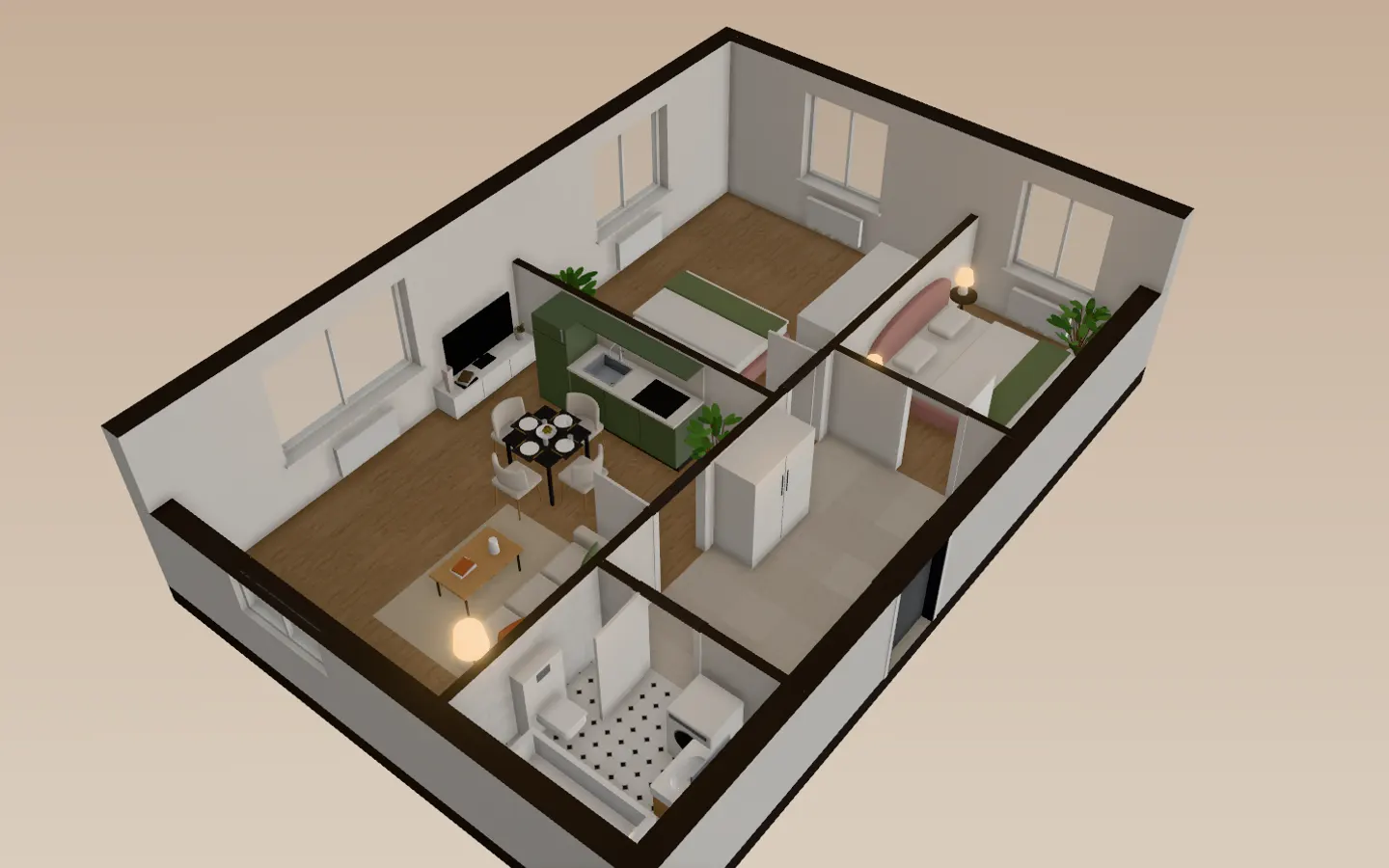
18:30Evening, lamps coming on
Why it matters
Buyers
Sun decides whether you want to spend your mornings in the kitchen. Check it before you choose between two flats on different sides of the building.
Home workers
Glare on your screen at 3 pm, or a dark room all day? See it before you pick the room for your desk.
Plants and heating
South and west rooms warm up; north rooms stay cool. Plan blinds, plants and heating around it.
How to use it
Windows, date, play
Open the sun panel and pick the direction the main windows face, or let it use your location. Choose a date — try midwinter — and drag the time or press play.
- Any date of the year
- Every time of day
- Hours of direct sun per room
Updated November 2026
Other ways to check sunlight
Map tools show the sun outside the building, with its neighbours. FloorTo3D shows it inside the flat, room by room, without them. Together they answer the whole question.
SunCalc
The sun’s path over any address on a map, for any date. Tells you the direction of the sun, not what reaches each room.
Shadowmap
Shadows of the real buildings around an address in 3D. Shows what blocks the sun outside, not inside the flat.
Google Earth
Sunlight at a chosen time of day over its 3D buildings. Good for the street, not for the rooms.
Questions, answered
How do I check how much sun a flat gets?
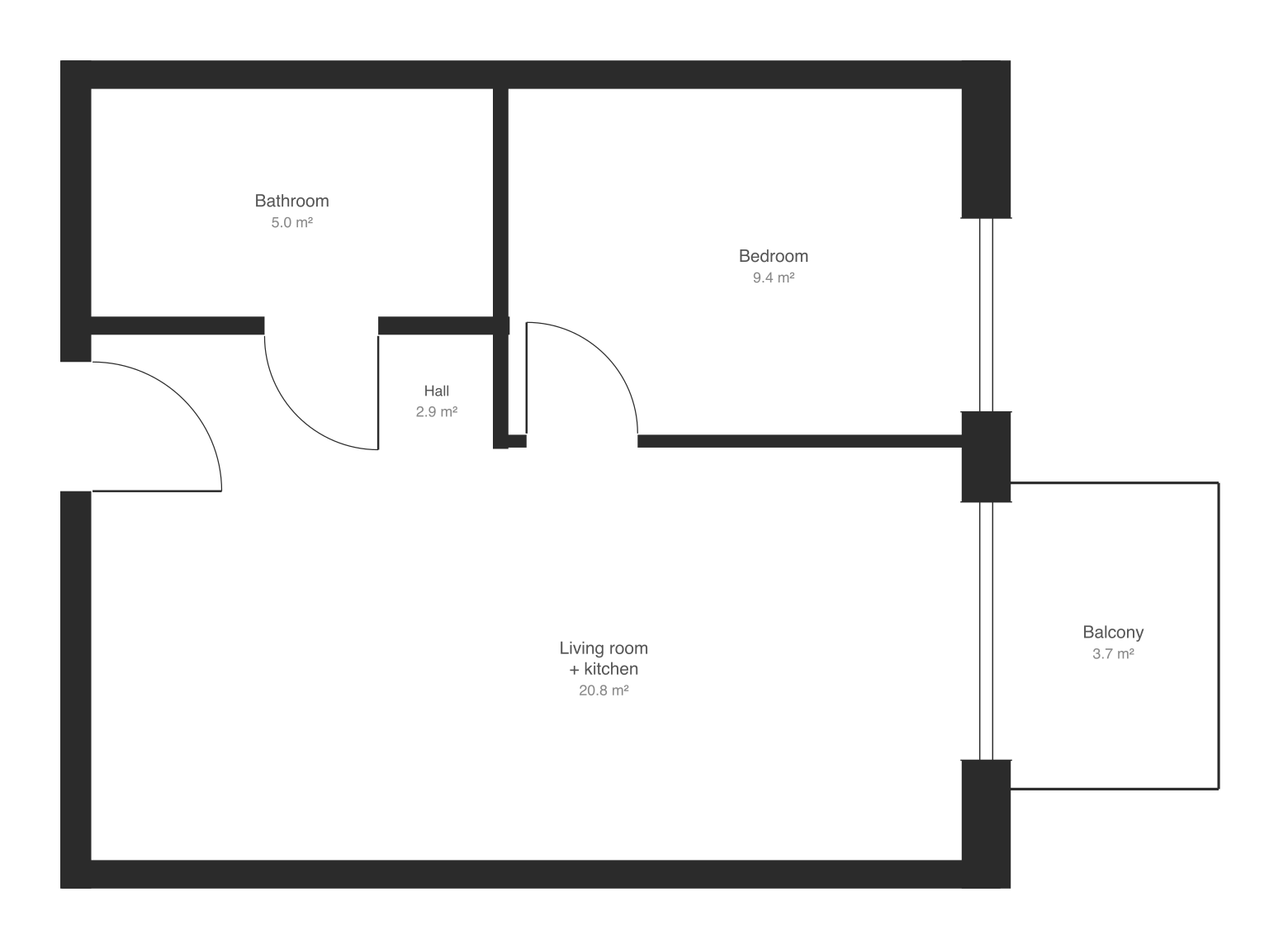
Upload its floor plan, open the sun panel and choose which way the main windows face (or use your location). Then pick a date and play the day: the sun moves through the rooms and each room shows its hours of direct sun.
How do I know which way the windows face?
Listings often say (“south-facing balcony”). Otherwise find the building on an online map: the side of the building the living room windows are on is the direction they face.
Does it account for neighbouring buildings and trees?
No. It shows the sun through your own windows as if nothing stood outside. A tall building across the street will cut some of those hours.
Is there a sunlight simulator for a floor plan?
Yes: FloorTo3D reads the floor plan image or PDF, builds the flat in 3D and moves the sun through its rooms for any date and time, with each room’s hours of direct sun. It runs in the browser, with nothing to install.
How is it different from SunCalc, Shadowmap or Google Earth?
Those show the sun on a map or on the outside of buildings, including the shadows of the buildings around them. FloorTo3D shows the sun inside the flat itself, room by room, but leaves out the neighbours. Use a map tool to see what stands in the way, and this to see what reaches each room.
Which dates should I check?
Midwinter (21 December) shows the worst case, the equinox (20 March) the average, and midsummer (21 June) how hot a west-facing room gets in the evening.
Check the light before you sign
It takes less time than reading this page, and you see your plan read before you pay anything.
$29 a flat, paid after you see it · Read in seconds · No install