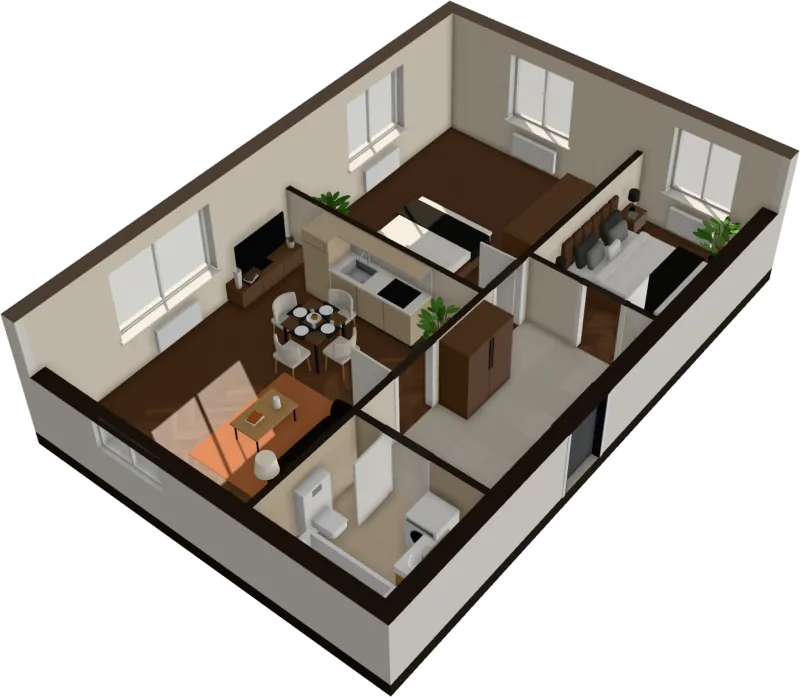
For interior designers
Walk the client through their apartment at the first meeting
Clients sign when they can see it. Upload their plan before the meeting and show the apartment furnished in three or four directions, instead of a mood board.
$29 an apartment, paid after you see it · Read in seconds · No install
The questions a plan can’t answer
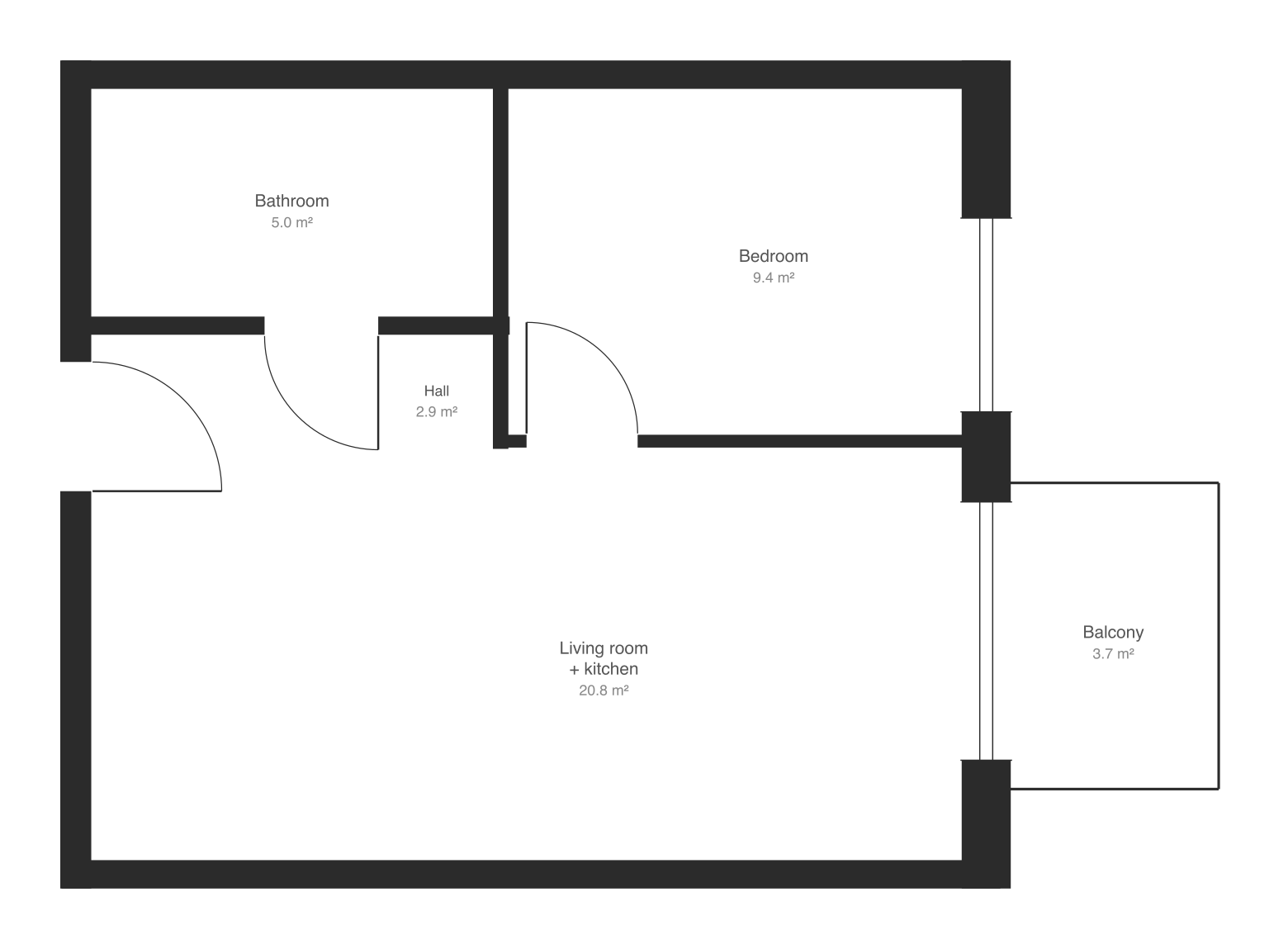
Modeling an apartment for a pitch takes hours
The walls, doors, windows and furniture are placed for you in seconds.
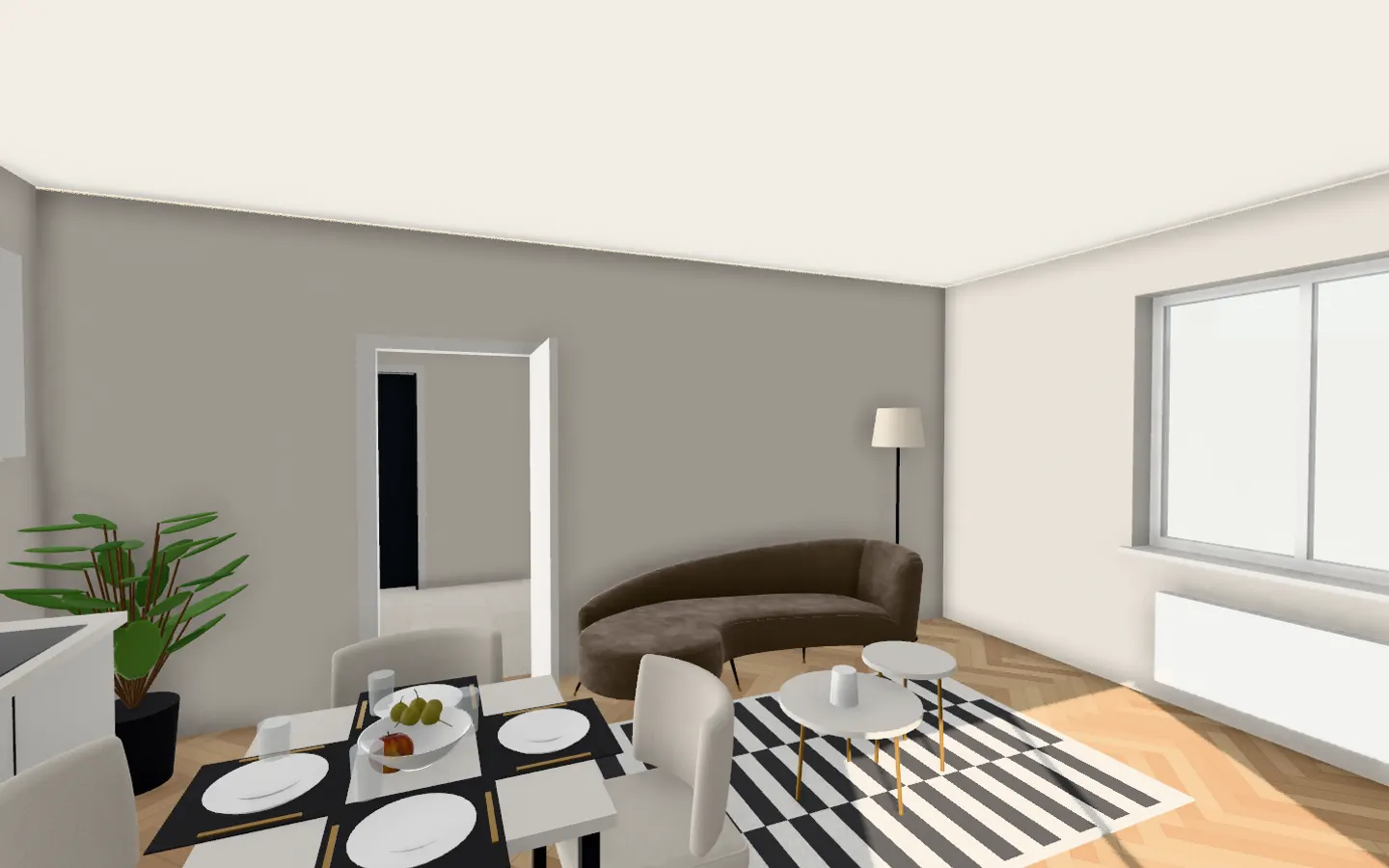
Clients can’t read plans
They walk through their own rooms at eye level and see the light.
The first meeting is all talk
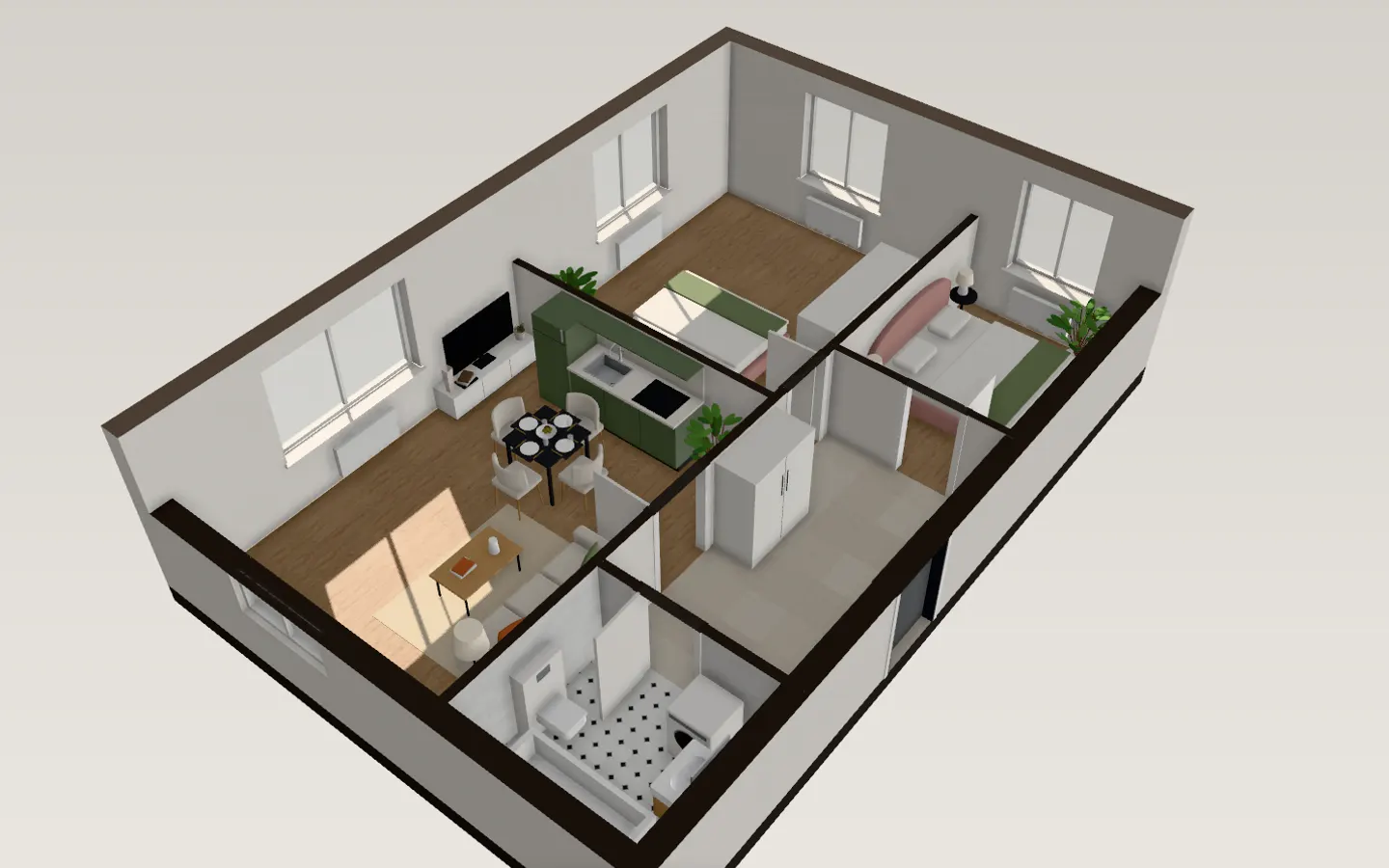
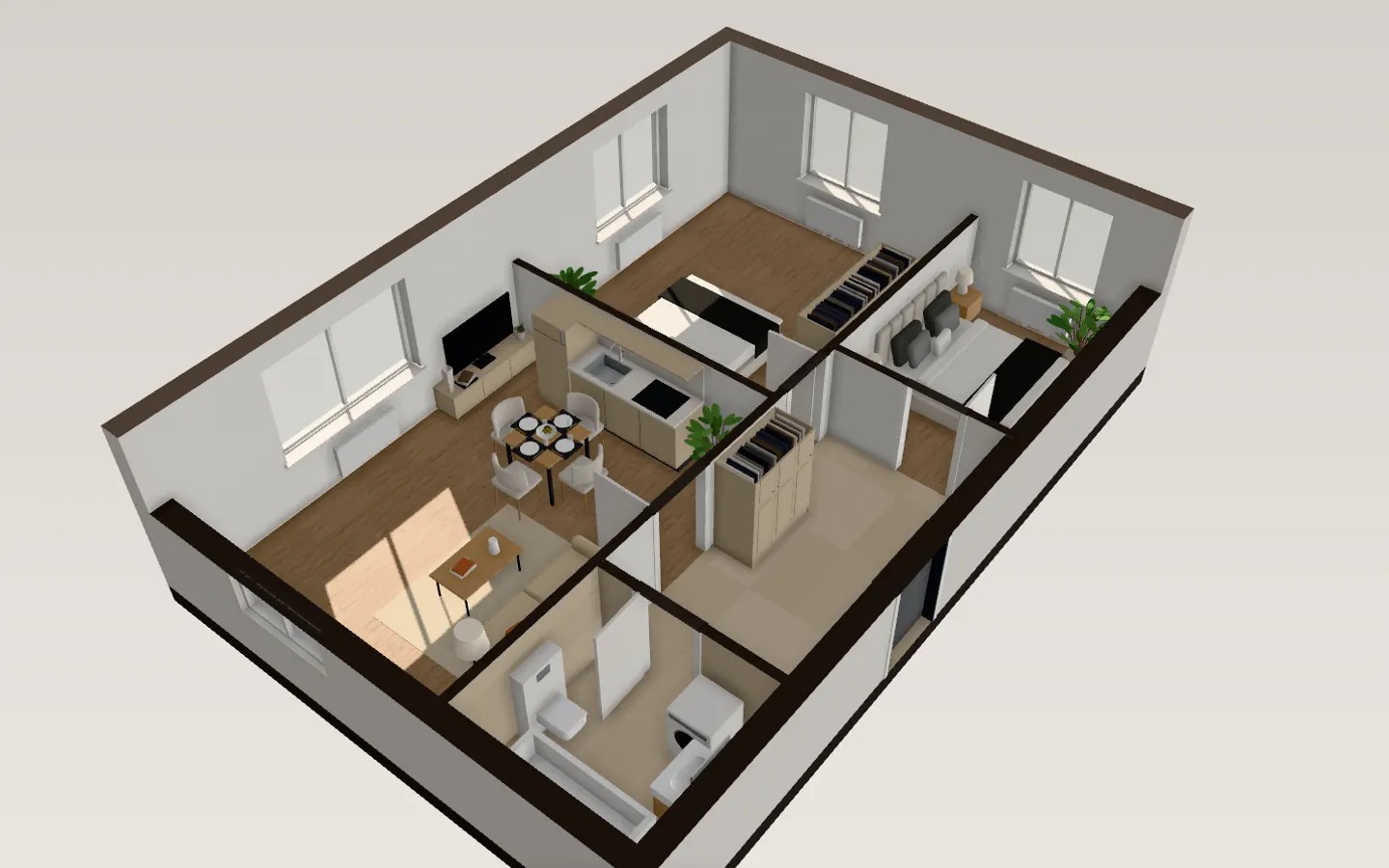
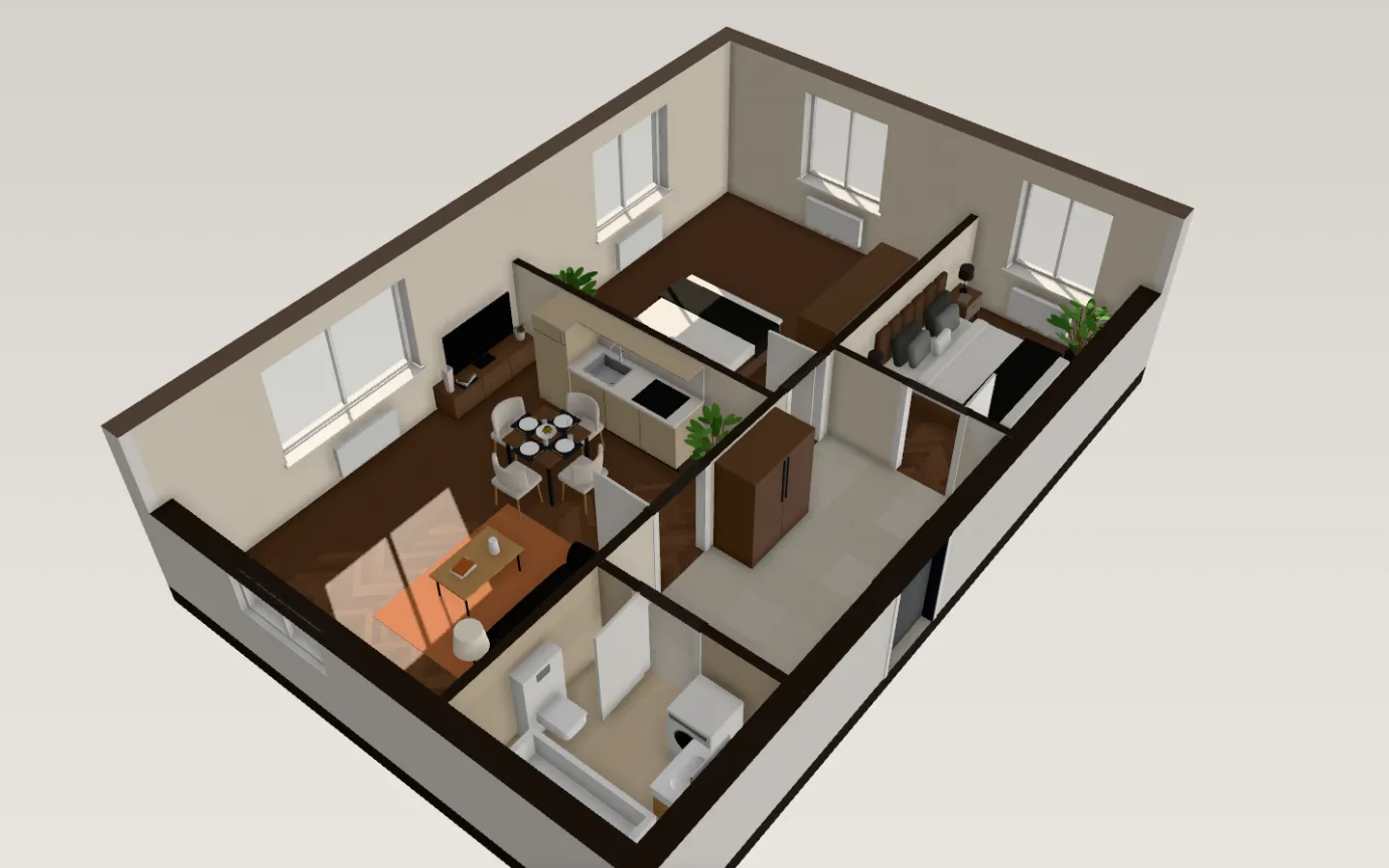
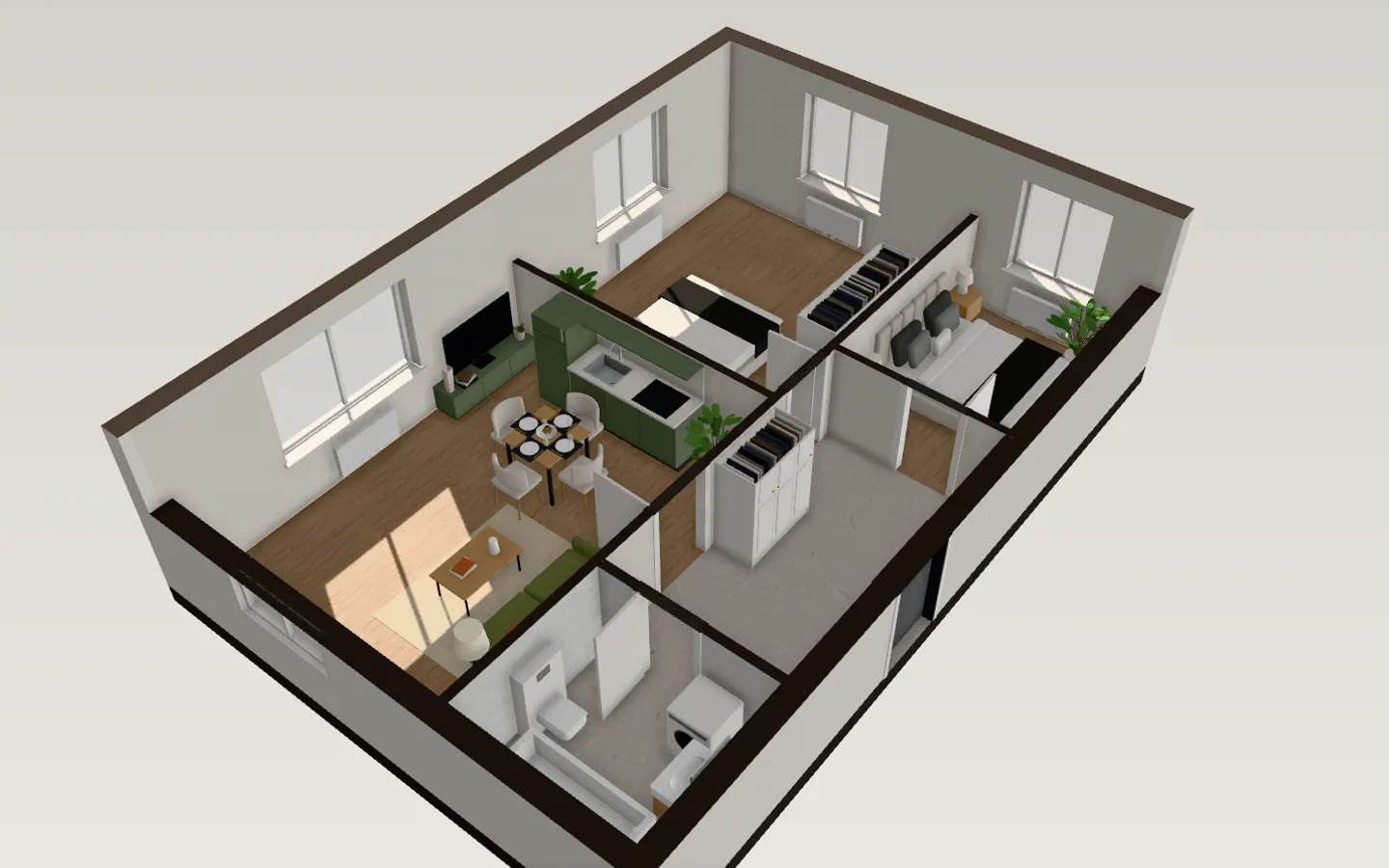
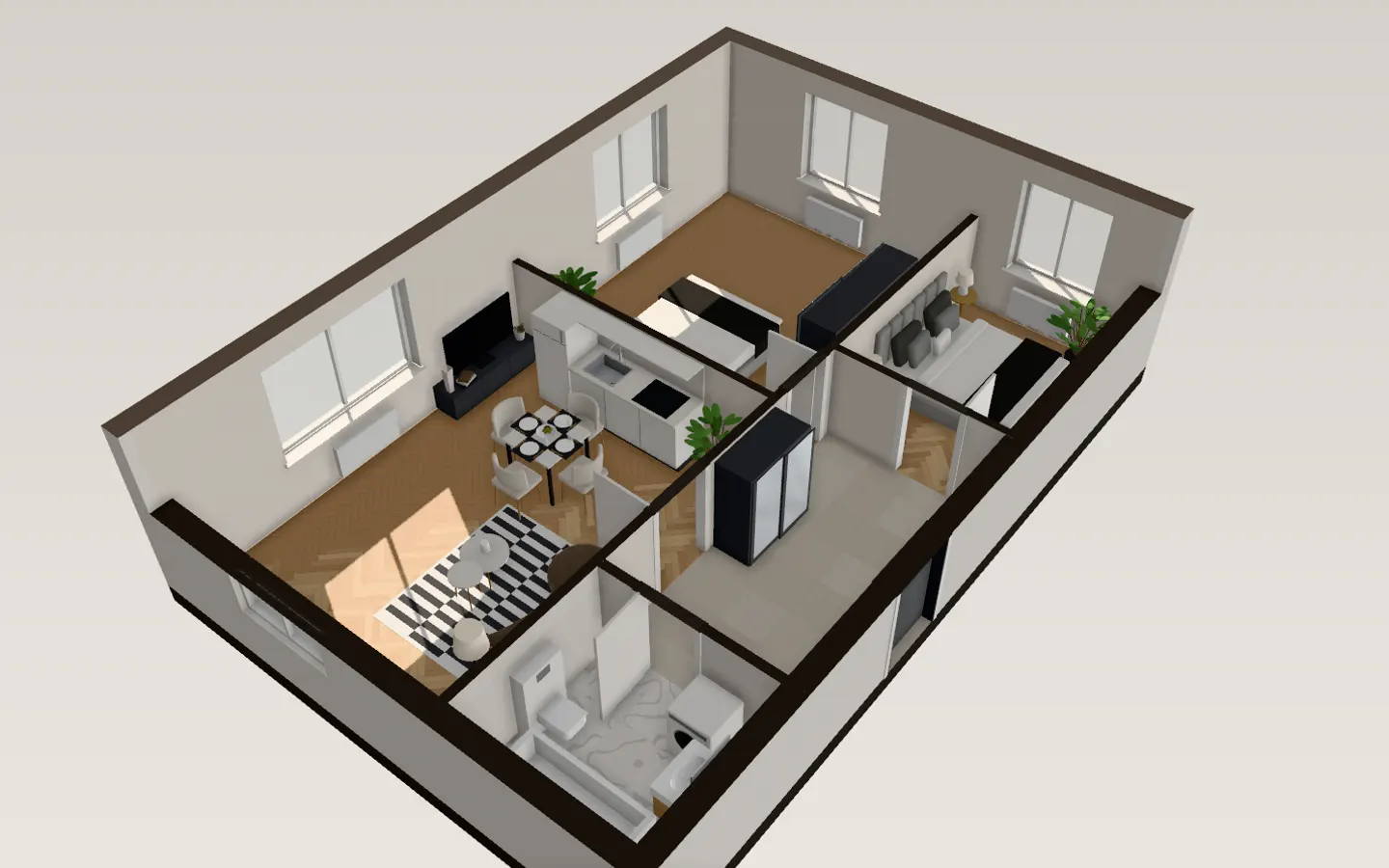
Switch between styles on screen and let the client react to real rooms.
Following up takes days
Send the client a link to their apartment, or a 4K picture of the look they chose, the same afternoon.
What people use it for
- A quick 3D of the client’s plan before the discovery call
- Comparing a warm, a dark and a colorful direction side by side
- Testing furniture layouts with the client in the room
- Showing daylight in each room on the dates that matter
Starter and Pro, for interior designers. 5 or 30 new apartments a month, share links, embedding on listings and, on Pro, your logo instead of ours. See pricing
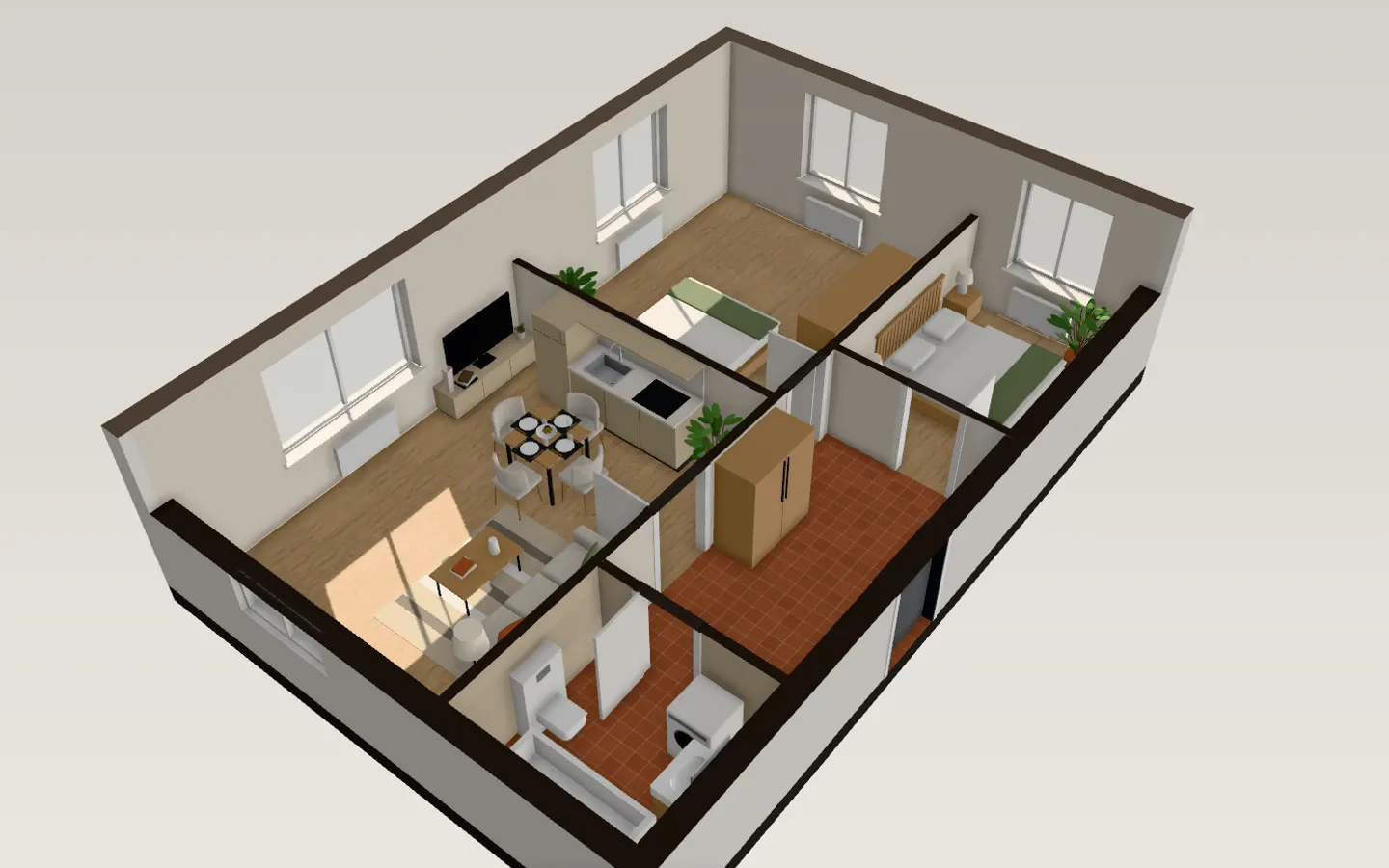
See it in every style
Three steps, under a minute
- 1
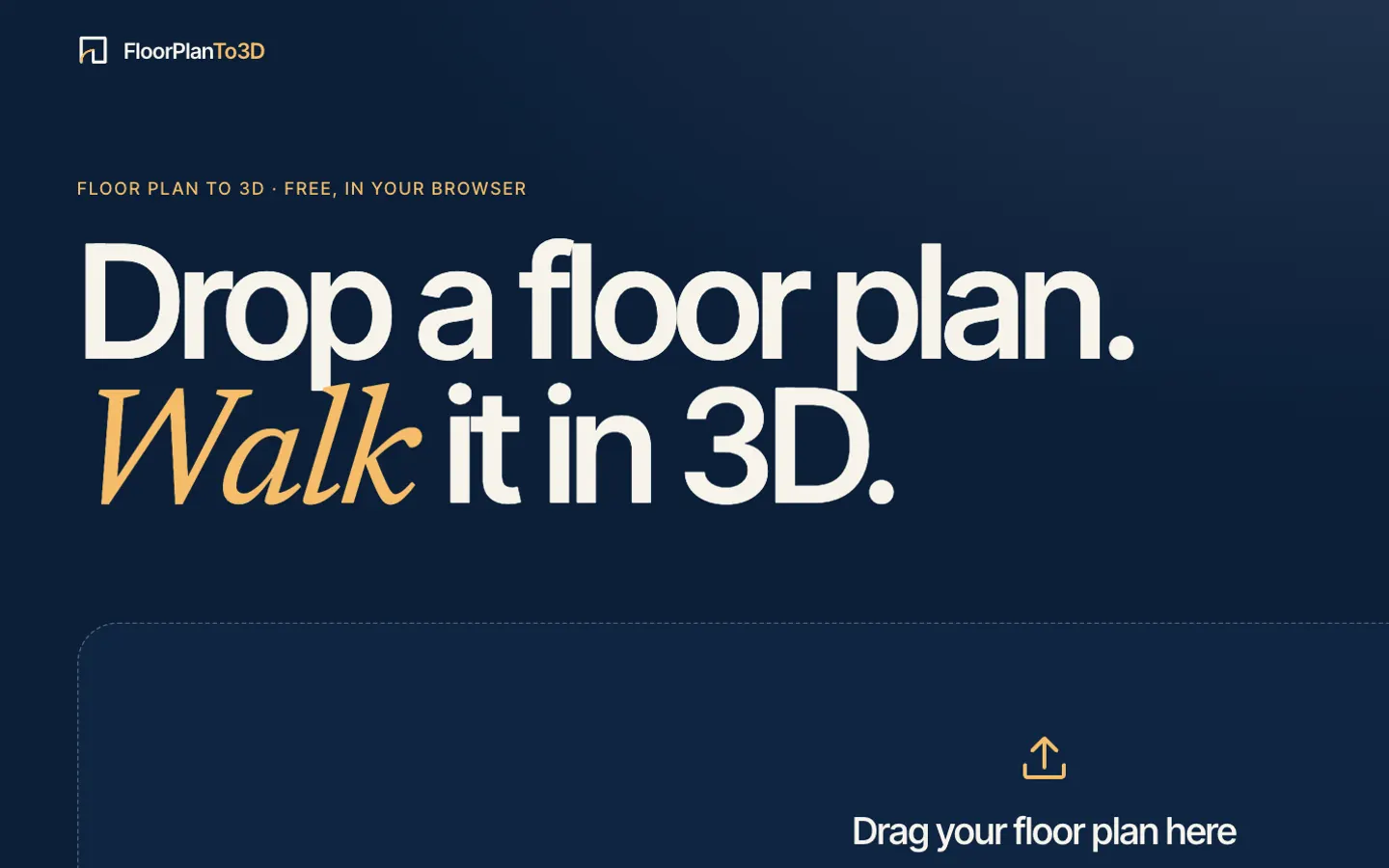
Upload your floor plan
Drop a PNG, JPG or SVG of the plan: a screenshot from a listing or the developer’s brochure is enough.
- 2
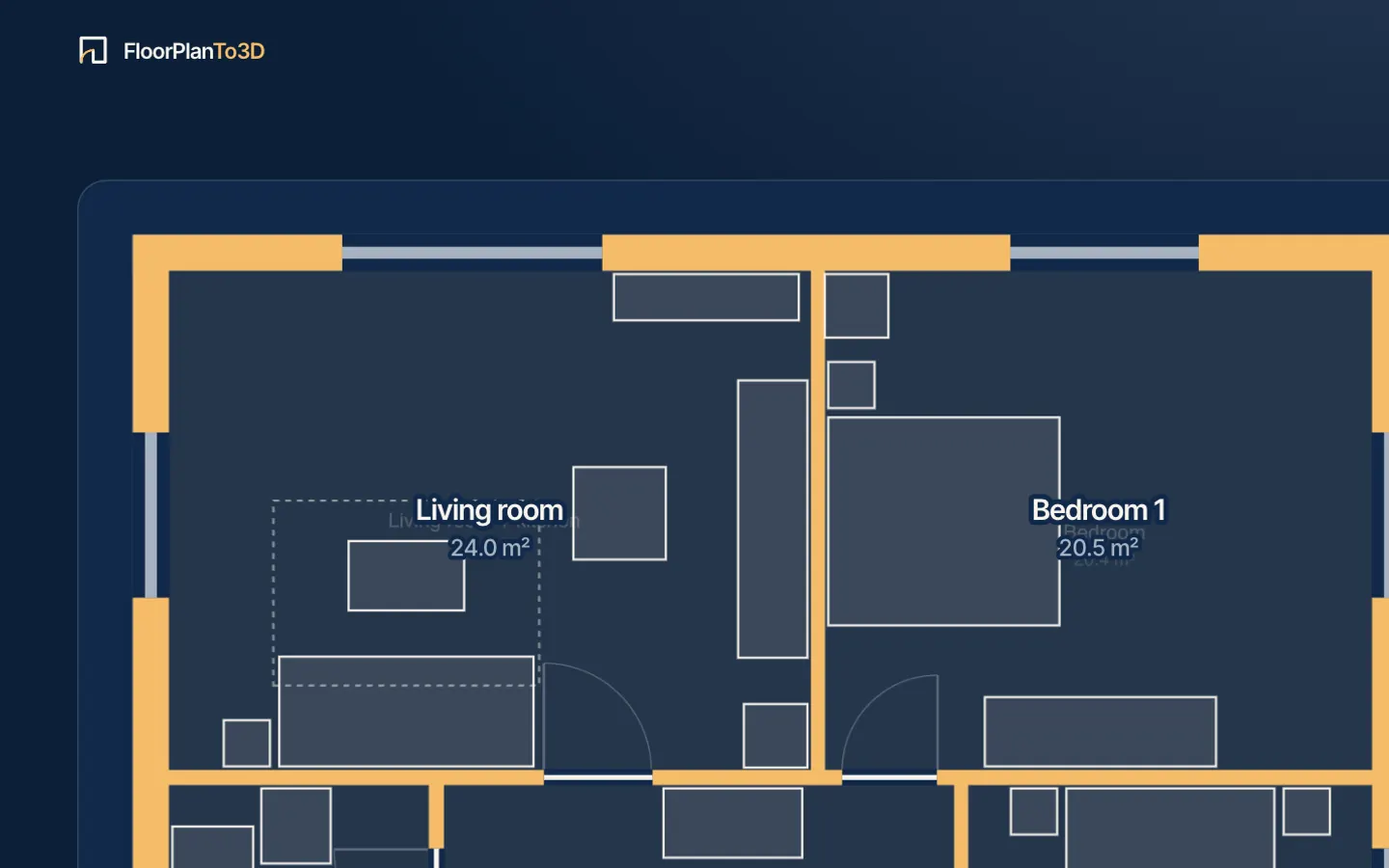
Watch it read the drawing
Walls, doors, windows and rooms appear over your plan in a few seconds, with nothing to fill in first. The scale comes from the width of the doors.
- 3
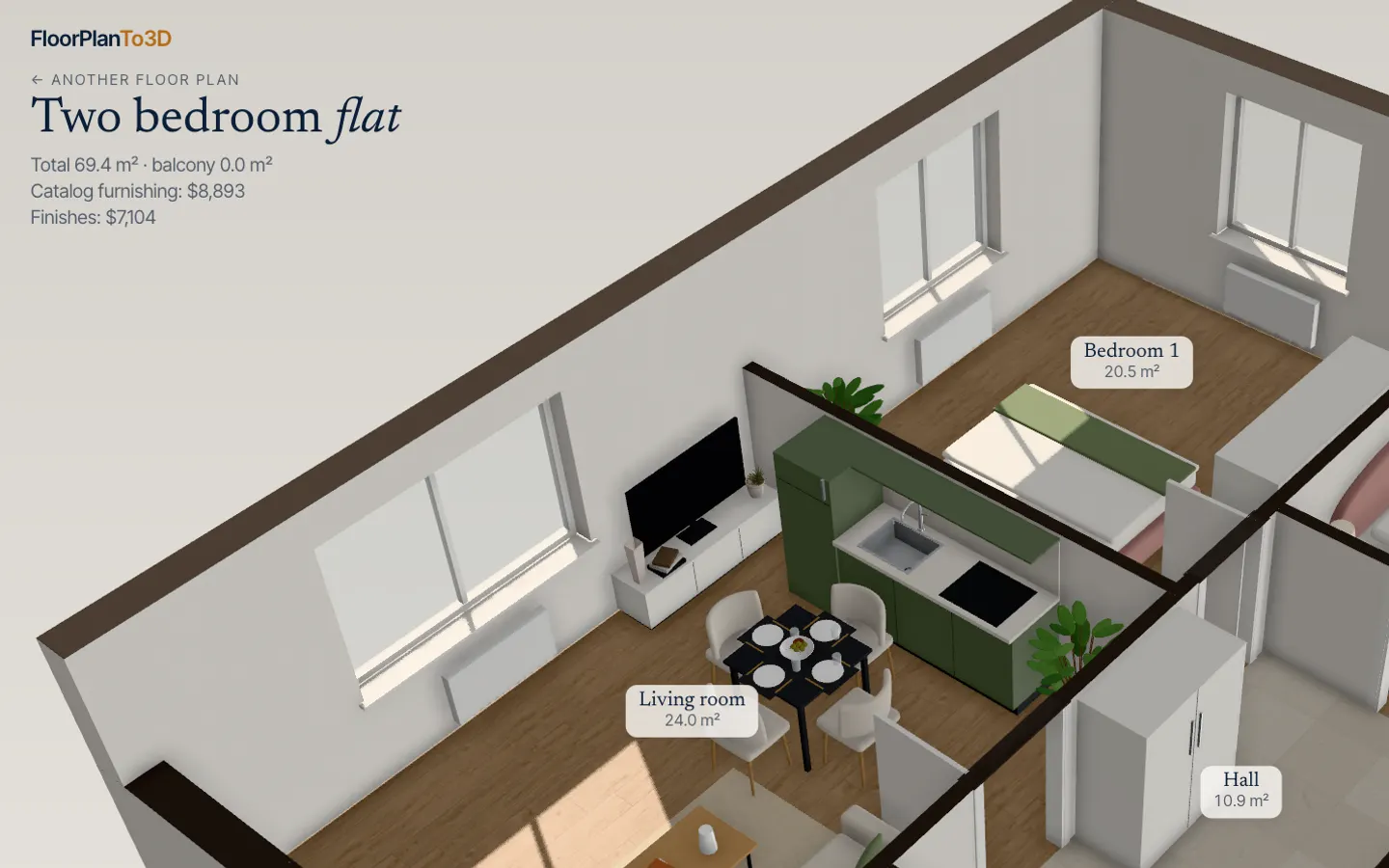
Walk through it in 3D
The apartment opens furnished. Walk from room to room, switch the renovation style, move the sofa and see where the sun falls.
Questions, answered
Can I add my suppliers’ furniture?
Not yet. Your own furniture and supplier catalogs are planned.
Does it replace my design software?
No. It is for the first meetings and quick checks; detailed drawings stay in your CAD tool.
Can the client see it without me?
Yes: an unlocked apartment gets a share link that opens it read-only in the browser, no account needed.
Stop squinting at the plan. Walk in.
It takes less time than reading this page, and you see your plan read before you pay anything.
$29 an apartment, paid after you see it · Read in seconds · No install