Frequently asked questions
Everything people ask us
What does FloorTo3D cost?
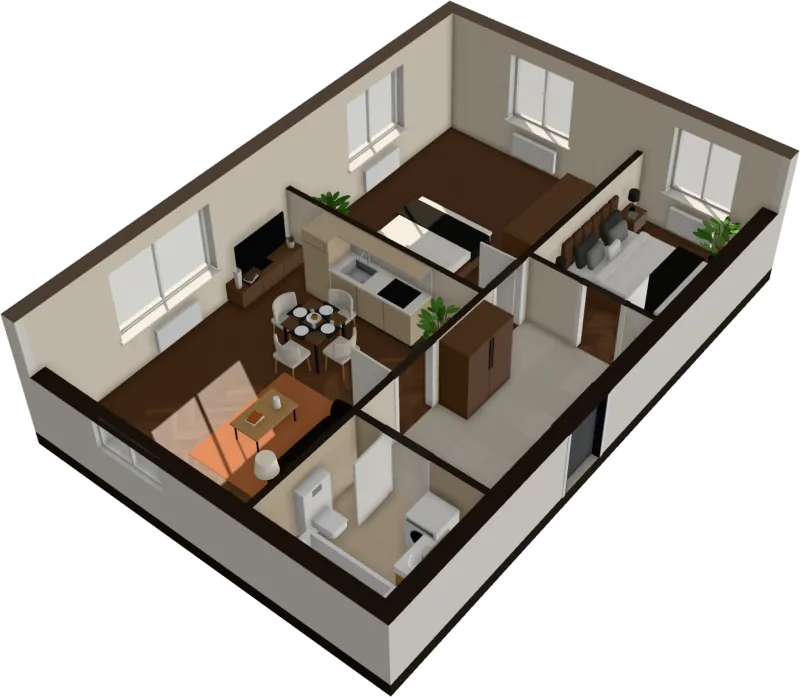
You see your plan read before you pay: drop it in and watch the walls, doors, rooms and furniture appear. To walk through the apartment in 3D, keep it, share it and download it, it’s $29 once for that apartment, $59 for 3 apartments if you are comparing a few, or $39 and $129 a month for 5 and 30 apartments.
Do I need to sign up or install anything?
Nothing to install: it runs in your browser on a computer or a recent phone. No sign-up either: when you buy, the email you pay with becomes your account, and your apartments are kept there.
Which files can I upload?
PNG, JPG and SVG images of a floor plan, or a PDF. A PDF with several pages shows them all, so you can pick the one with the plan.
Is my floor plan uploaded to a server?
Not to read it: the image is read inside your browser. An apartment you buy is saved to your account, so you can open it again anywhere.
How does it get the size right?
From the width of the doors, which are close to standard. To make it exact, set one wall’s real length on the edit page, from the dimensions on the plan or the listing, and the whole plan is scaled to it.
What kind of plans work best?
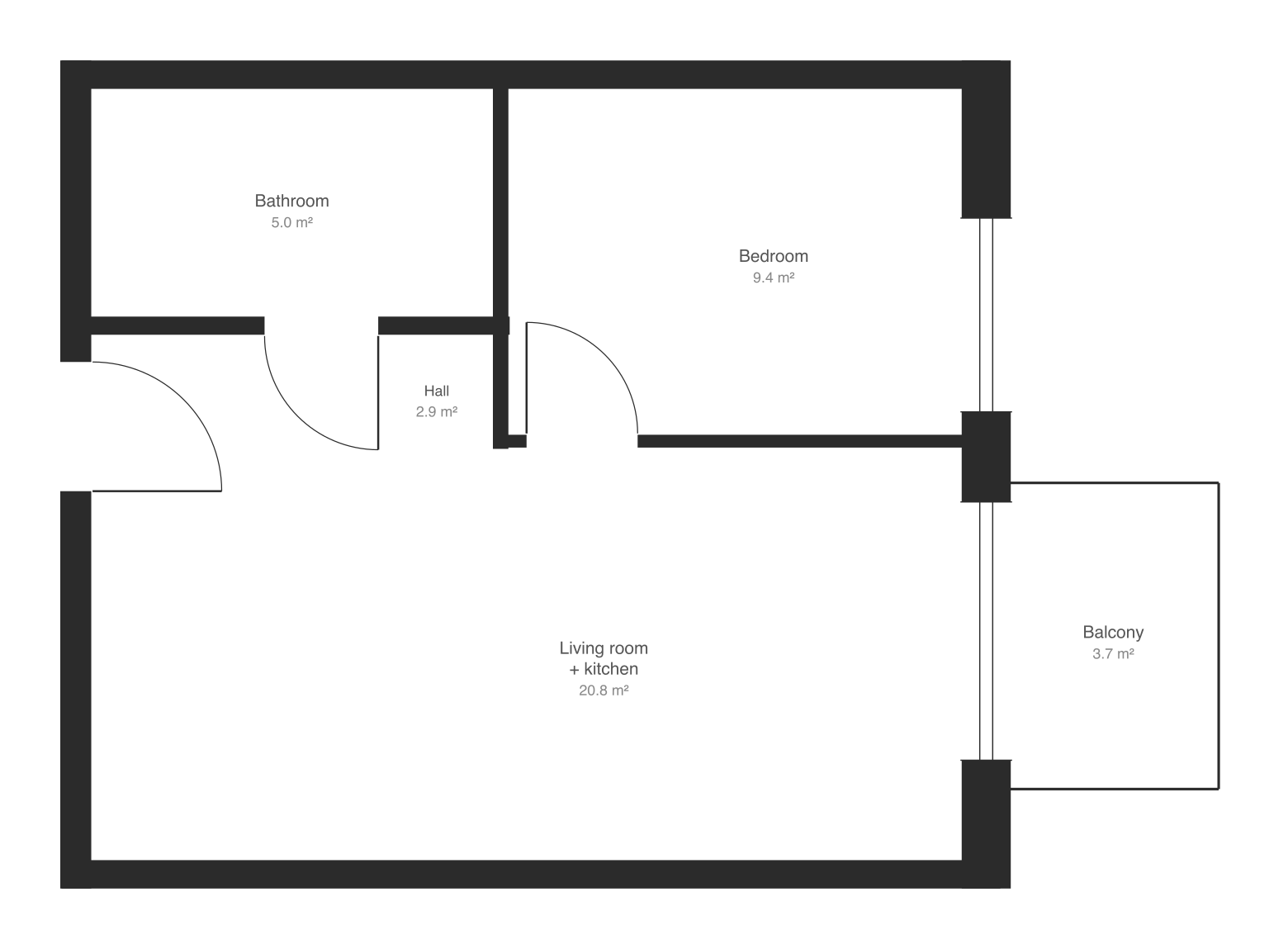
Clean plans from developers and agencies: walls drawn filled in black or gray, square to the page. If the sheet also shows a site map or a legend, crop the image to the apartment first.
What if it reads my plan wrong?
Correct it on the edit page: move, draw or delete walls, add, move or remove doors and windows, set the scale from one wall’s real length, and change what a room is. If it can’t be read at all, choose Frame it again to frame just the apartment and give its floor area, or try a cleaner image.
Can I move and change the furniture?
Yes. Click a piece to drag it, turn it or replace it from the catalog: sofas, beds, tables, kitchens, wardrobes, lamps, plants, rugs and more.
Which renovation styles are there?
Travertine, Mocha, Sage, Neo Deco and Terracotta, based on 2026 renovation trends. Each changes floors, walls, tiles and furniture across the whole apartment in one click.
How does the sunlight work?
Tell it which way the main windows face and choose a date and time: the sun and shadows move through the rooms, and each room shows its hours of sun.
Can I share the 3D apartment or download it?
Yes. The 3D view exports a 4K photo, a flight around the apartment and a room-by-room walk as video, and the GLB 3D model; an unlocked apartment also gets a share link.
Are diagonal walls, balconies and room names read?
Not yet on images: walls must be straight and square to the page, balconies are left out, and text on the plan is not read. SVG exports from react-planner are read with walls at any angle.
Stop squinting at the plan. Walk in.
It takes less time than reading this page, and you see your plan read before you pay anything.
$29 an apartment, paid after you see it · Read in seconds · No install