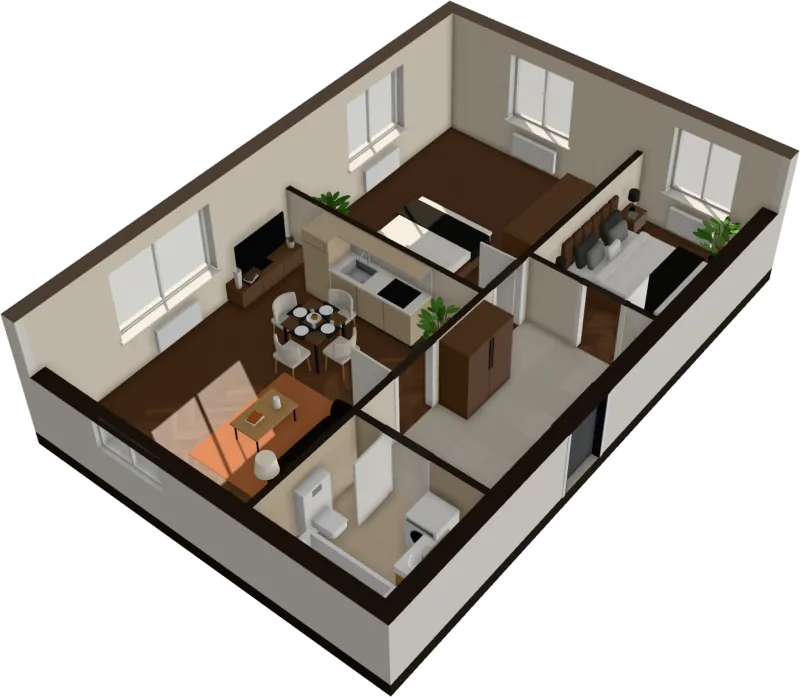
How it works
From floor plan to 3D walkthrough in under a minute
No drawing, no modeling, no waiting for a studio. Your plan is read in your browser, furnished, and opened in 3D.
$29 an apartment, paid after you see it · Read in seconds · No install
Step 1
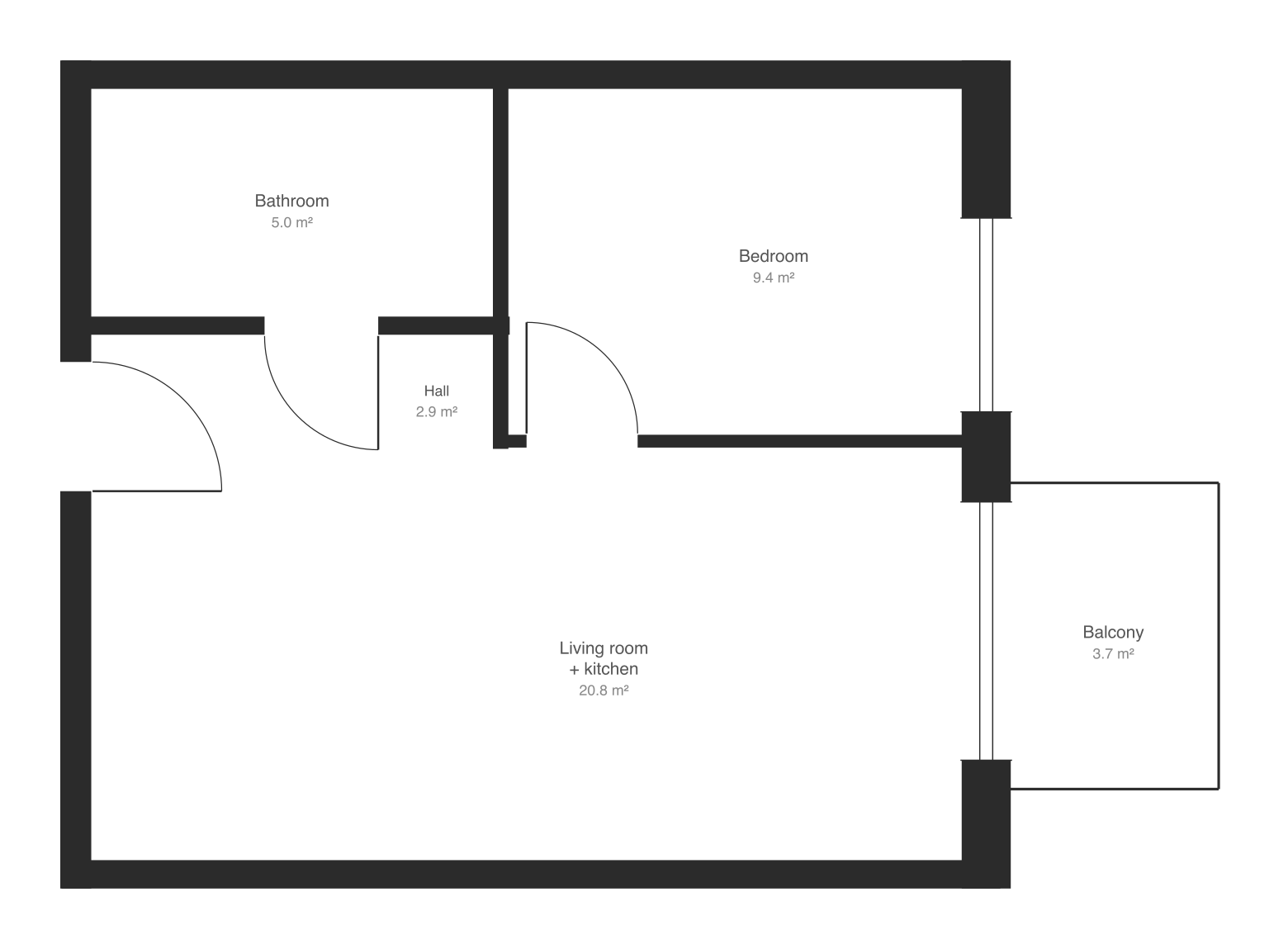
Get the floor plan
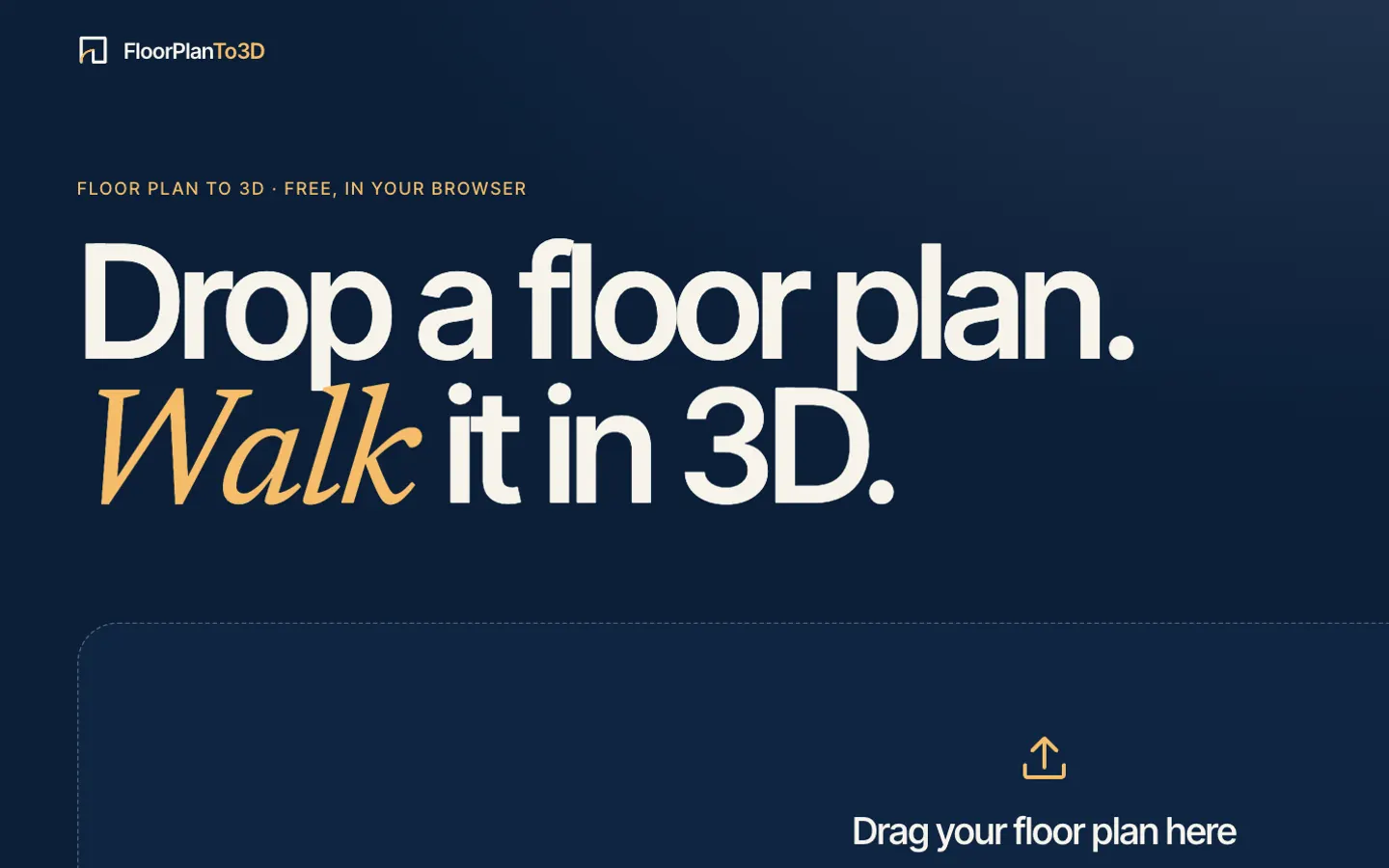
Save the plan from the listing or the developer’s site, or take a screenshot. PNG, JPG, SVG and PDF all work.
Step 2
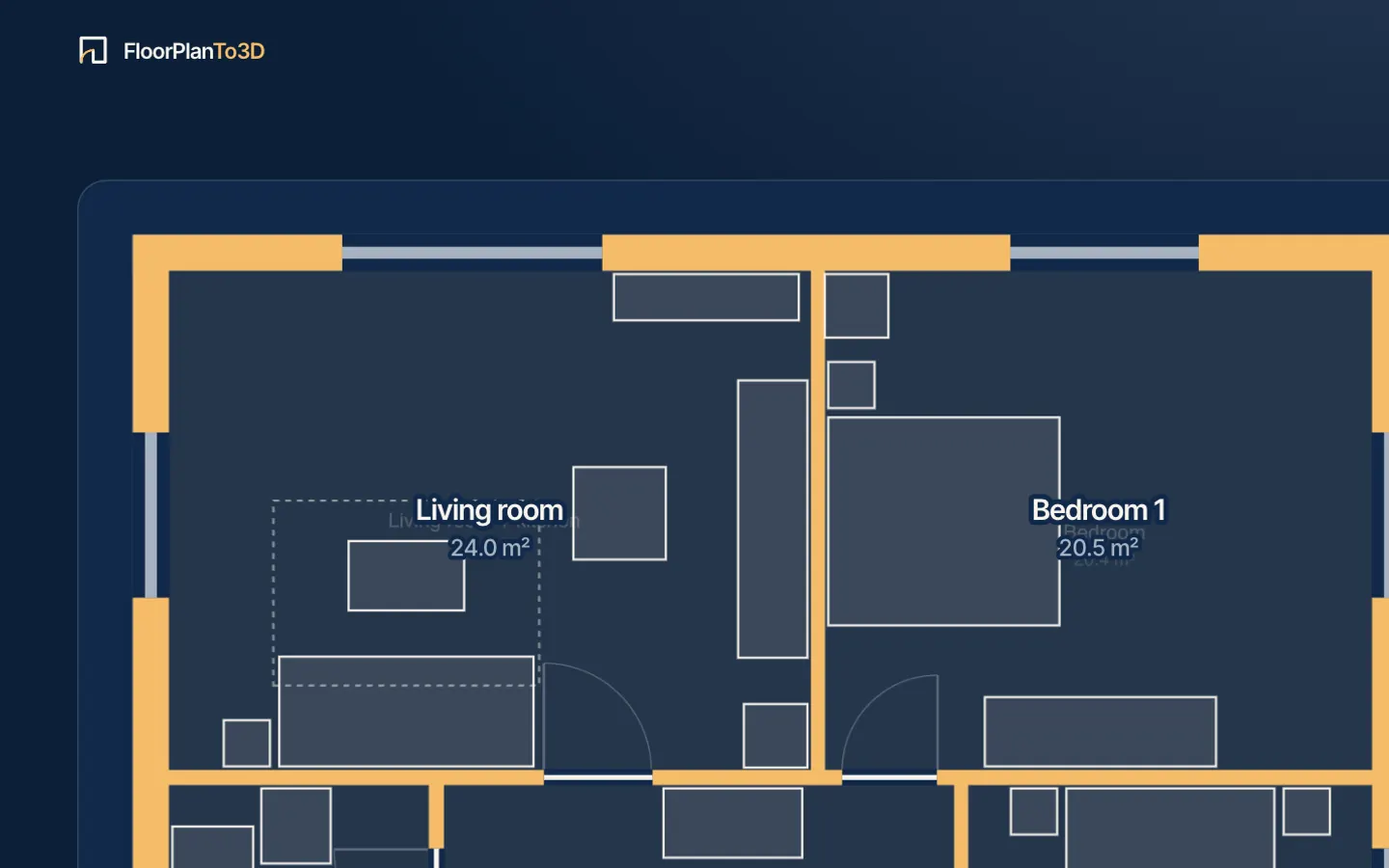
Watch the drawing being read
Drop it and there is nothing else to do: walls are drawn in over your plan, then doors and windows, then rooms with their areas, then the furniture, scaled from the width of the doors. It takes a few seconds and happens in your browser.
Step 3
Walk through it in 3D
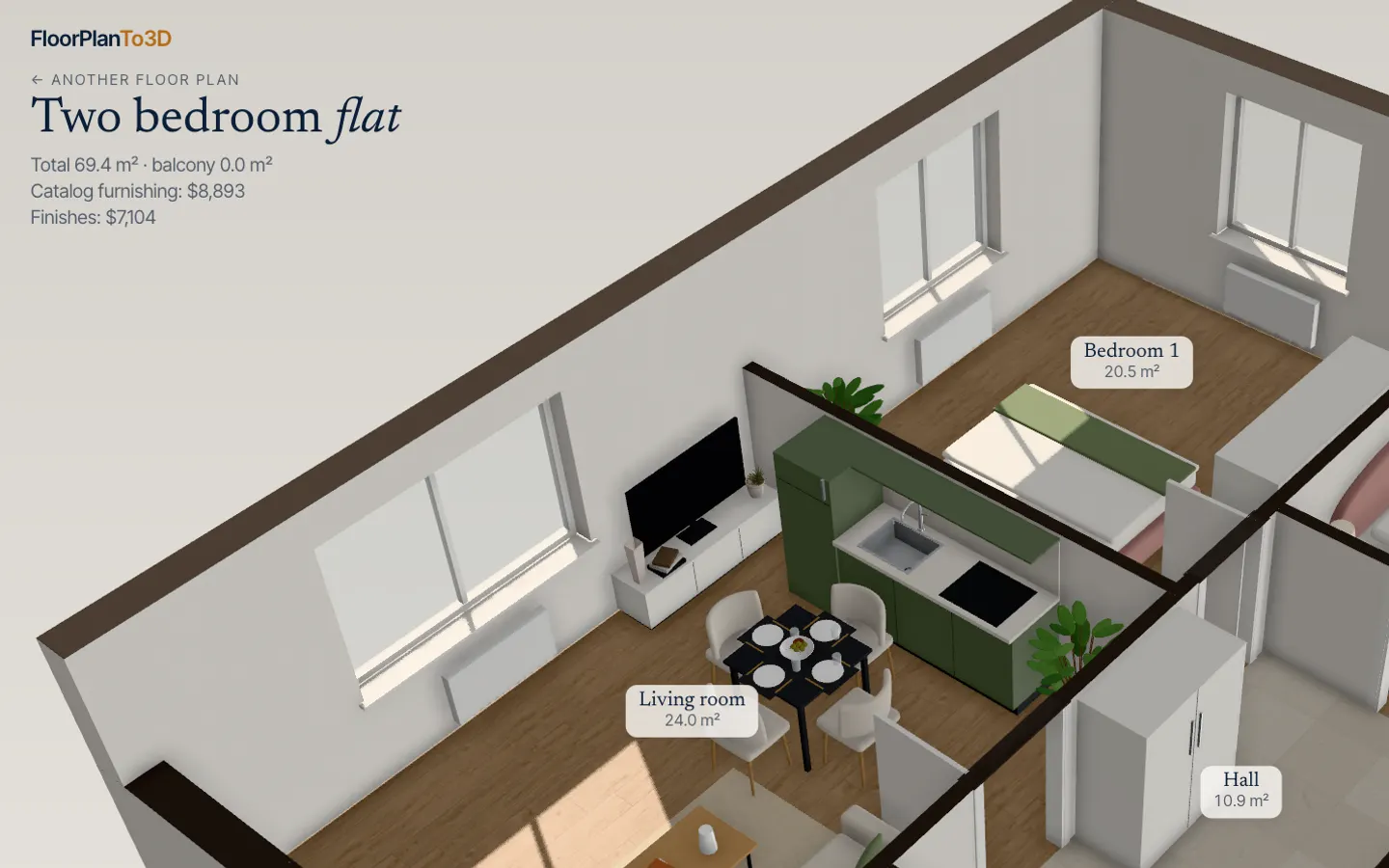
The apartment opens furnished. Switch between the 3D view, the top-down plan and walking at eye level; try a style, move furniture, set the windows’ direction and play the day.
$29 an apartment, paid after you see it · Read in seconds · No install
For the best result
- Use the cleanest plan you can find: the developer’s or agency’s drawing, not a photo of paper.
- Crop the image to the apartment if the sheet also shows a site map, a plan of the whole floor or a legend.
- Check the total area against the listing. If it’s off, set one wall’s real length on the edit page and the whole plan is scaled to it.
- Plans with walls drawn filled in black or gray work best.
What it doesn’t read yet
- Diagonal and curved walls in images (SVG plans from react-planner are read at any angle).
- Walls drawn only as outlines or hatching.
- Room names and dimension numbers written on the plan.
- Balconies.
We’d rather tell you now than have you find out. Each of these is on the roadmap.
Questions, answered
Which files can I upload?
PNG, JPG and SVG images of a floor plan, or a PDF. A PDF with several pages shows them all, so you can pick the one with the plan.
Is my floor plan uploaded to a server?
Not to read it: the image is read inside your browser. An apartment you buy is saved to your account, so you can open it again anywhere.
How does it get the size right?
From the width of the doors, which are close to standard. To make it exact, set one wall’s real length on the edit page, from the dimensions on the plan or the listing, and the whole plan is scaled to it.
What kind of plans work best?
Clean plans from developers and agencies: walls drawn filled in black or gray, square to the page. If the sheet also shows a site map or a legend, crop the image to the apartment first.
What if it reads my plan wrong?
Correct it on the edit page: move, draw or delete walls, add, move or remove doors and windows, set the scale from one wall’s real length, and change what a room is. If it can’t be read at all, choose Frame it again to frame just the apartment and give its floor area, or try a cleaner image.
Stop squinting at the plan. Walk in.
It takes less time than reading this page, and you see your plan read before you pay anything.
$29 an apartment, paid after you see it · Read in seconds · No install