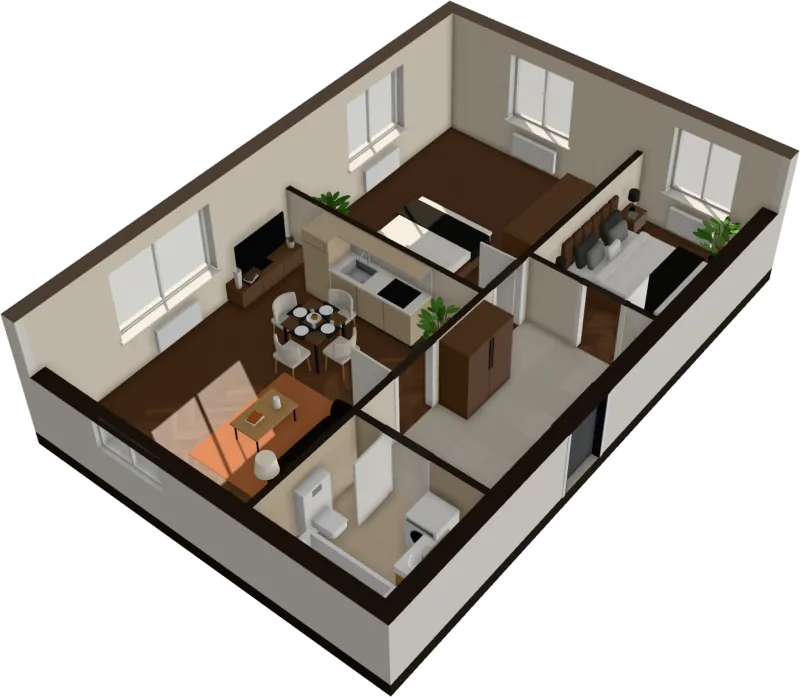
3D floor plan
A 3D floor plan from your 2D plan, in seconds
Upload the flat drawing and get it back as a furnished 3D floor plan in seconds: walls raised, rooms furnished, areas labeled. Then step inside.
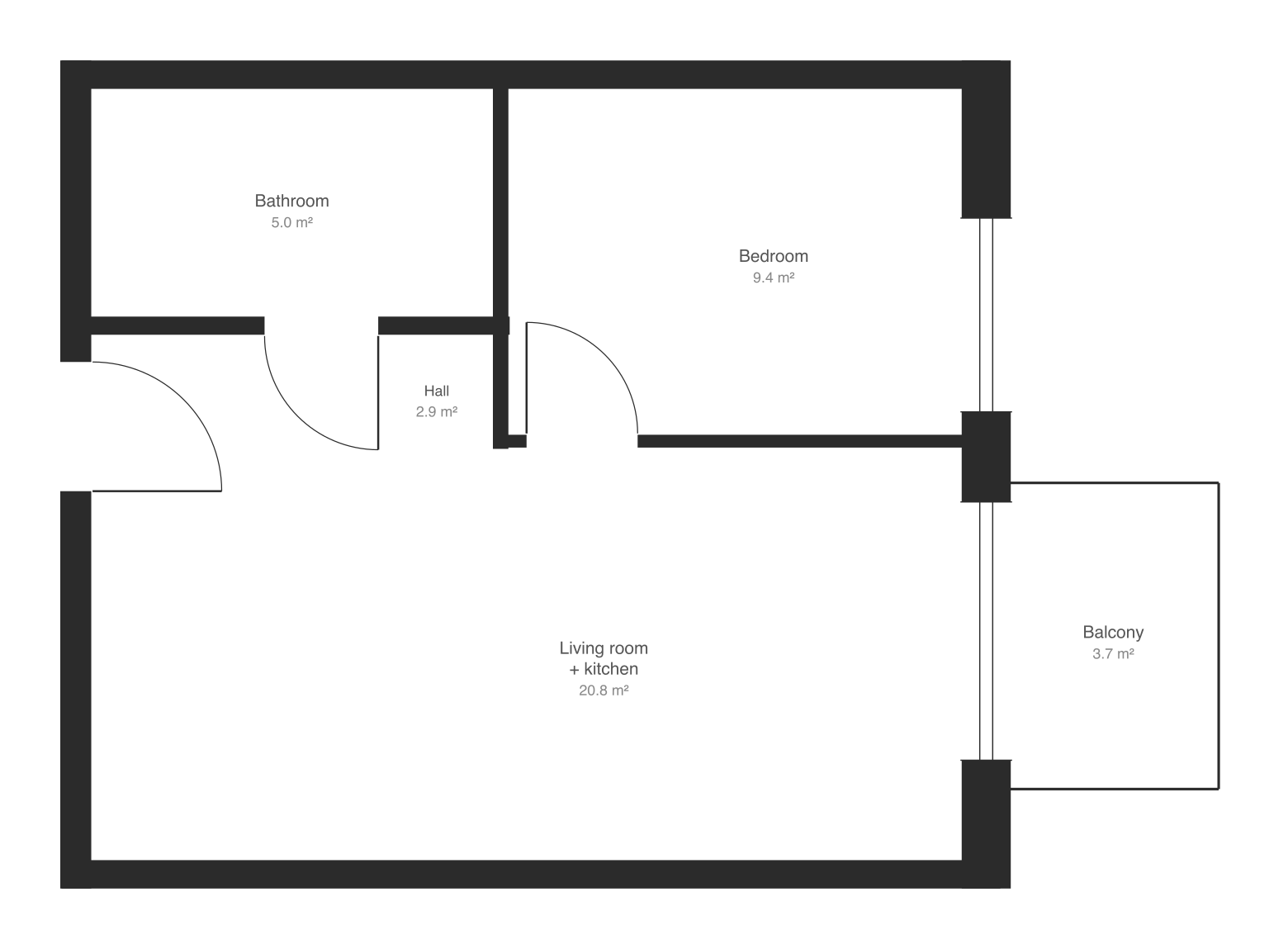
$29 an apartment, paid after you see it · Read in seconds · No install
Three views
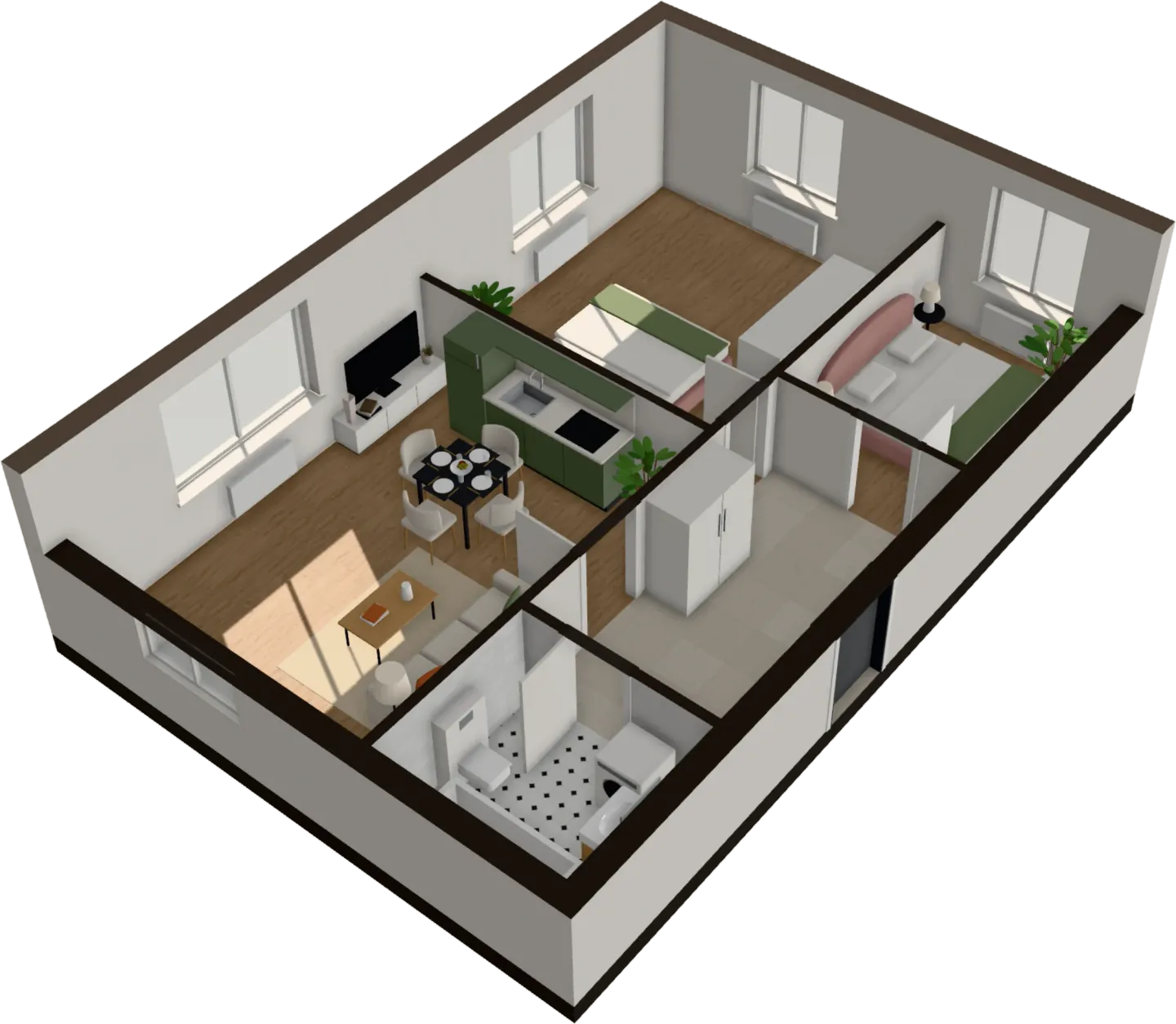
Cut-away 3D, top-down plan, eye level
Turn the apartment around in 3D with the walls cut to any height, look straight down on the furnished plan with room areas, or walk through it at eye level. All from the same upload.
- Walls cut at any height
- Room names and areas on the plan
- Unfinished, finished or furnished
Furnished for you
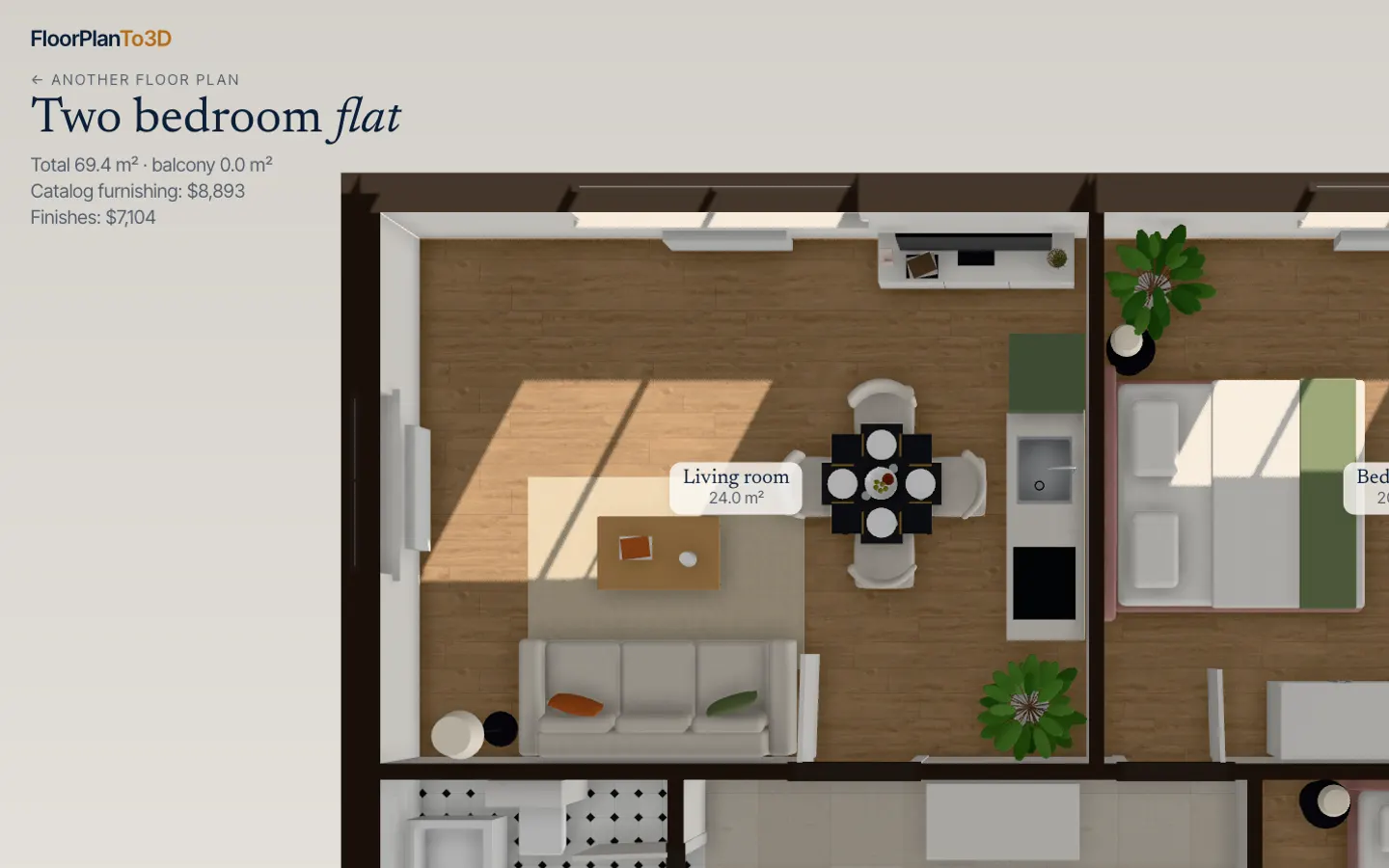
Every room furnished to its purpose
Bedrooms get beds, nightstands and wardrobes; the living room a sofa, TV and dining table; the bathroom its fittings; the hall a wardrobe. Every piece is checked against walls, doors and windows so nothing blocks a door swing.
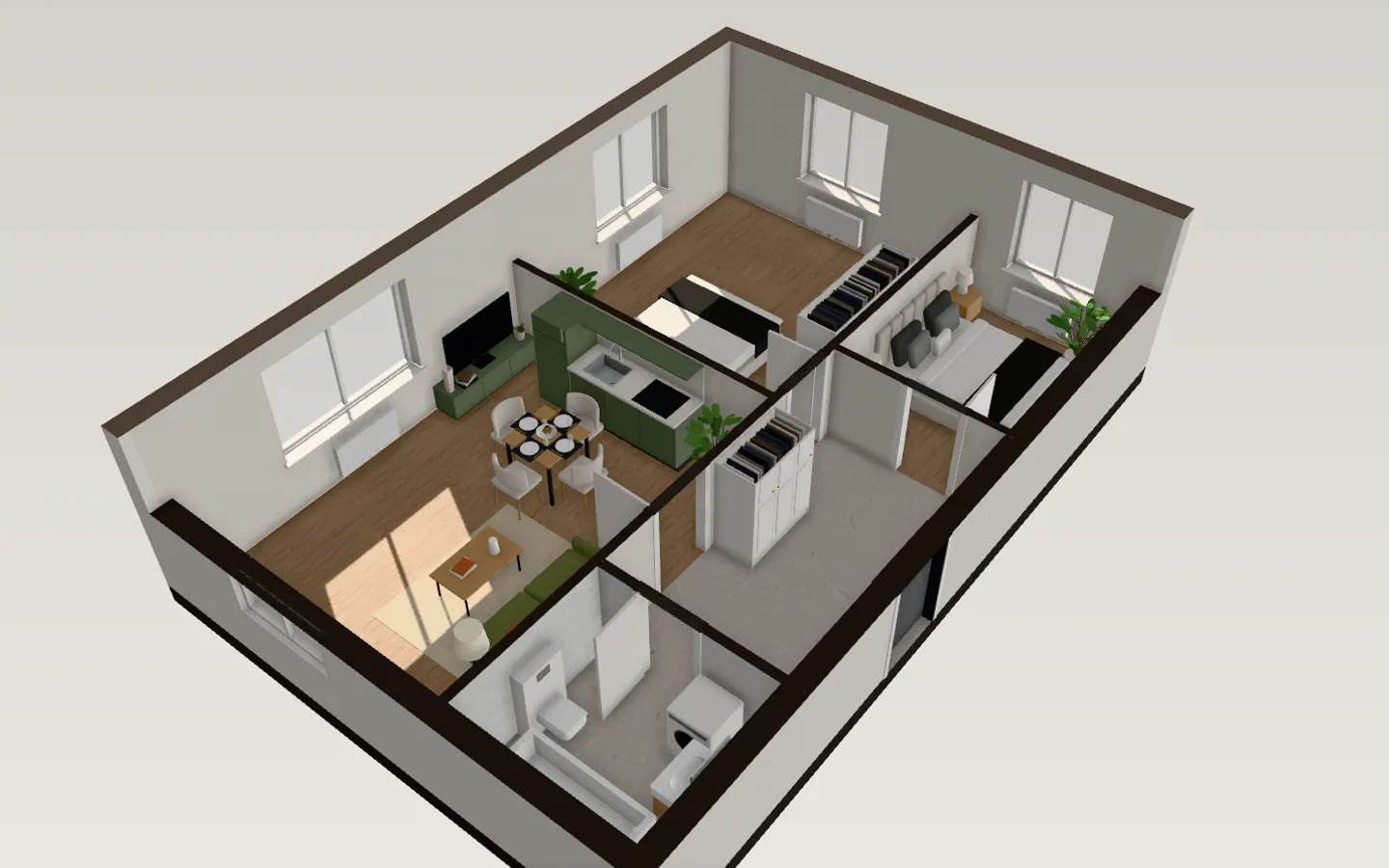
How to make a 3D floor plan in three steps
- 1
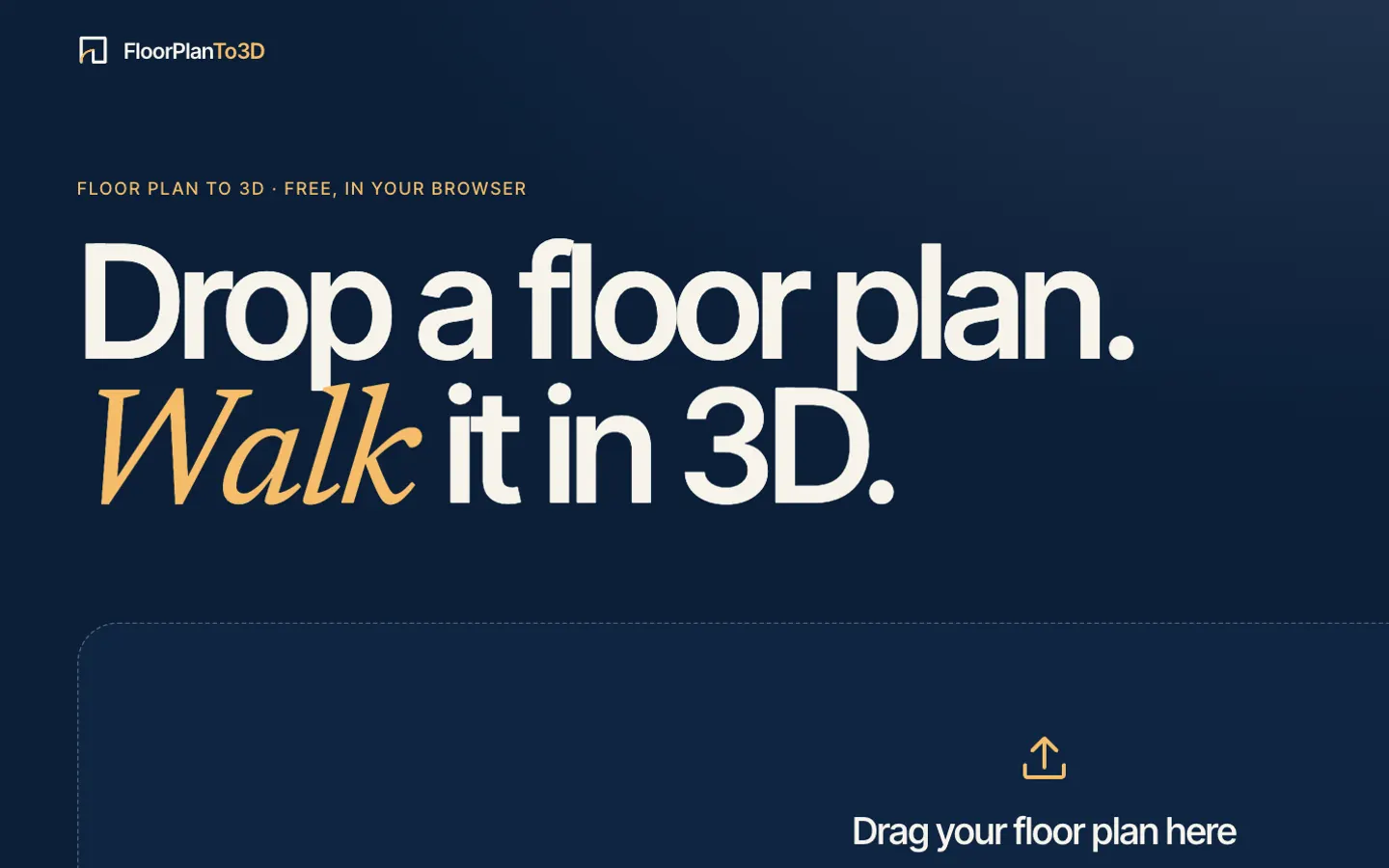
Upload your floor plan
Drop a PNG, JPG or SVG of the plan: a screenshot from a listing or the developer’s brochure is enough.
- 2
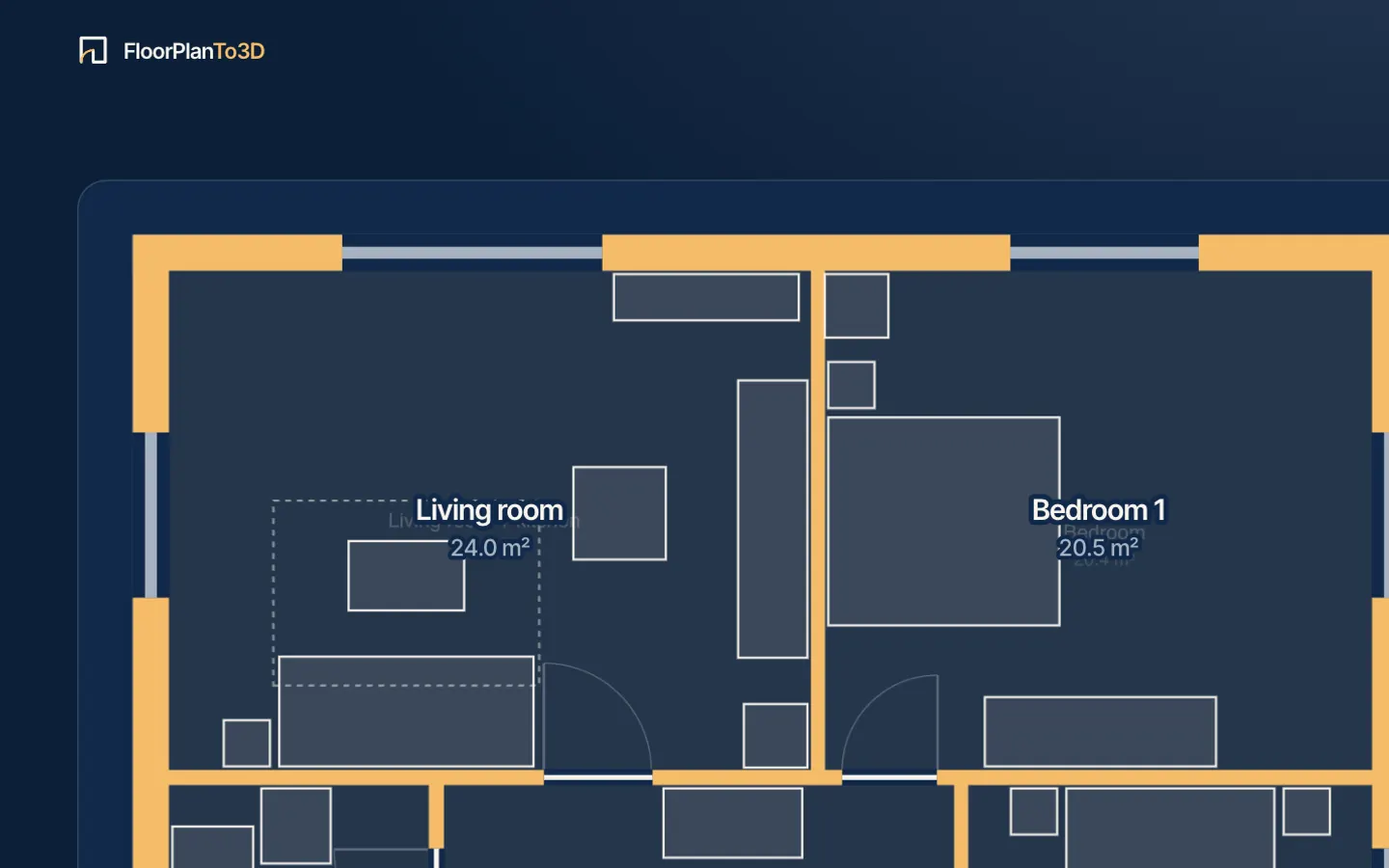
Watch it read the drawing
Walls, doors, windows and rooms appear over your plan in a few seconds, with nothing to fill in first. The scale comes from the width of the doors.
- 3
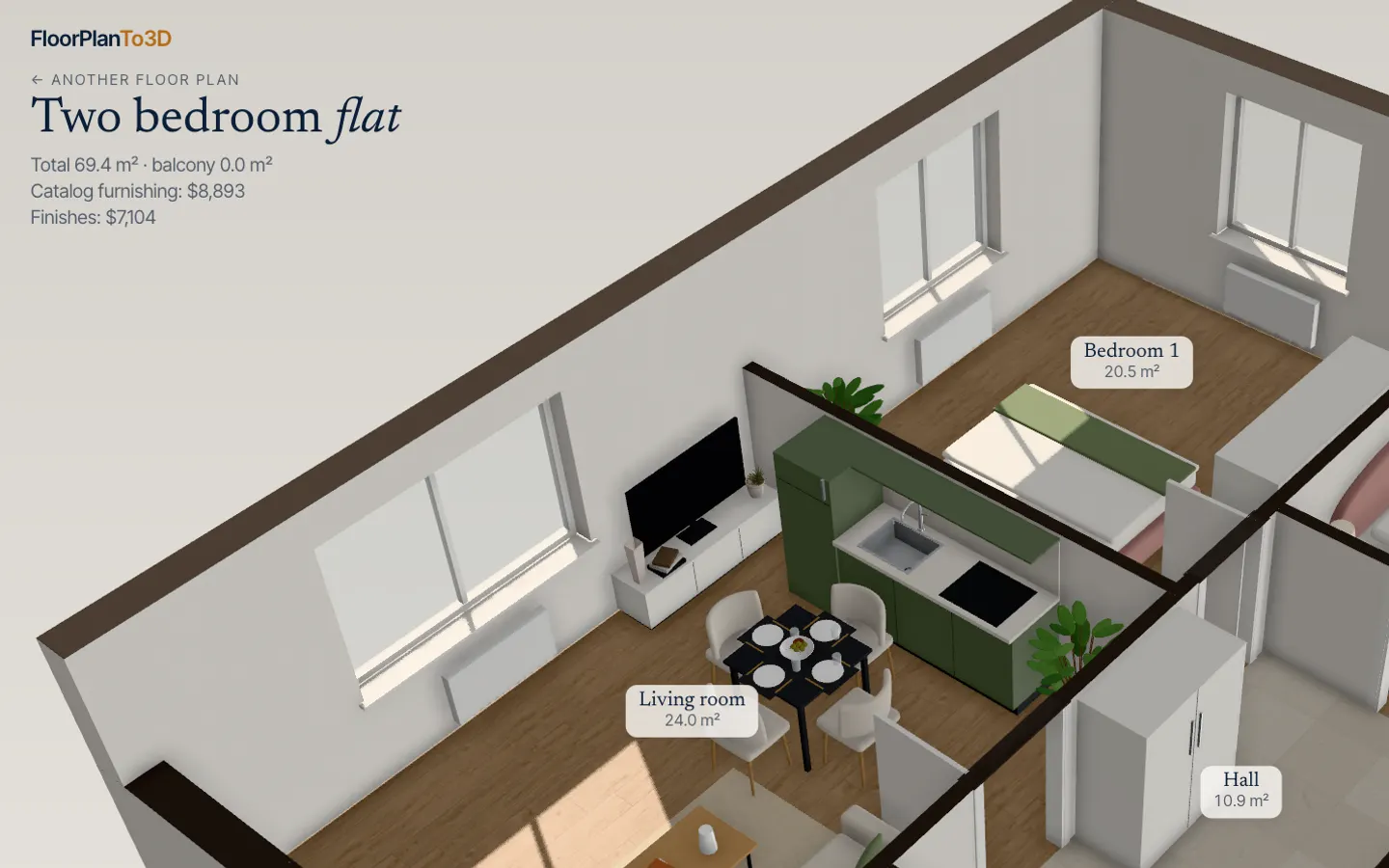
Walk through it in 3D
The apartment opens furnished. Walk from room to room, switch the renovation style, move the sofa and see where the sun falls.
| What you get | Elsewhere | Here |
|---|---|---|
| A 3D floor plan with a 360° tour | Elsewhere$45 per plan, made to orderGetfloorplan | Here$29, walk anywhere, in seconds |
| The same apartment in 3 interior styles | Elsewhere$115 per planGetfloorplan | Here5 styles, in the same $29 |
| Turning a plan image into a 3D plan | Elsewhere$20 per floor plan after the firstRoomSketcher | Here$29, furnished and walkable |
| Uploading a plan to a home planner | Elsewhere$59.99 a year or $19.99 a monthPlanner 5D Premium | HereFurnished for you, $29 once |
| 360° walkthroughs in a home planner | Elsewhere$49.99 a monthPlanner 5D Professional | Here$39 a month for 5 apartments |
| Three projects in a home designer | Elsewhere$47, paid before you see your own planWalkMyHome | Here3 apartments for $59, after you see yours read |
Prices as published on each vendor’s pricing page, September 2026. See the comparisons for details and sources.
Questions, answered
What is a 3D floor plan?
A 3D floor plan shows an apartment or house from above with the walls raised and the rooms furnished, like a dollhouse with the roof taken off. It makes the layout, room sizes and furniture easy to understand for people who don’t read technical drawings.
How do I make a 3D floor plan from a 2D plan?
Upload the 2D plan image to FloorTo3D. The walls, doors, windows and rooms are recognized and furnished in a few seconds, and you see it before paying; the 3D floor plan, top-down plan and walkthrough are $29 once for that apartment.
How much does a 3D floor plan usually cost?
Services that draw them charge from $25 per plan, made to order (Getfloorplan, September 2026), and planners charge for plan upload as part of a subscription. Here it is $29, furnished, and ready in seconds.
Can I download the 3D floor plan?
Yes. The 3D view exports a 4K photo, two videos and the GLB 3D model.
Stop squinting at the plan. Walk in.
It takes less time than reading this page, and you see your plan read before you pay anything.
$29 an apartment, paid after you see it · Read in seconds · No install