Furniture planner
Will it fit? Move it and see.
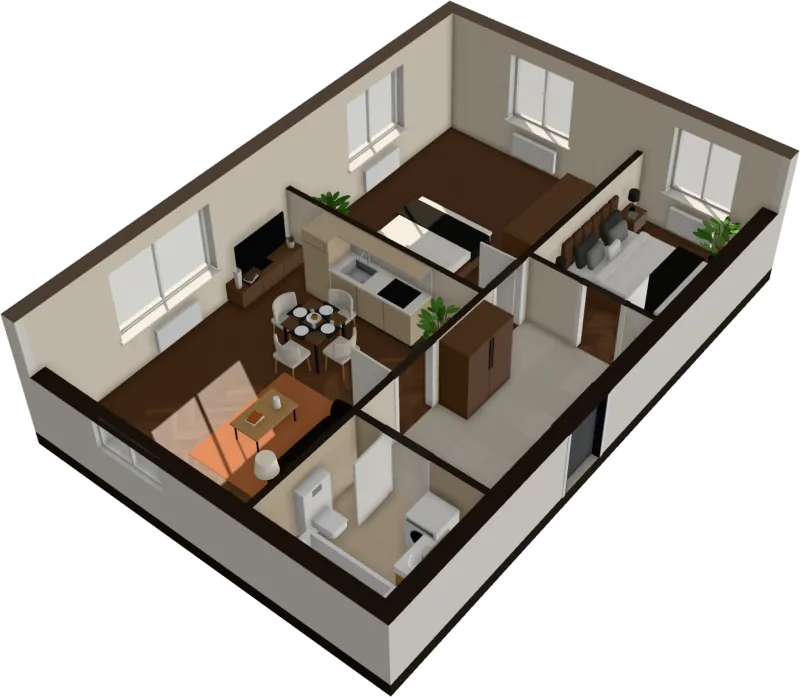
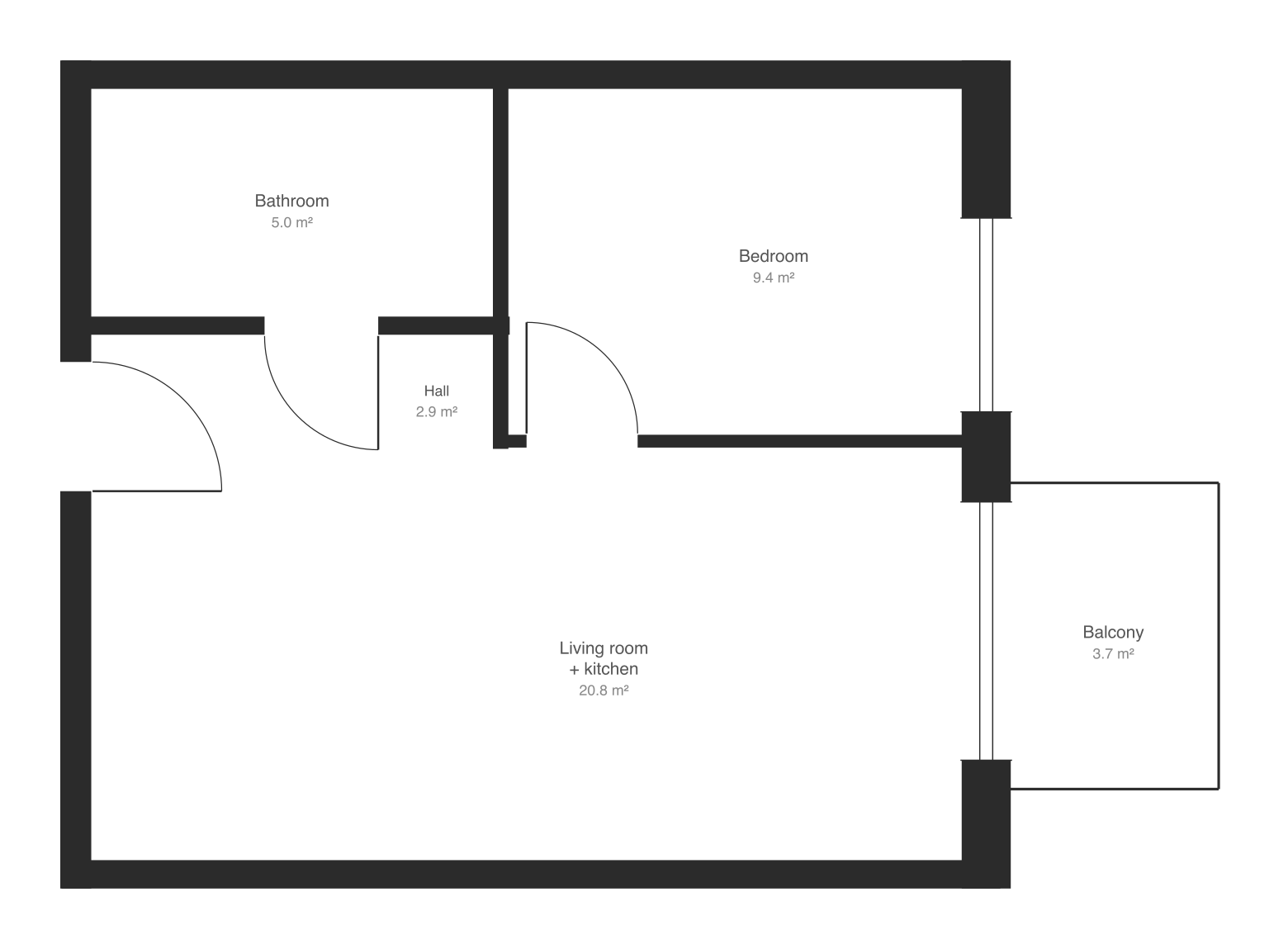
Unlike a room planner, you don’t start from an empty box. Your own floor plan arrives furnished, room by room. Drag, turn or swap anything until it works.
$29 an apartment, paid after you see it · Read in seconds · No install
Rearrange
Drag, turn, done
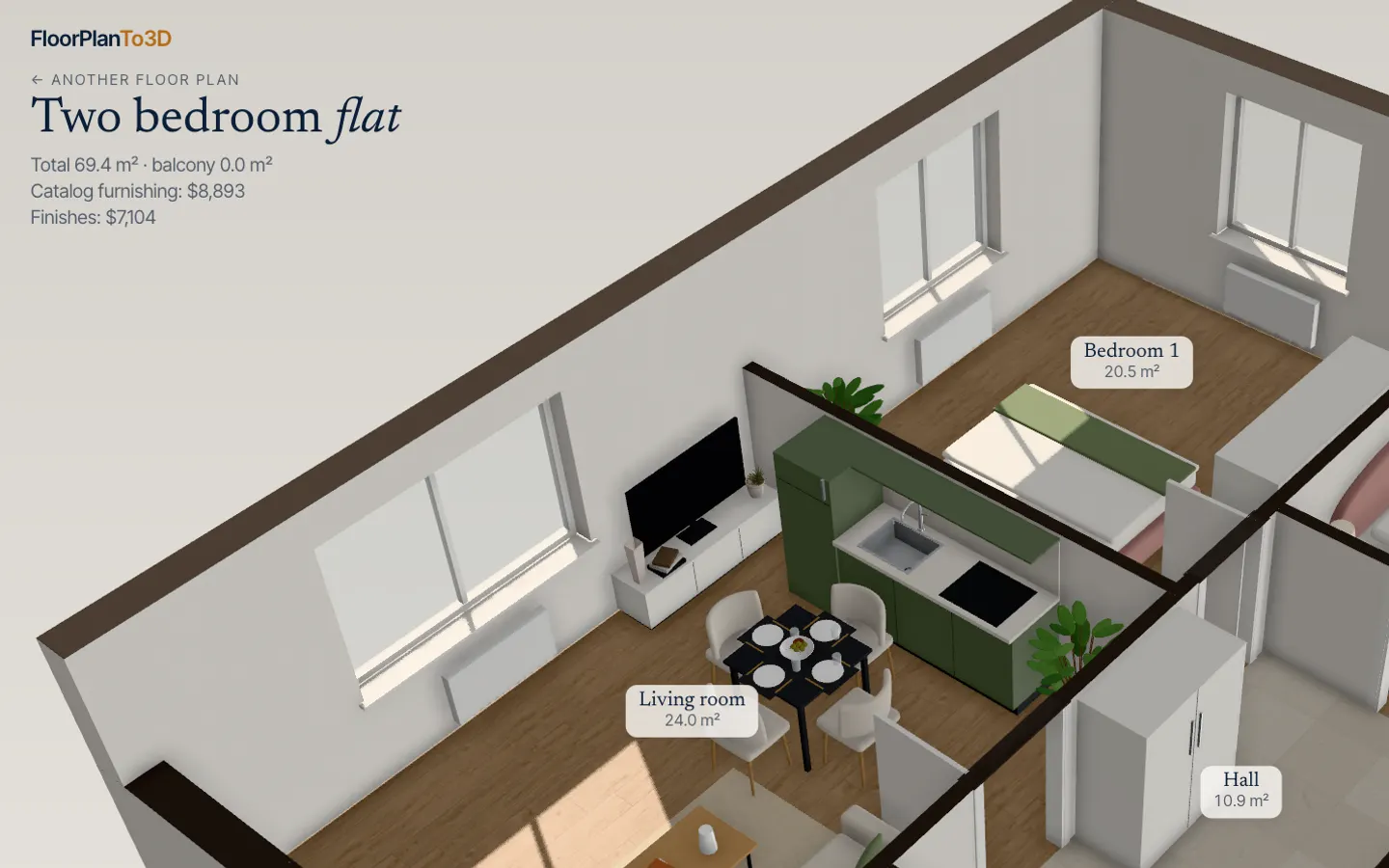
Click a sofa and drag it across the room. Pieces stop at walls and at each other and slide along them, so the layout stays one you could actually live in.
- Drag across the floor
- Turn 90° with R
- Top-down plan view for precise layouts
Replace
Swap for another model or color
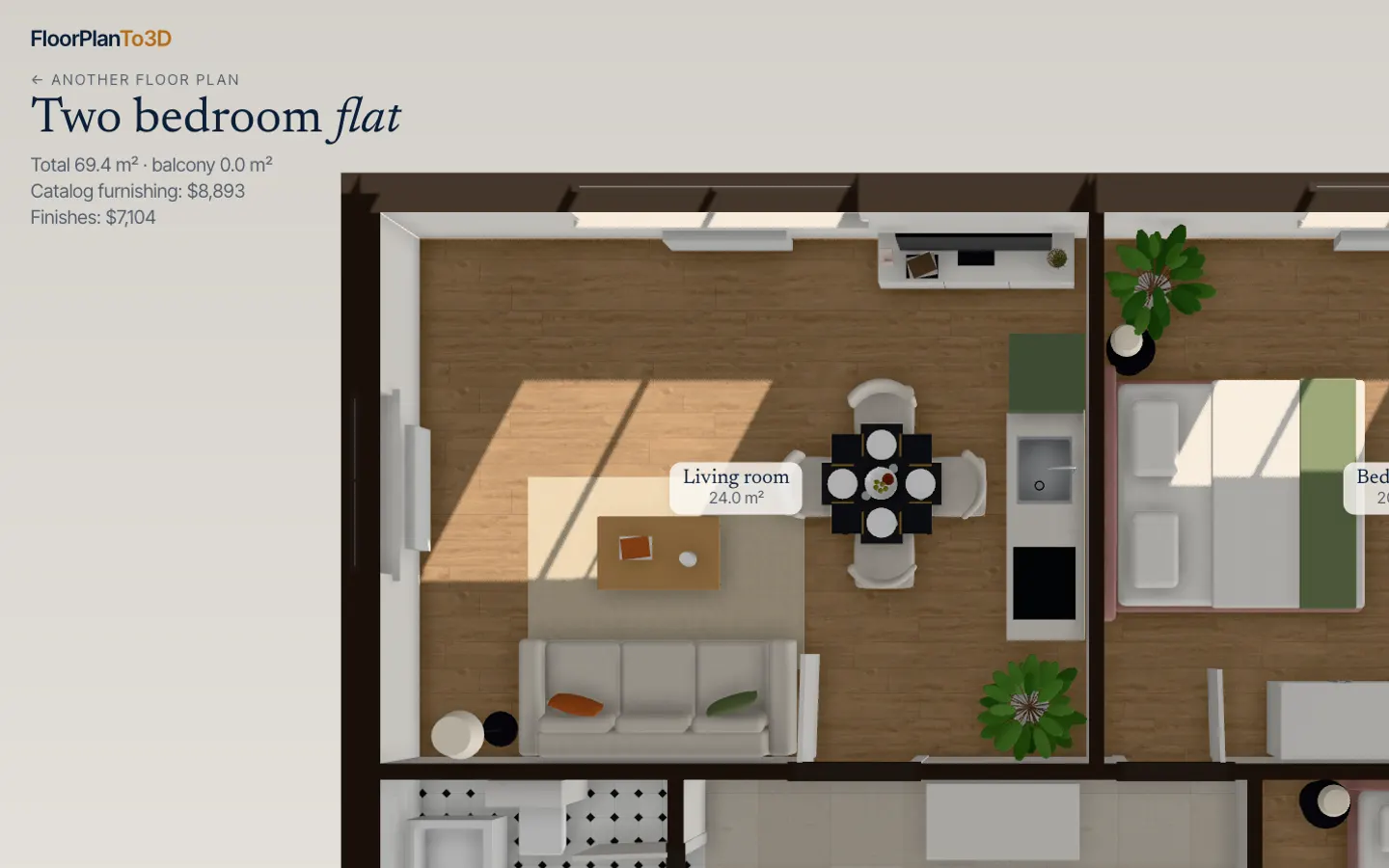
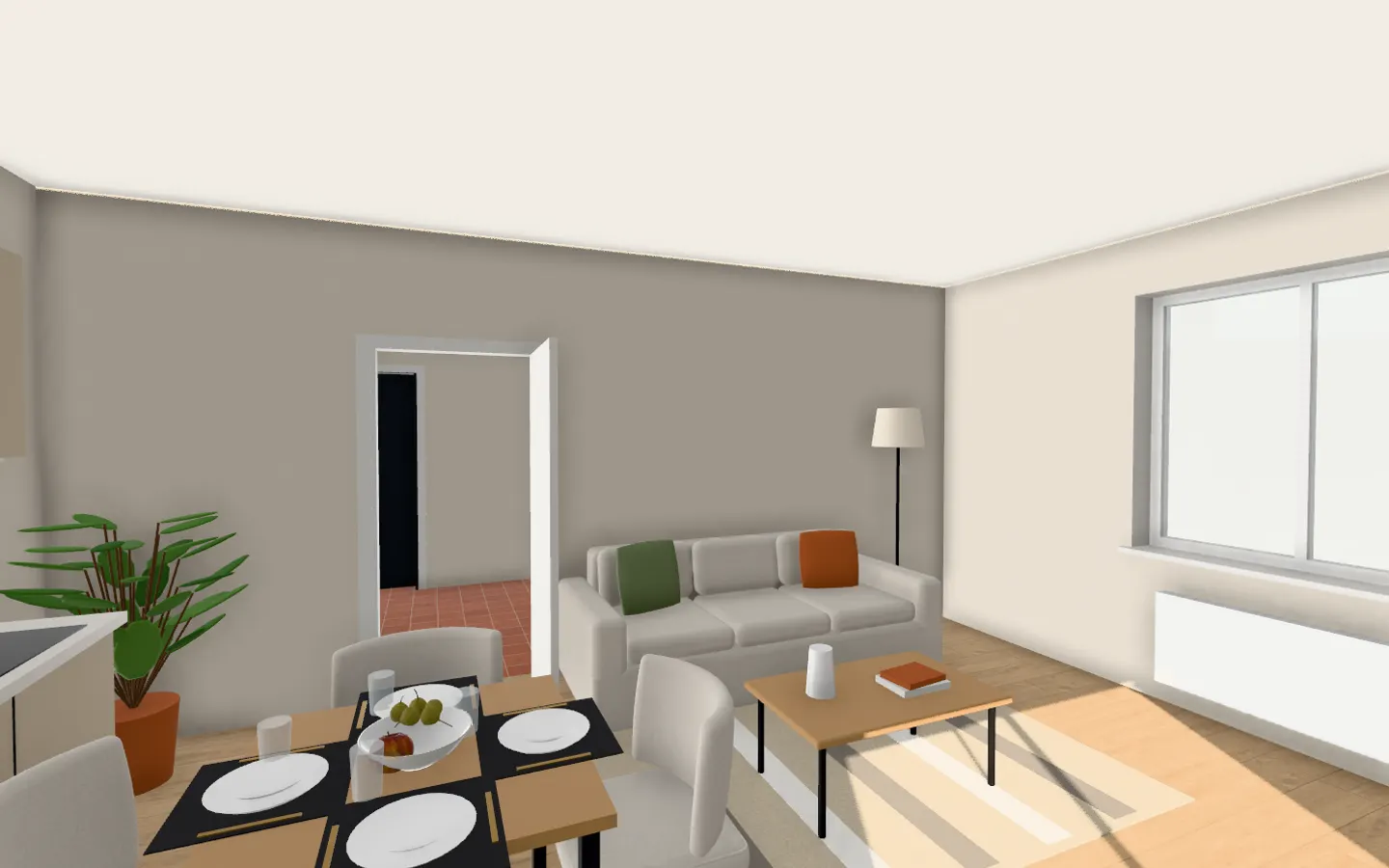
Pick a piece and replace it with another model or color from the catalog, and see the room change around it.
What’s in the catalog
- Sofas
- Armchairs
- Dining sets for four or six
- Chairs
- Coffee tables
- TV units
- Sideboards
- Kitchens
- Kitchen islands
- Beds
- Nightstands
- Chests of drawers
- Desks
- Bookcases
- Wardrobes
- Shoe cabinets
- Showers and tubs
- Floor lamps
- Plants
- Rugs
- Curtains
- Wall art
- Bistro sets for the balcony
Questions, answered
How do I move furniture?
Click a piece to select it, then drag it across the floor. It stops at walls and other furniture and slides along them. Press R or use the turn button to rotate it 90°.
How do I replace a piece?
Select it and choose Replace from catalog: you see other models and colors for it.
Do I have to place the furniture myself?
No. The apartment is furnished automatically when the plan is read: each room by what it is for, clear of door swings and windows. You only change what you want.
Can I add my own furniture?
Not yet. Uploading your own pieces, or picking them from a shop, is on the roadmap.
Stop squinting at the plan. Walk in.
It takes less time than reading this page, and you see your plan read before you pay anything.
$29 an apartment, paid after you see it · Read in seconds · No install