Upload a 2D plan · see it before you pay
Floor plan to 3D. Walk it in seconds.
Upload the 2D floor plan of an apartment from a listing and get it furnished in 3D in seconds. Walk through it, try five renovation styles, move the furniture and see where the sun falls.
$29 an apartment, paid after you see it · Read in seconds · No install
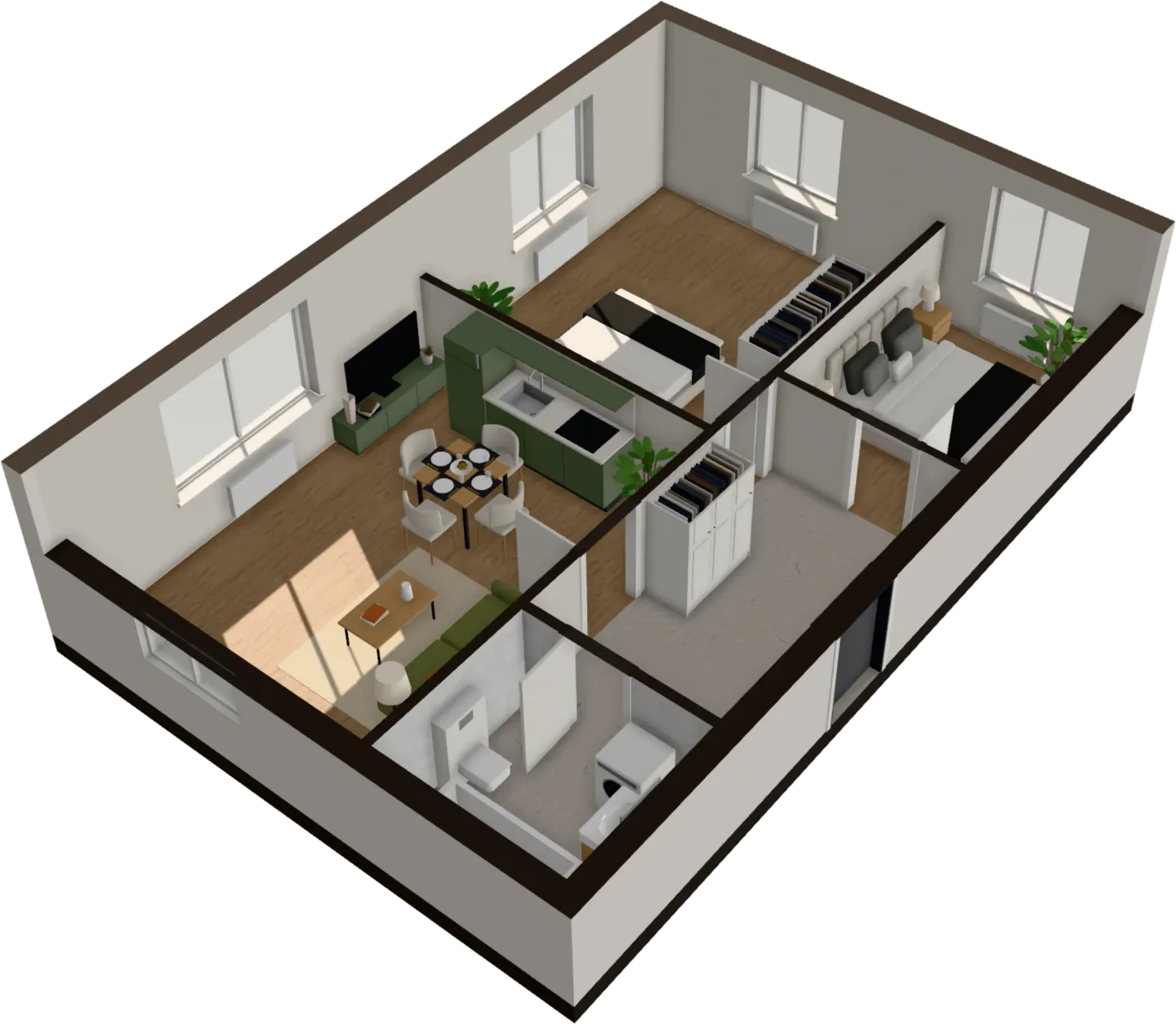
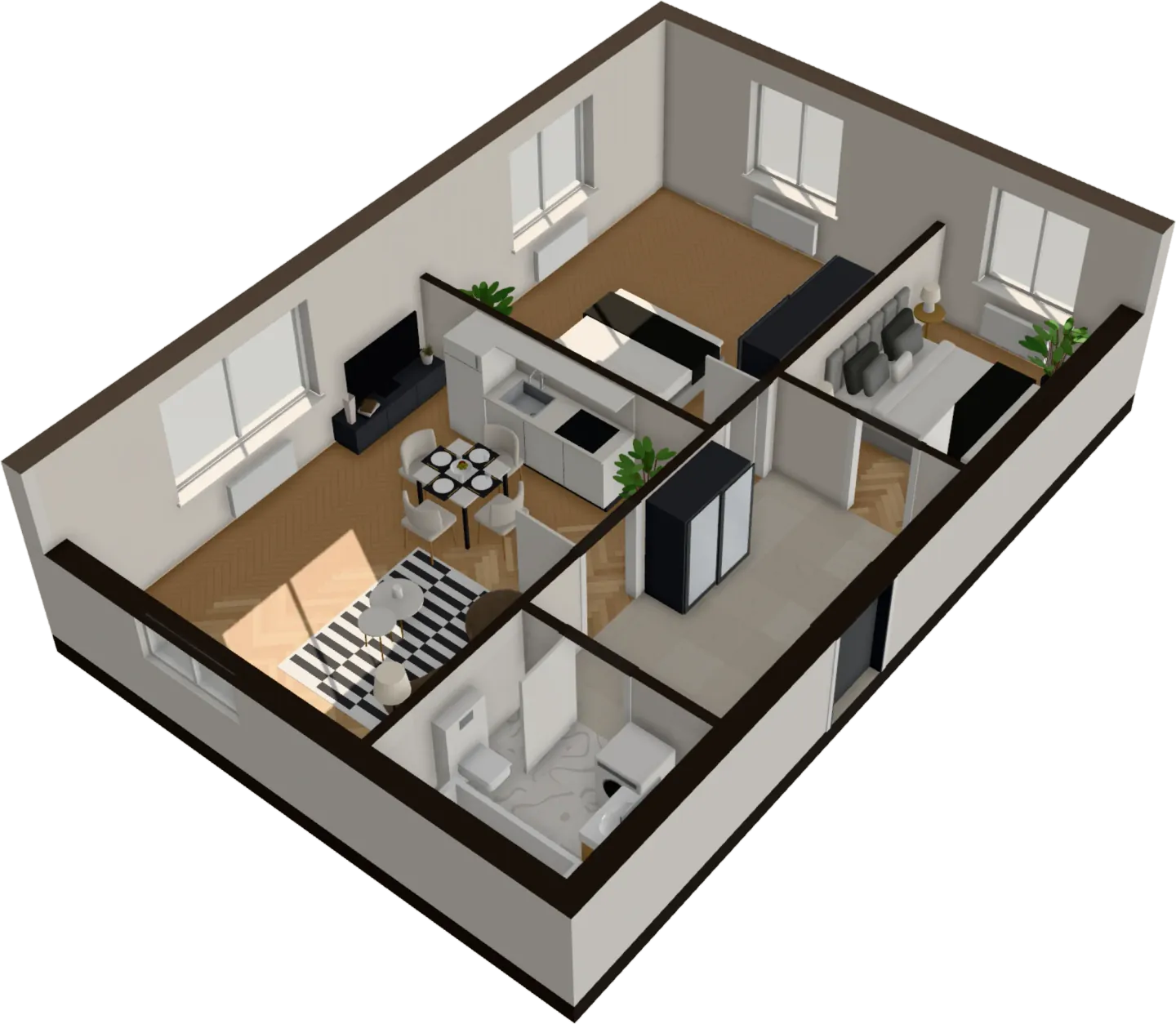
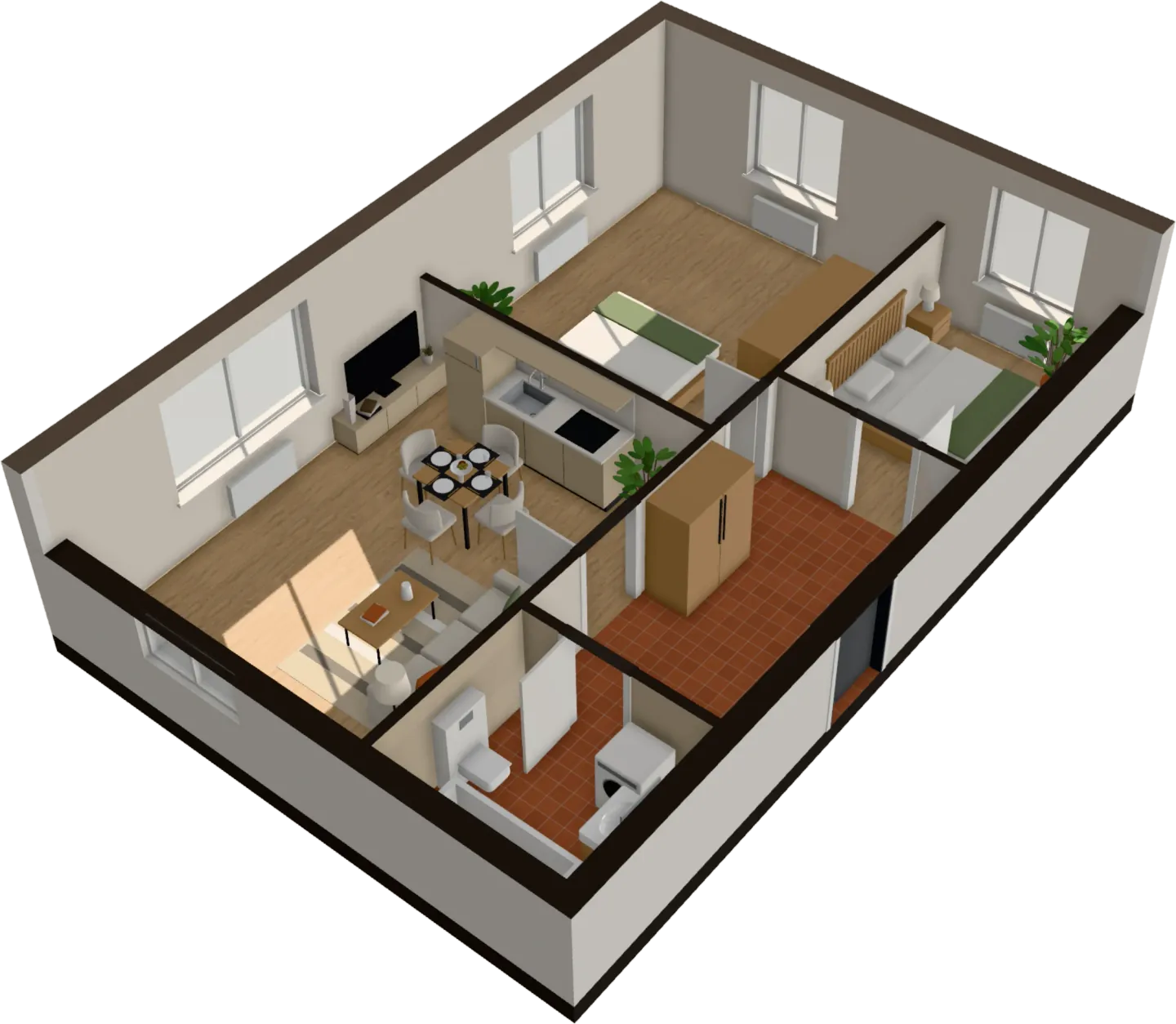
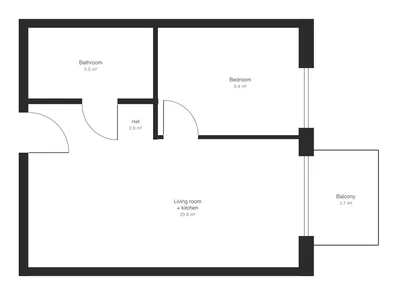
- See it before you pay
- No install
- Ready in seconds
- Read in your browser
Try it on your plan
Drop your plan. See it read.
Your drawing opens in the app, ready to read. Walls, doors, rooms and furniture appear in seconds, and it all happens in your browser.
What happens next
- Your plan opens in the appIn your browser
- Walls, doors, rooms and furniture readIn seconds
- A first look at your apartment in 3DBefore you pay
- Walk through it, keep it, share it$29 an apartment, or 3 for $59
A floor plan can’t tell you how an apartment feels
You are about to buy, rent or renovate from a drawing. The questions that matter are the ones a drawing can’t answer, and most people only find out once they are standing in the room.
Will the sofa fit?
A plan shows lines, not a sofa, a coffee table and room to walk past them.
Will the bedroom be dark?
Which way the windows face decides your mornings. The plan doesn’t show it.
Light or smoked oak? Gray or green?
Samples on a table look nothing like a whole room done in them.
Will it feel cramped?
Square feet on paper don’t tell you how a room feels to stand in.
How it works
Convert a 2D floor plan to 3D, then walk it
- 1
Upload your floor plan
Drop a PNG, JPG or SVG of the plan: a screenshot from a listing or the developer’s brochure is enough.
- 2
Watch it read the drawing
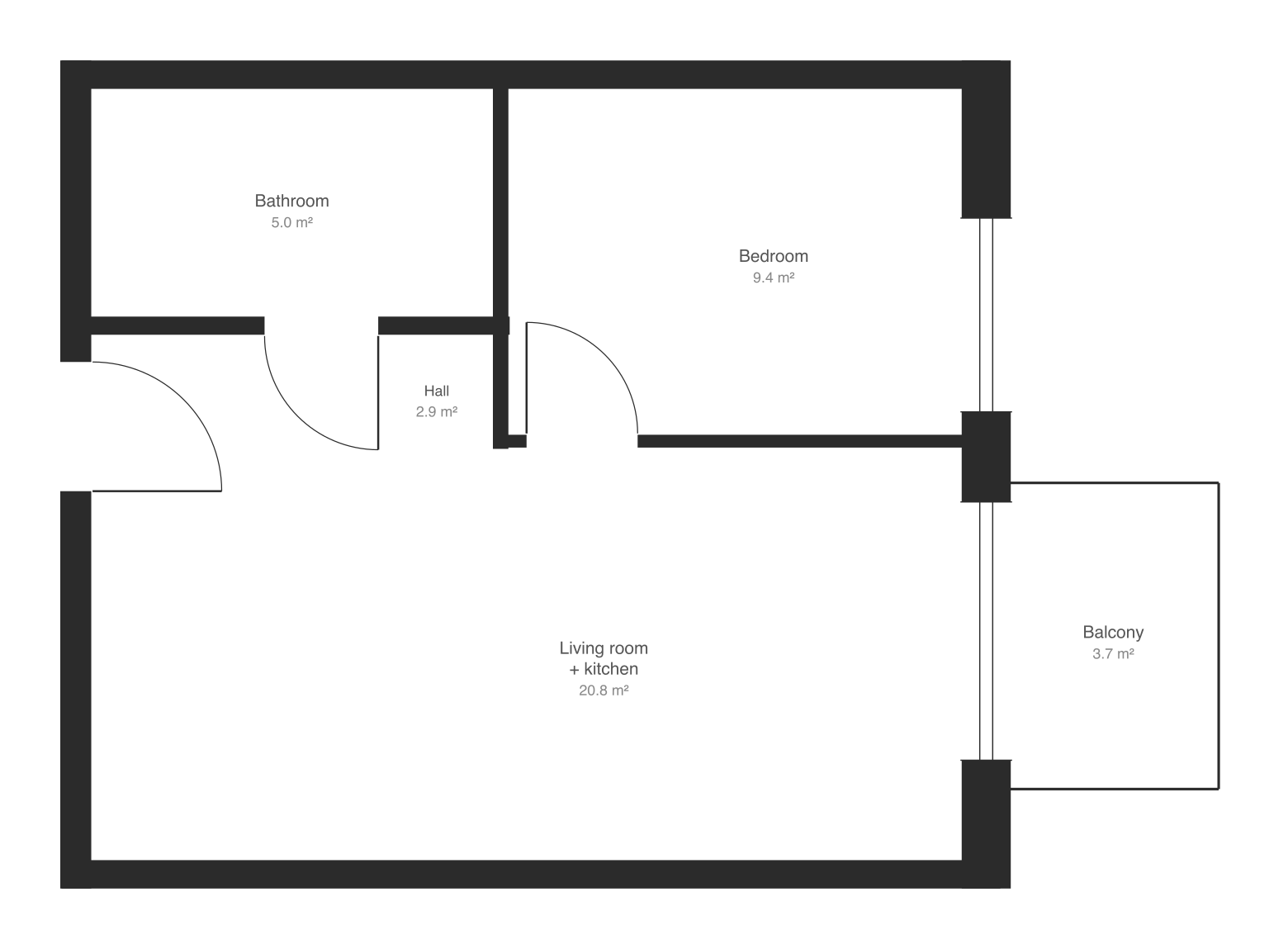
Walls, doors, windows and rooms appear over your plan in a few seconds, with nothing to fill in first. The scale comes from the width of the doors.
- 3
Walk through it in 3D
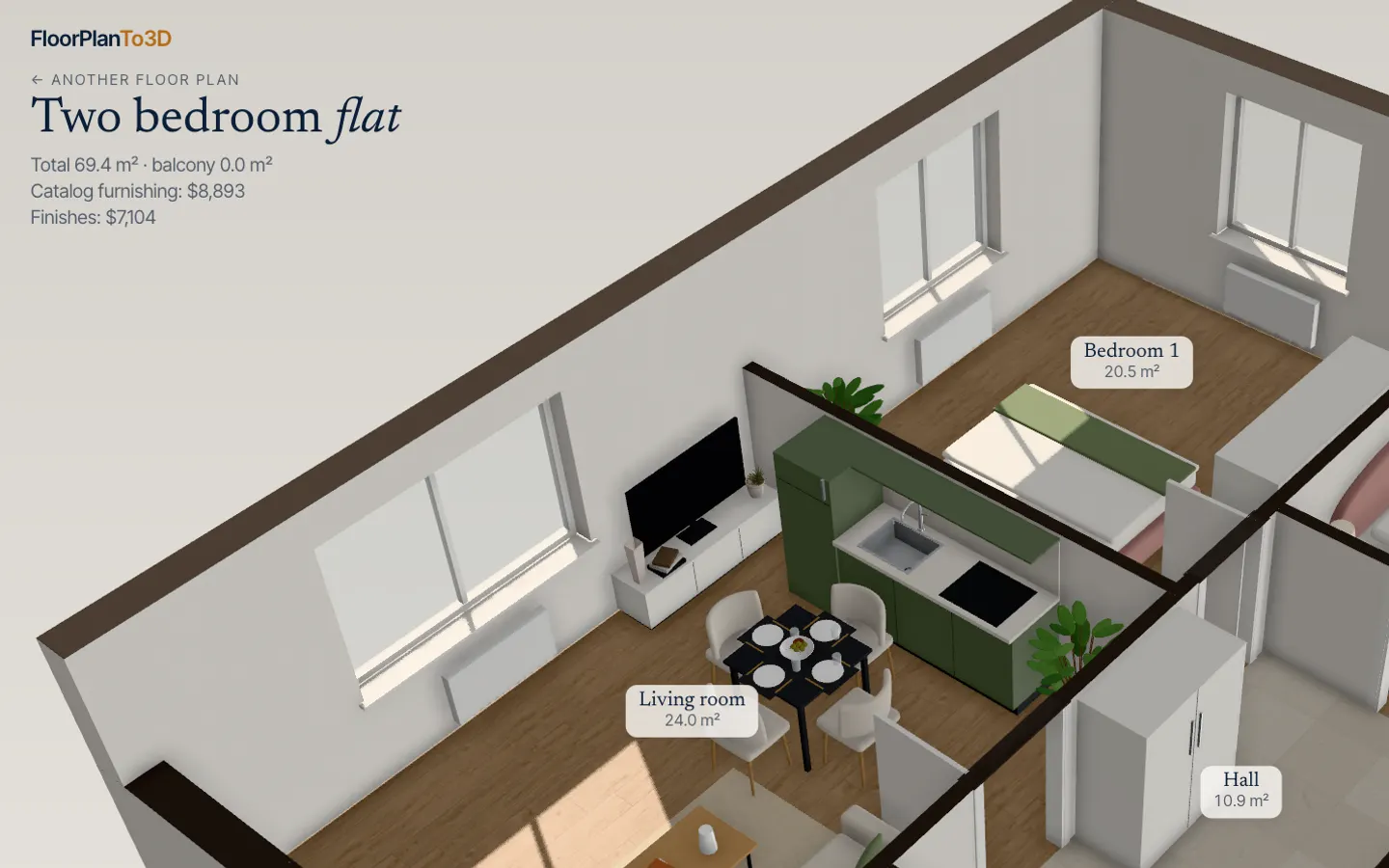
The apartment opens furnished. Walk from room to room, switch the renovation style, move the sofa and see where the sun falls.
Everything a plan doesn’t show you
One upload. Then walk, restyle, refurnish, check the light and share it — all in your browser.
Walk through it
Stand in the living room before it exists. Look around at eye level and walk from room to room.
Chase the sun
Play any day, hour by hour, and see which rooms get the light.
Move the furniture
Drag, turn or swap any piece. It stops at walls, like in a real room.
Take it with you
A bought apartment gets a link that opens it in any browser. Or download it:
- Photo4K
- VideosFlight and walk
- 3D modelGLB
Your plan stays yours
It’s read inside your browser, not on a server. Nothing is kept unless you buy the apartment.
Renovation styles
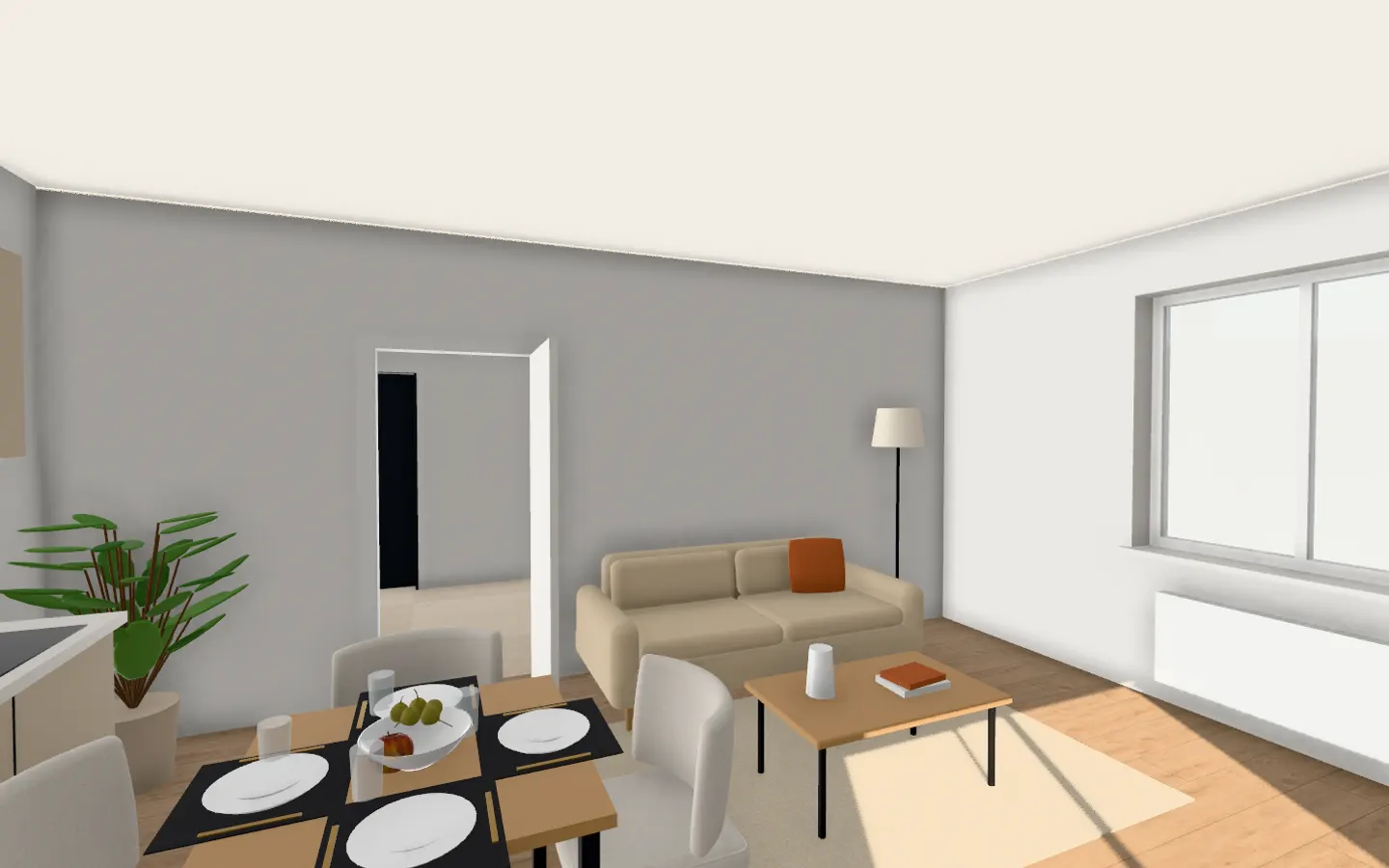
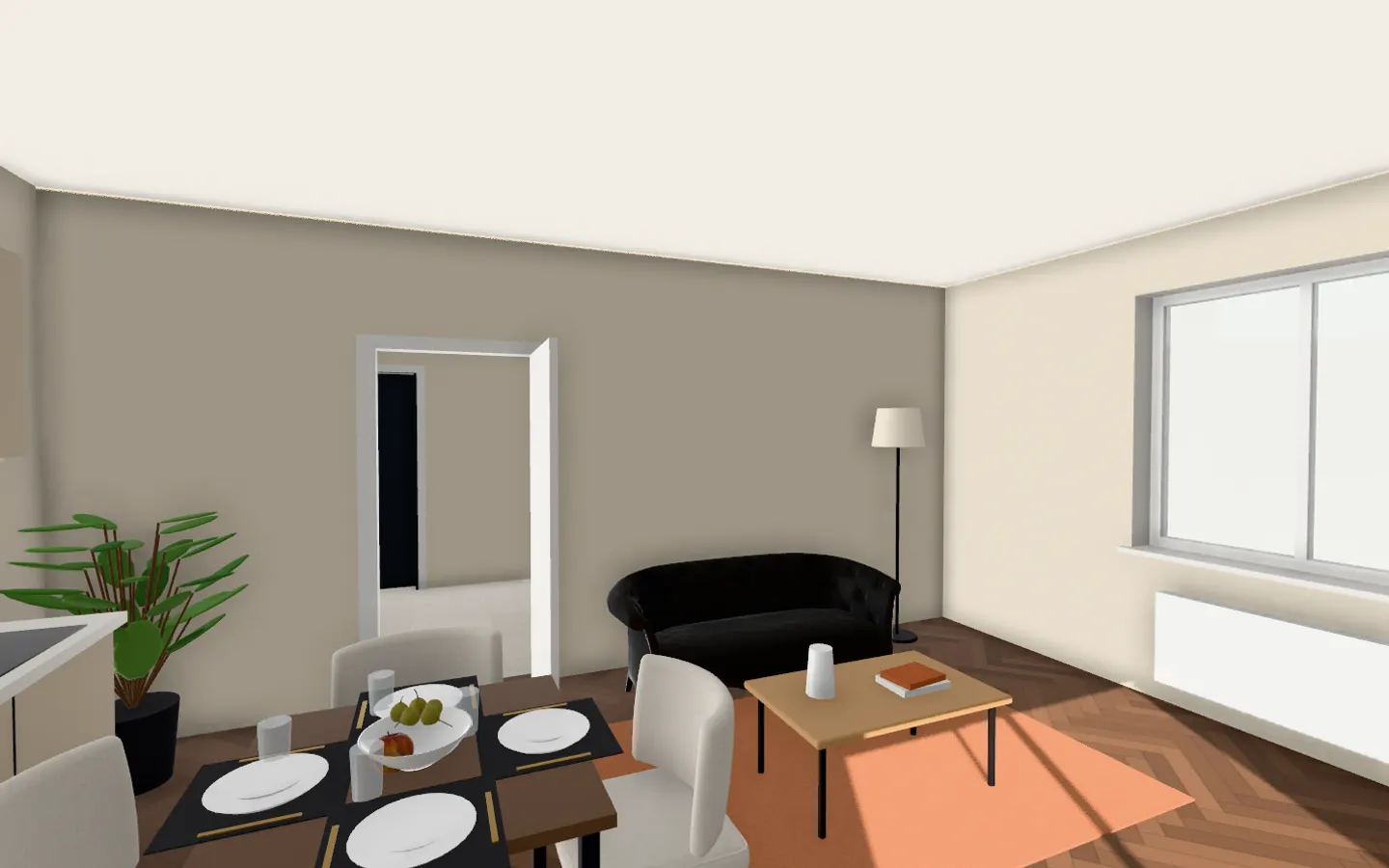
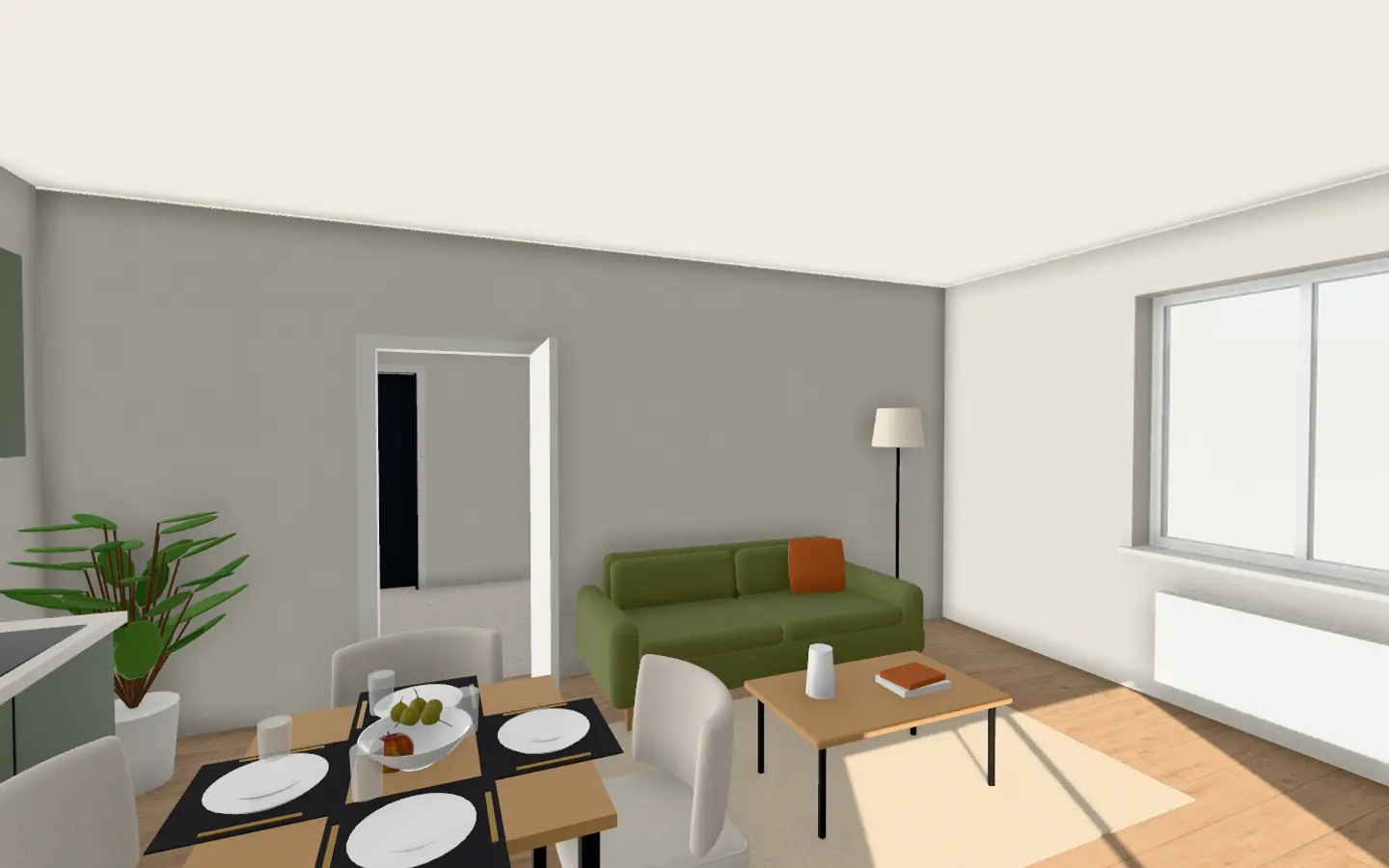
Five looks. One click each.
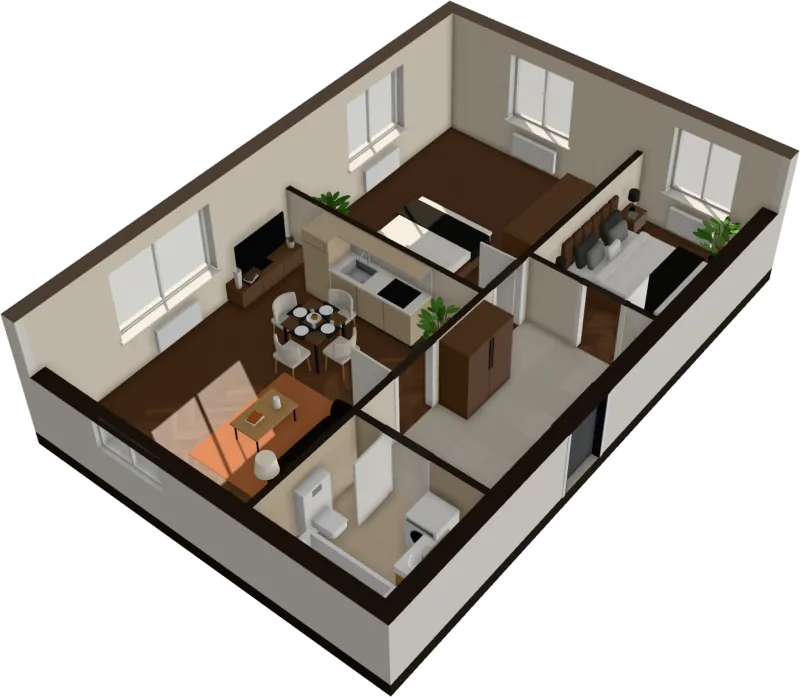
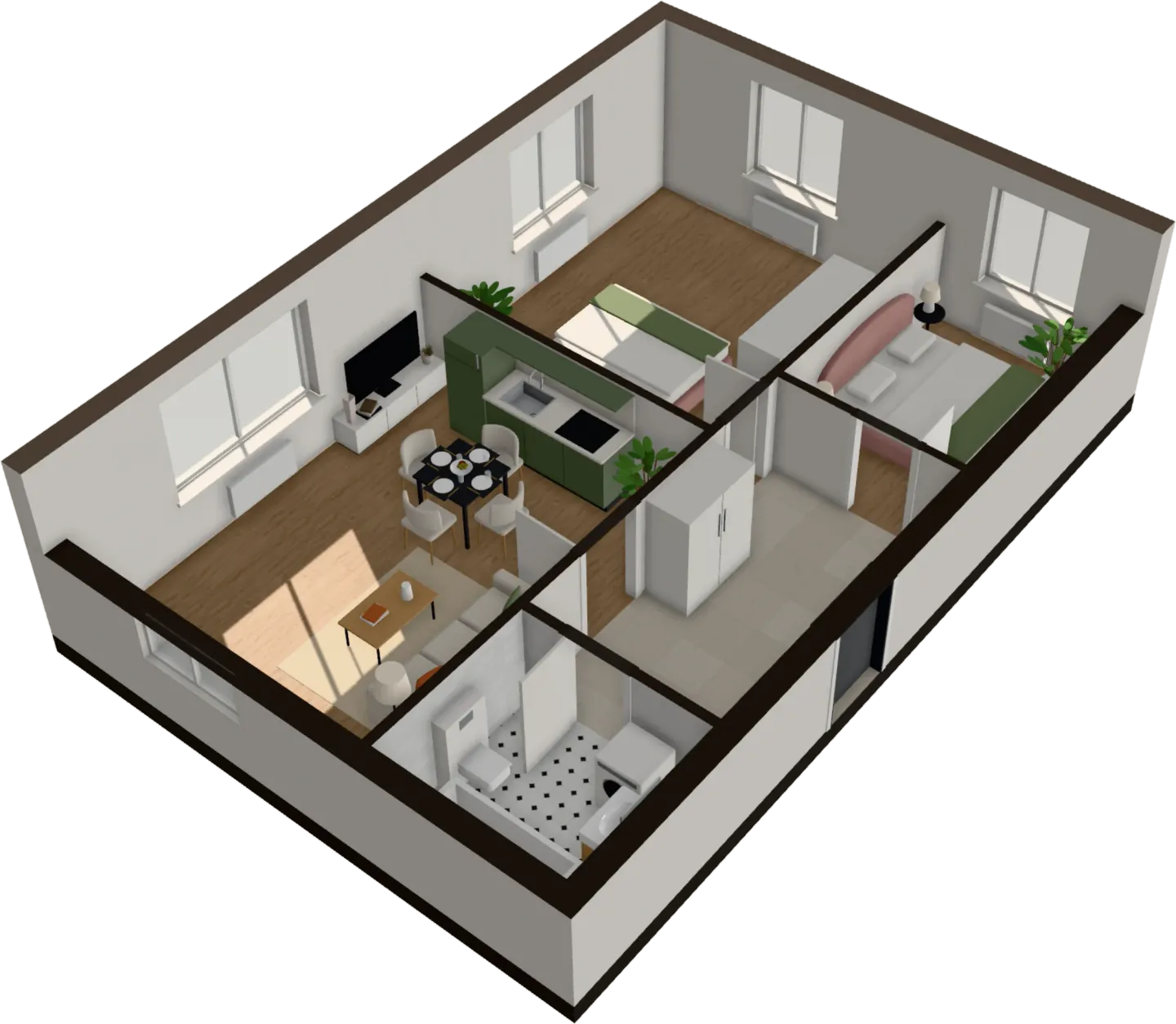
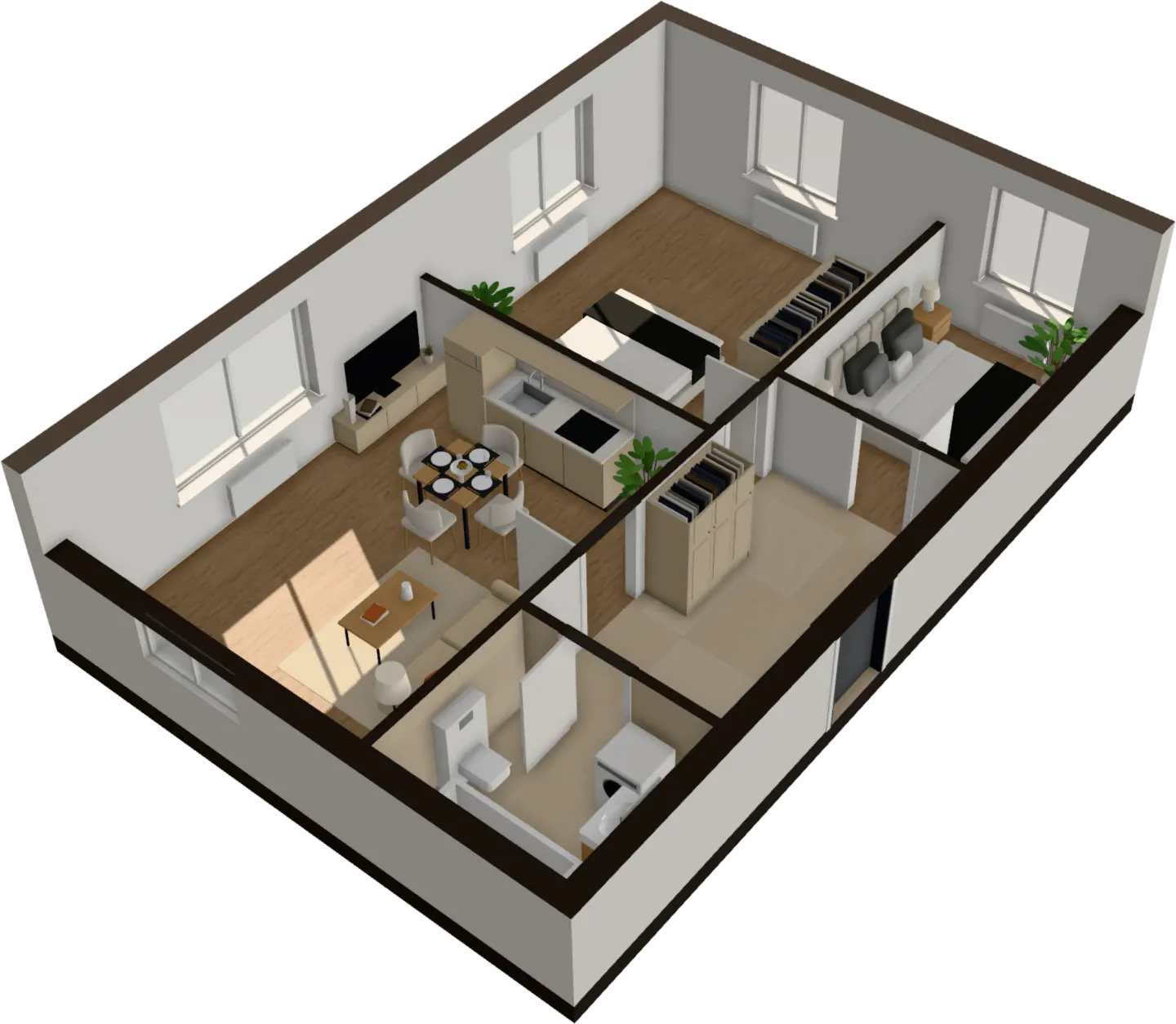
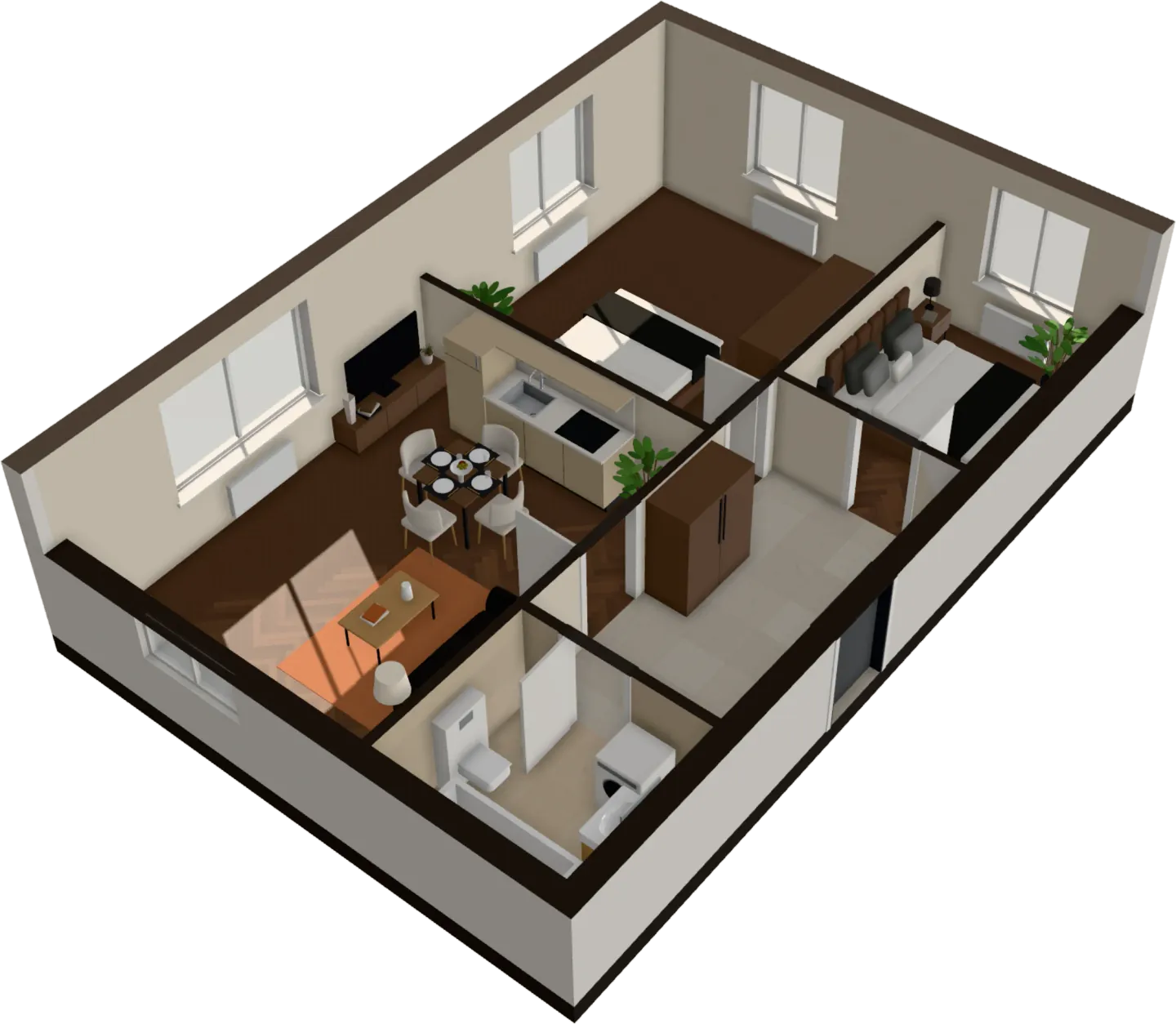
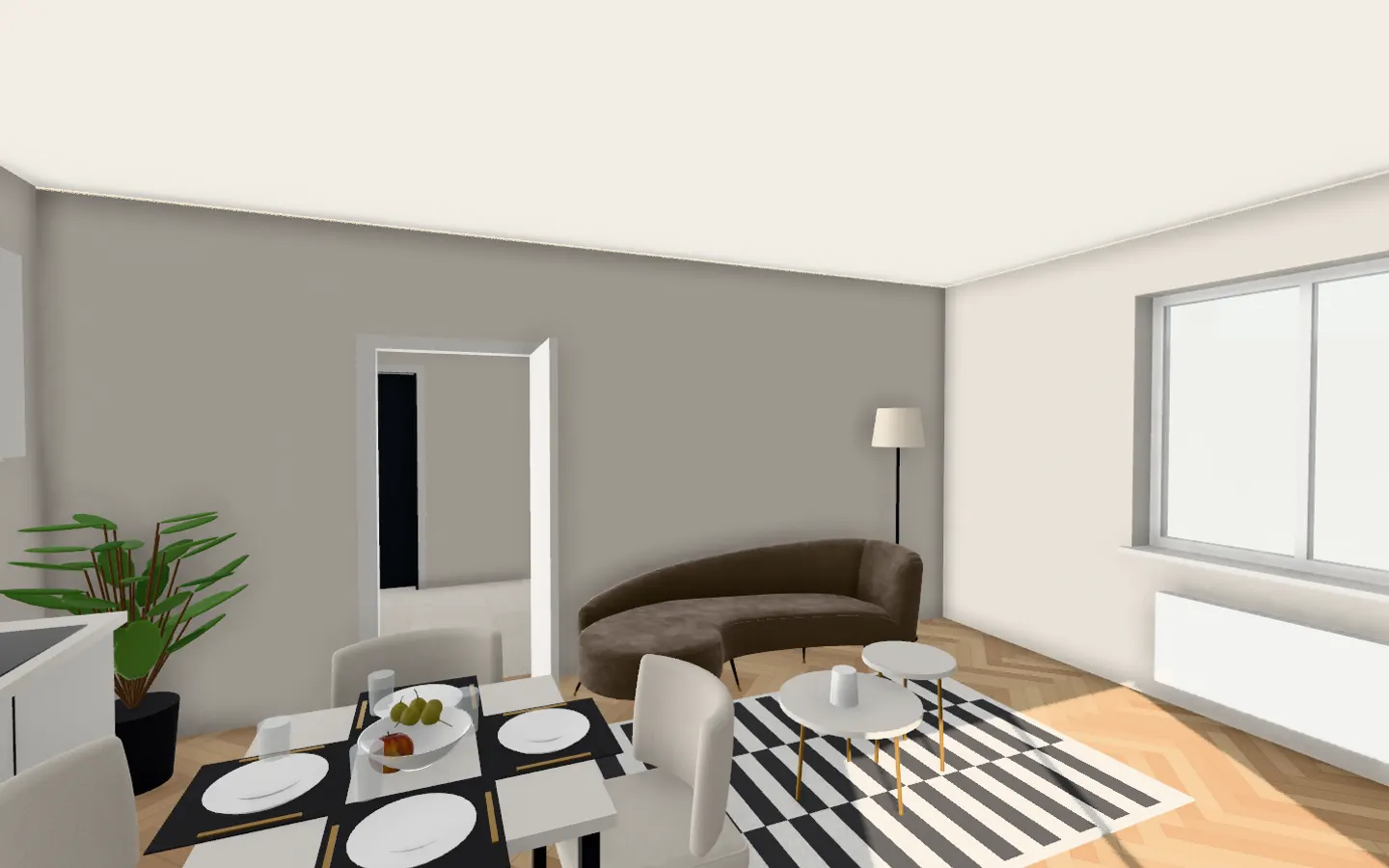
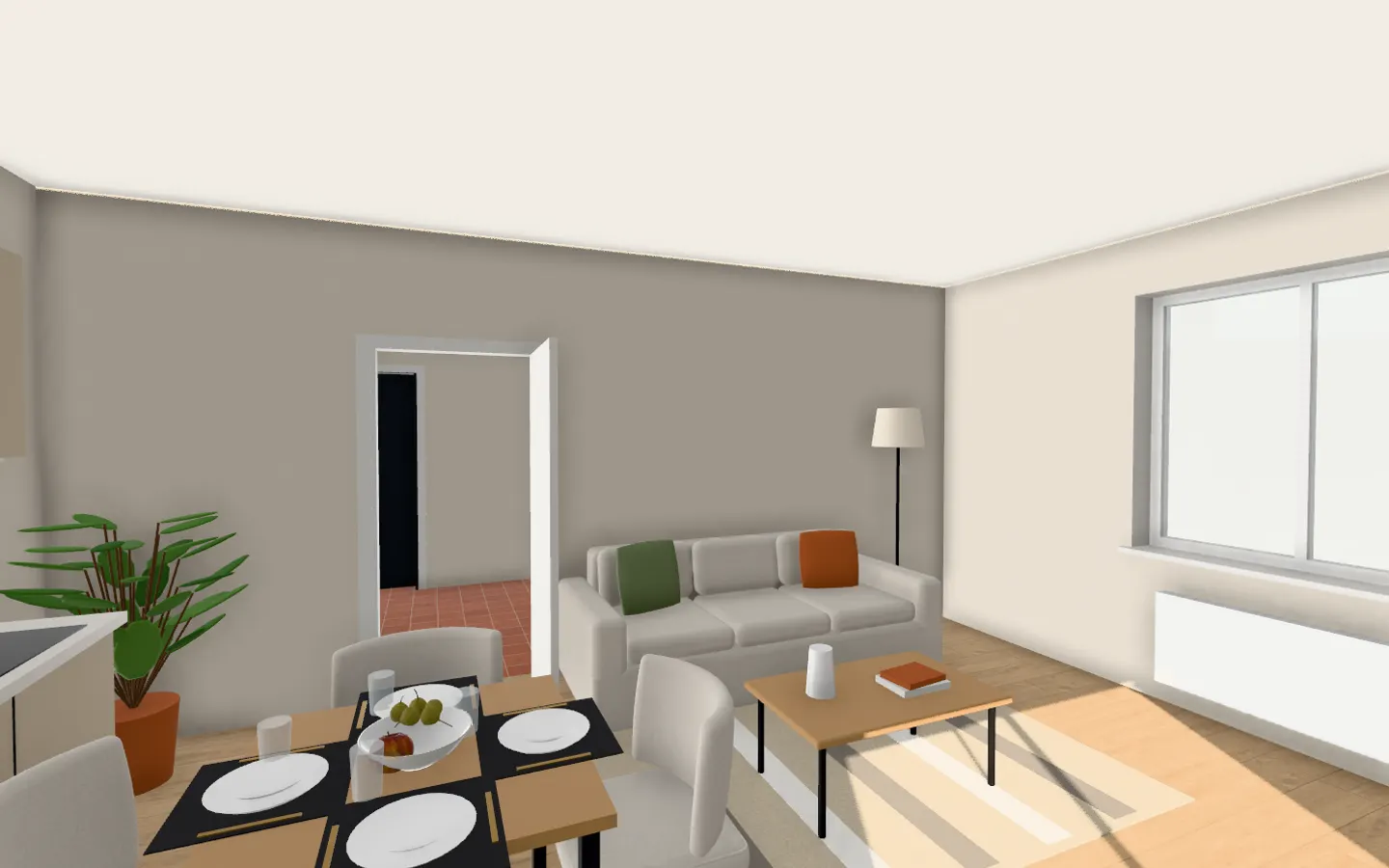
Floors, walls, tiles and furniture change in every room together. Here’s the living room of the sample apartment:
Why it costs less
Others charge more. And make you wait.
The tools below bill per plan, per month or up front. FloorTo3D does the work inside your browser, so you see your plan read before you pay, and a whole furnished apartment costs $29 once.
Compare with other tools →| What you get | Elsewhere | Here |
|---|---|---|
| A 3D floor plan with a 360° tour | Elsewhere$45 per plan, made to orderGetfloorplan | Here$29, walk anywhere, in seconds |
| The same apartment in 3 interior styles | Elsewhere$115 per planGetfloorplan | Here5 styles, in the same $29 |
| Turning a plan image into a 3D plan | Elsewhere$20 per floor plan after the firstRoomSketcher | Here$29, furnished and walkable |
| Uploading a plan to a home planner | Elsewhere$59.99 a year or $19.99 a monthPlanner 5D Premium | HereFurnished for you, $29 once |
| 360° walkthroughs in a home planner | Elsewhere$49.99 a monthPlanner 5D Professional | Here$39 a month for 5 apartments |
| Three projects in a home designer | Elsewhere$47, paid before you see your own planWalkMyHome | Here3 apartments for $59, after you see yours read |
Prices as published on each vendor’s pricing page, September 2026. See the comparisons for details and sources.
Made for
Whoever has a plan and a decision to make
Home buyers
Will our furniture fit? Will the bedroom get any sun?
See how it helps home buyers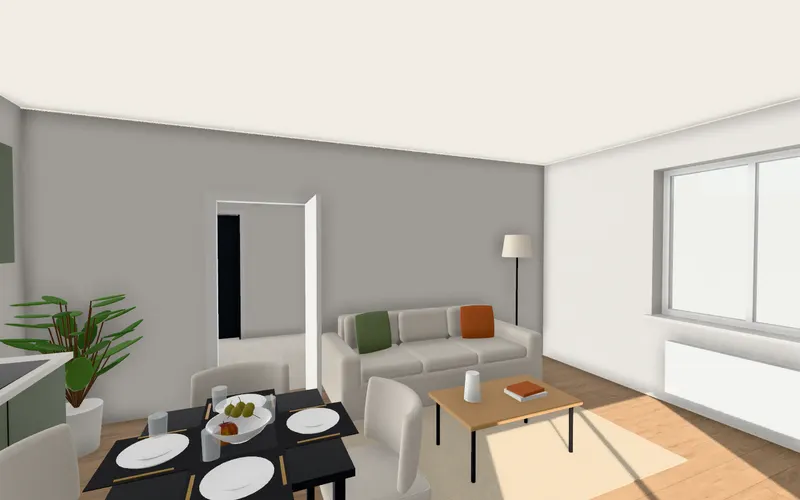
Renovating a home
Which style will I still like in five years? Light or smoked oak? Gray tile or travertine?
See how it helps renovating a home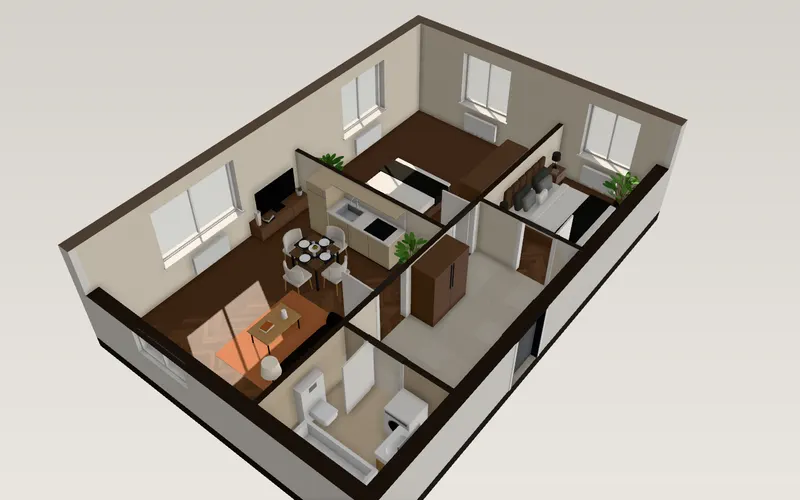
Real estate agents
The apartment isn’t built yet The rooms are empty and look small
See how it helps real estate agents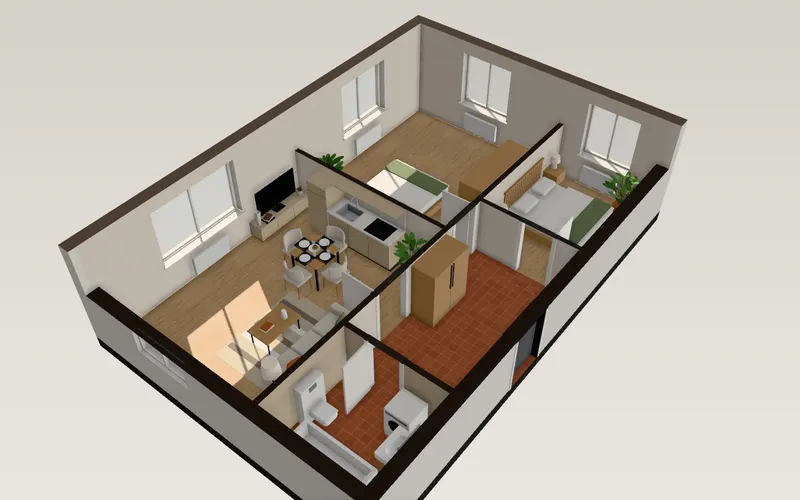
Interior designers
Modeling an apartment for a pitch takes hours Clients can’t read plans
See how it helps interior designers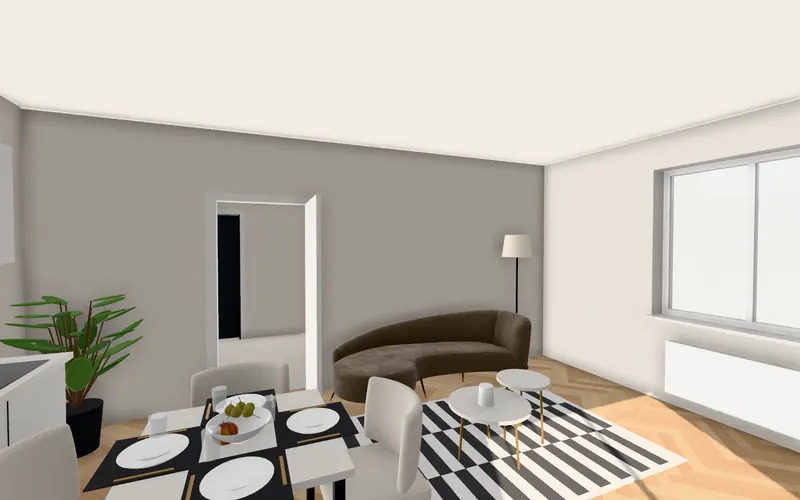
Pricing
See it first. Pay to take it with you.
Your plan is read and drawn before you pay, with a first look at it in 3D. Pay to walk through the apartment, keep it, share it and download it: once for one apartment or for three you’re choosing between, or monthly if you have an apartment a week.
This apartment
$29 once
Yours to keep
- Walk through it in 3D
- All five styles, furniture and sunlight
- Share link and exports
3 apartments
$59 once
Comparing apartments before you buy? Take three.
- This apartment, taken now
- 2 spare apartments for any plan you upload later
- No subscription; they never close
Starter
$39 a month
or $390 a year
- 5 new apartments a month
- Commercial use
- Embed on your listings
Pro
$129 a month
or $1,290 a year
- 30 apartments a month
- Your logo instead of ours
- More a month? Ask about Enterprise
Every plan opens the same 3D view. Yearly subscriptions cost ten months; cancel any time. An apartment or a pack of 3 bought on its own is refunded in full within 14 days.
Questions, answered
What does FloorTo3D cost?
You see your plan read before you pay: drop it in and watch the walls, doors, rooms and furniture appear. To walk through the apartment in 3D, keep it, share it and download it, it’s $29 once for that apartment, $59 for 3 apartments if you are comparing a few, or $39 and $129 a month for 5 and 30 apartments.
Do I need to sign up or install anything?
Nothing to install: it runs in your browser on a computer or a recent phone. No sign-up either: when you buy, the email you pay with becomes your account, and your apartments are kept there.
Which files can I upload?
PNG, JPG and SVG images of a floor plan, or a PDF. A PDF with several pages shows them all, so you can pick the one with the plan.
Is my floor plan uploaded to a server?
Not to read it: the image is read inside your browser. An apartment you buy is saved to your account, so you can open it again anywhere.
How does it get the size right?
From the width of the doors, which are close to standard. To make it exact, set one wall’s real length on the edit page, from the dimensions on the plan or the listing, and the whole plan is scaled to it.
What kind of plans work best?
Clean plans from developers and agencies: walls drawn filled in black or gray, square to the page. If the sheet also shows a site map or a legend, crop the image to the apartment first.
What if it reads my plan wrong?
Correct it on the edit page: move, draw or delete walls, add, move or remove doors and windows, set the scale from one wall’s real length, and change what a room is. If it can’t be read at all, choose Frame it again to frame just the apartment and give its floor area, or try a cleaner image.
Can I move and change the furniture?
Yes. Click a piece to drag it, turn it or replace it from the catalog: sofas, beds, tables, kitchens, wardrobes, lamps, plants, rugs and more.
Stop squinting at the plan. Walk in.
It takes less time than reading this page, and you see your plan read before you pay anything.
$29 an apartment, paid after you see it · Read in seconds · No install