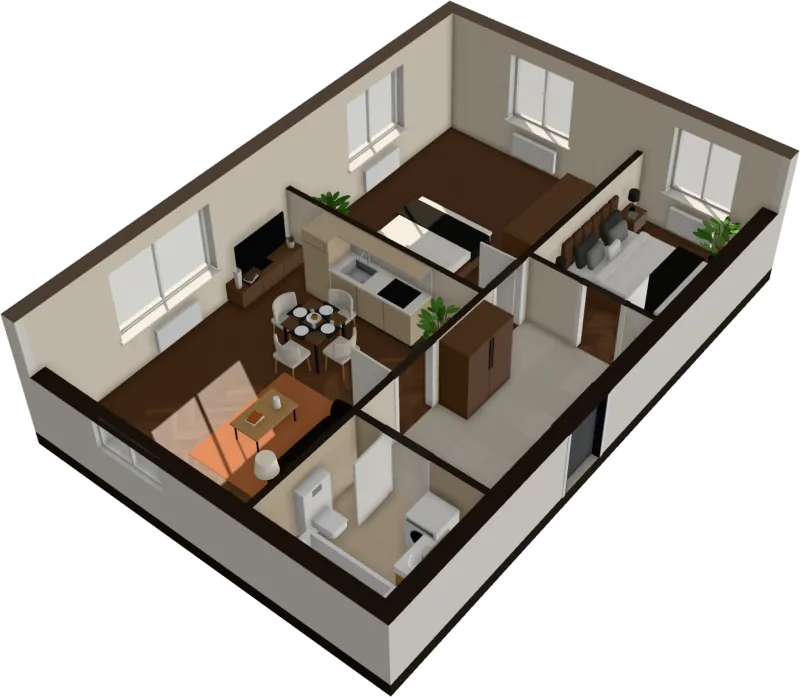
2D to 3D floor plan converter
Convert a 2D floor plan to 3D, in your browser
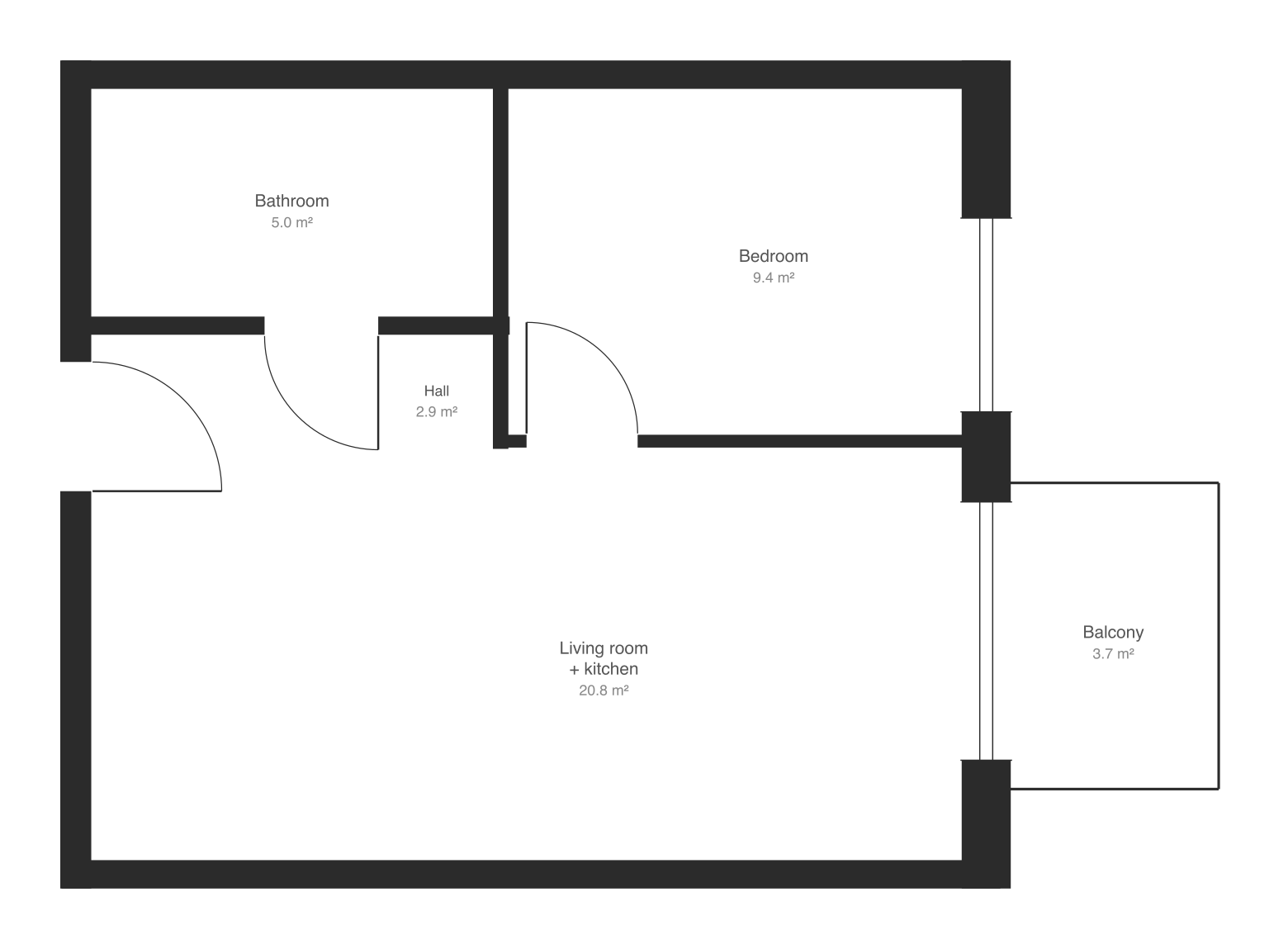
Drop the plan as an image or PDF. Walls, doors, windows and rooms are read in seconds and the apartment opens in 3D, furnished. Nothing to trace, nothing to install.
$29 an apartment, paid after you see it · Read in seconds · No install
Try it on your plan
Drop your plan. See it read.
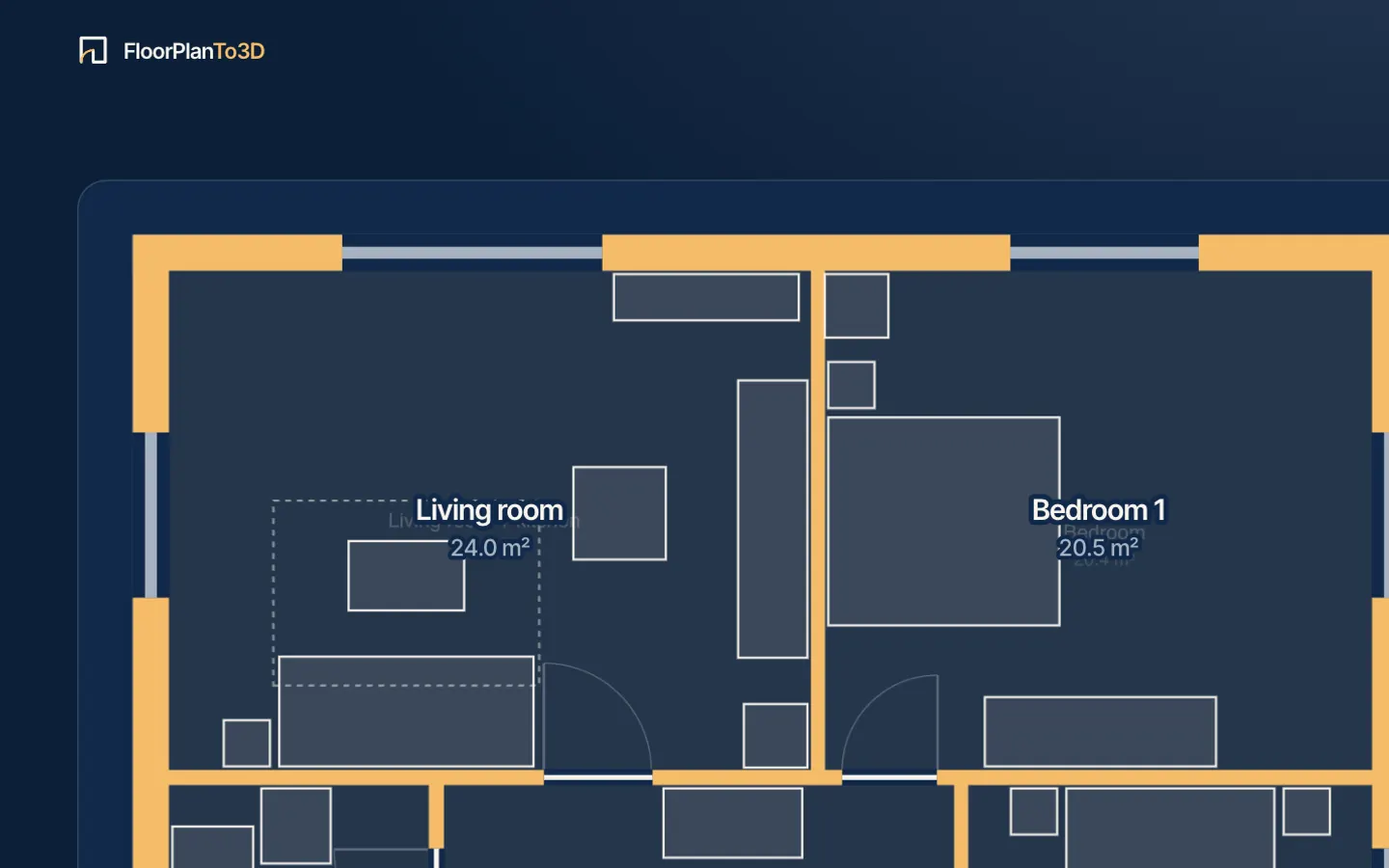
Your drawing opens in the app, ready to read. Walls, doors, rooms and furniture appear in seconds, and it all happens in your browser.
What happens next
- Your plan opens in the appIn your browser
- Walls, doors, rooms and furniture readIn seconds
- A first look at your apartment in 3DBefore you pay
- Walk through it, keep it, share it$29 an apartment, or 3 for $59
What it reads from the drawing
Walls
Every wall with its thickness, outer and inner, filled or drawn in outline.
Doors
Each door with its width, the side it hinges on and the way it swings.
Windows
Windows in the outer walls, with their widths, so daylight comes in where it should.
Rooms
Each room closed by walls and doors, and what it is: bedroom, bathroom, kitchen, hall.
Scale
Feet from the width of the doors, close to standard everywhere; set one wall’s length to make it exact.
Outline
The apartment’s outer walls and its front door, which separate it from the rest of the sheet.
Which plans convert well
Read well
- Plans from developers and real estate agents
- Walls drawn filled in black or gray
- PNG, JPG, SVG or a PDF, as you got it
- Images 1,500 pixels across or more
- A screenshot of the plan from a listing
Not yet
- Diagonal or curved walls in an image (SVG from react-planner is read at any angle)
- Balconies, which are left out
- Text on the plan: room names are worked out, not read
- Photos of a paper plan taken at an angle
- Several floors on one sheet: crop to one first
Not sure about yours? The plan is read before you pay, so trying it costs nothing. For every way of turning a plan into 3D, by hand, by a render service or automatically, see how to turn a 2D floor plan into 3D.
What comes out
A 3D floor plan, a walkthrough and the files
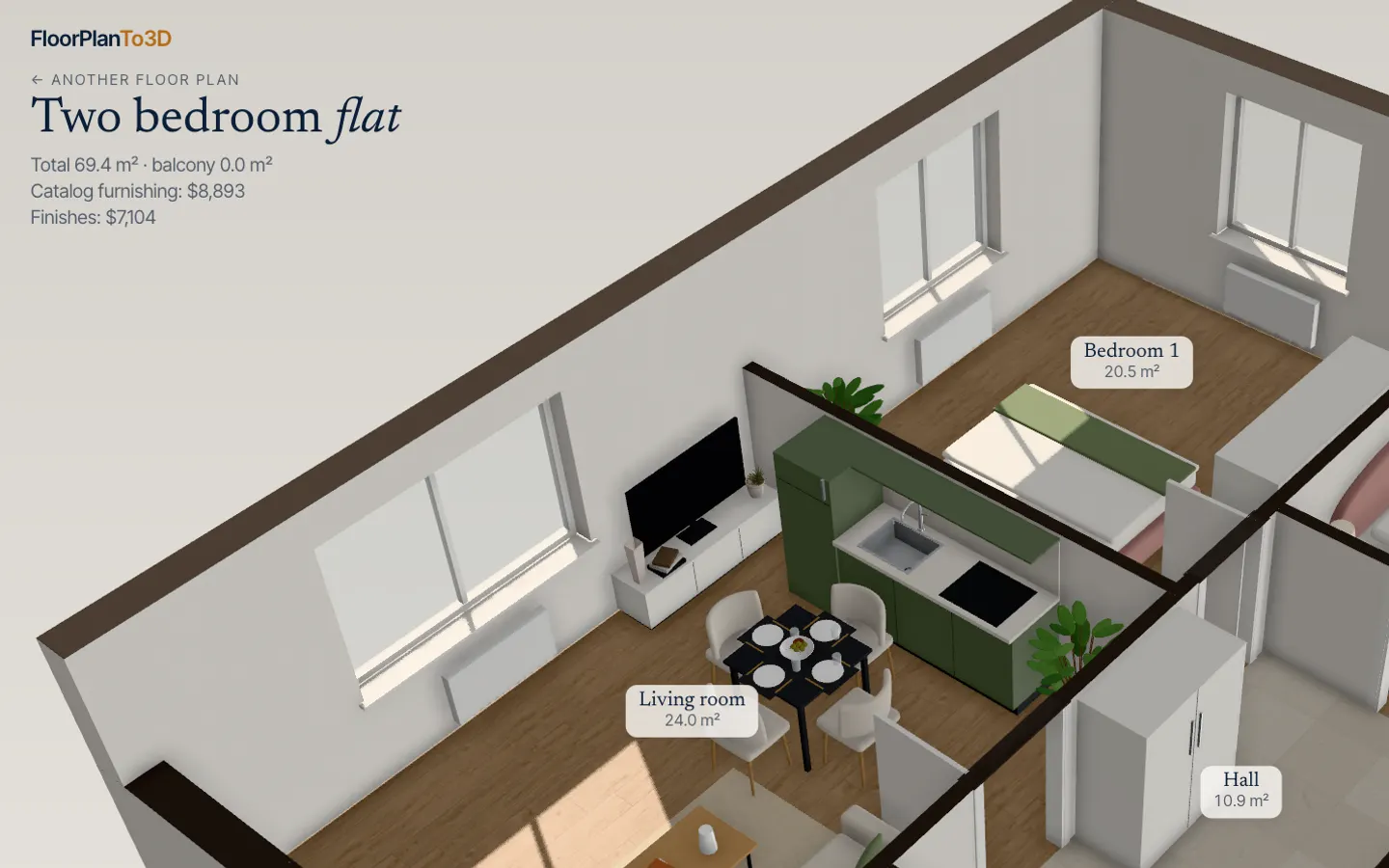
The converted apartment opens as a cut-away 3D model you can turn, a top-down plan with room areas and an eye-level walk. Switch the renovation style, move the furniture and play the sun through the windows.
- Cut-away 3D, top-down plan, walkthrough
- 4K photo, two videos and the GLB model
- A share link for the apartment
From 2D to 3D in three steps
- 1
Upload your floor plan
Drop a PNG, JPG or SVG of the plan: a screenshot from a listing or the developer’s brochure is enough.
- 2
Watch it read the drawing
Walls, doors, windows and rooms appear over your plan in a few seconds, with nothing to fill in first. The scale comes from the width of the doors.
- 3
Walk through it in 3D
The apartment opens furnished. Walk from room to room, switch the renovation style, move the sofa and see where the sun falls.
Questions, answered
How do I convert a 2D floor plan to 3D?
Drop the plan on this page or in the app. The walls, doors, windows and rooms are read in a few seconds, the apartment is furnished, and a first look in 3D opens before you pay. Walking through it, keeping it, sharing and downloading it are $29 once for that apartment.
Is there a free 2D to 3D floor plan converter?
Reading the plan and the first look in 3D cost nothing, so you know it works on your drawing before paying. Walking through the apartment, keeping it and exporting it are paid: $29 for one apartment, $59 for 3.
Do I have to trace the walls?
No. The drawing is read automatically in your browser, with nothing to trace or fill in. If a wall, door or room is read wrong, fix it on the edit page by moving, drawing or deleting it.
Can I convert a house plan?
Yes, one story at a time: each upload becomes one floor. If the sheet shows several floors, crop it to the one you want first. Floors are not joined into one house.
How accurate is the 3D model?
As accurate as the drawing’s scale. It is taken from the door widths, which is close on most plans; set the real length of one wall from the plan’s dimensions and the whole apartment is scaled to it.
Can I download the 3D model?
Yes: a 4K photo, a video flying around the apartment, a room-by-room walk as video, and the GLB 3D model for Blender or any 3D viewer.
Stop squinting at the plan. Walk in.
It takes less time than reading this page, and you see your plan read before you pay anything.
$29 an apartment, paid after you see it · Read in seconds · No install