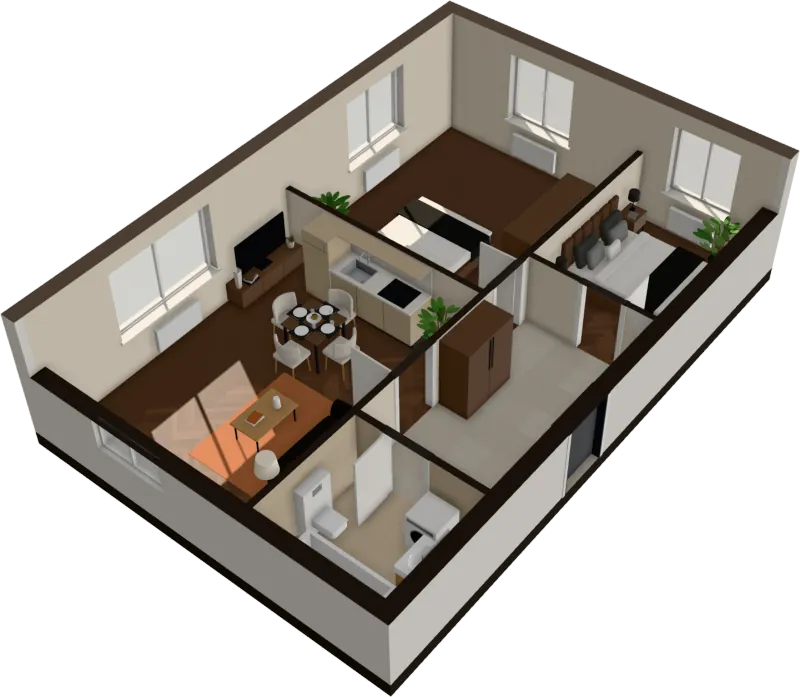
Getfloorplan alternatives
The best Getfloorplan alternatives for turning a floor plan into 3D
Why people look elsewhere: every plan is made to order by their team, from $25 for 2D and 3D or $45 with a 360° tour, so even one apartment means placing an order and waiting. Here is what else turns a plan into 3D, starting with the one that works from the plan alone.
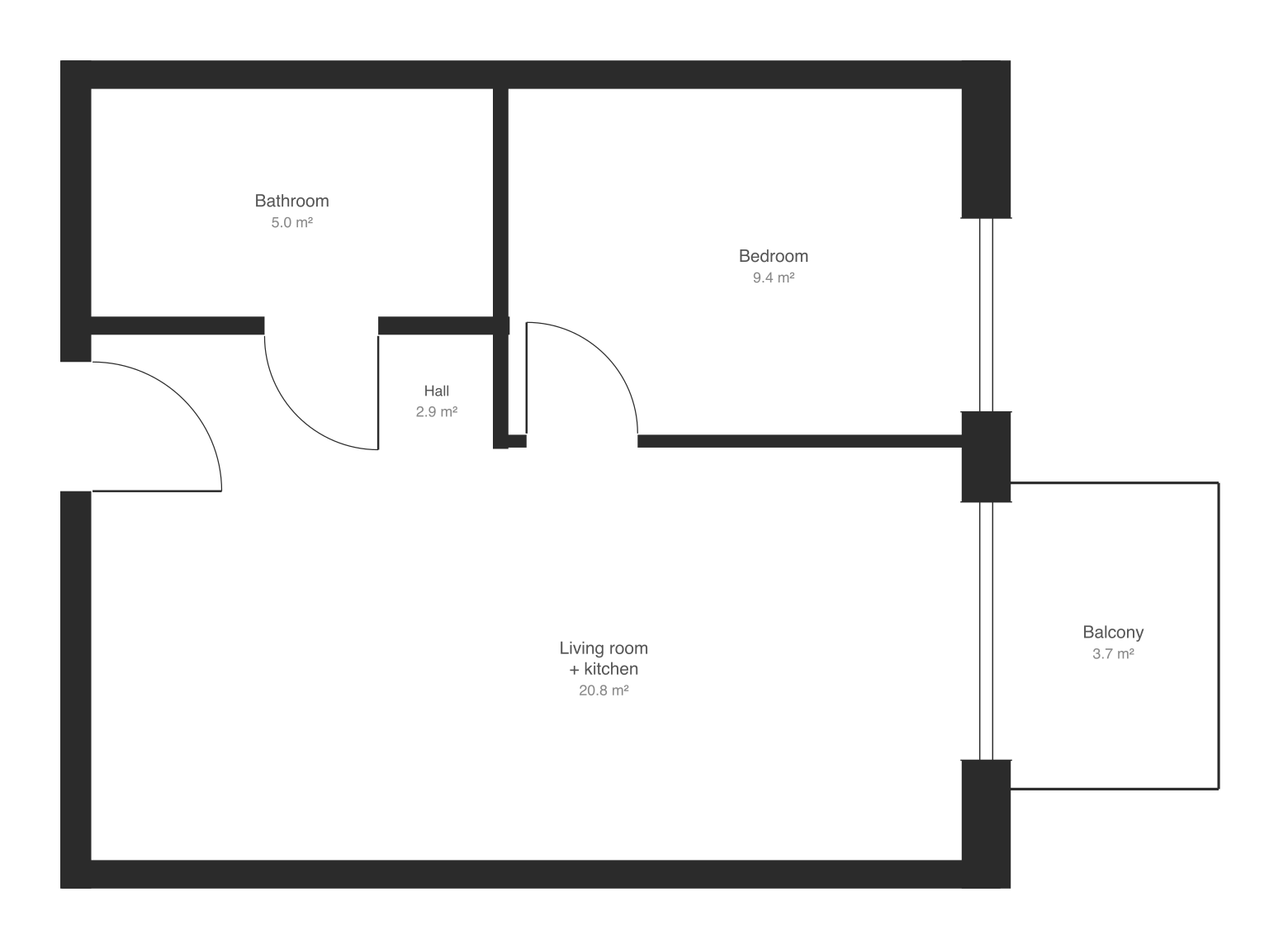
$29 an apartment, paid after you see it · Read in seconds · No install
Updated November 2026
1. FloorTo3D
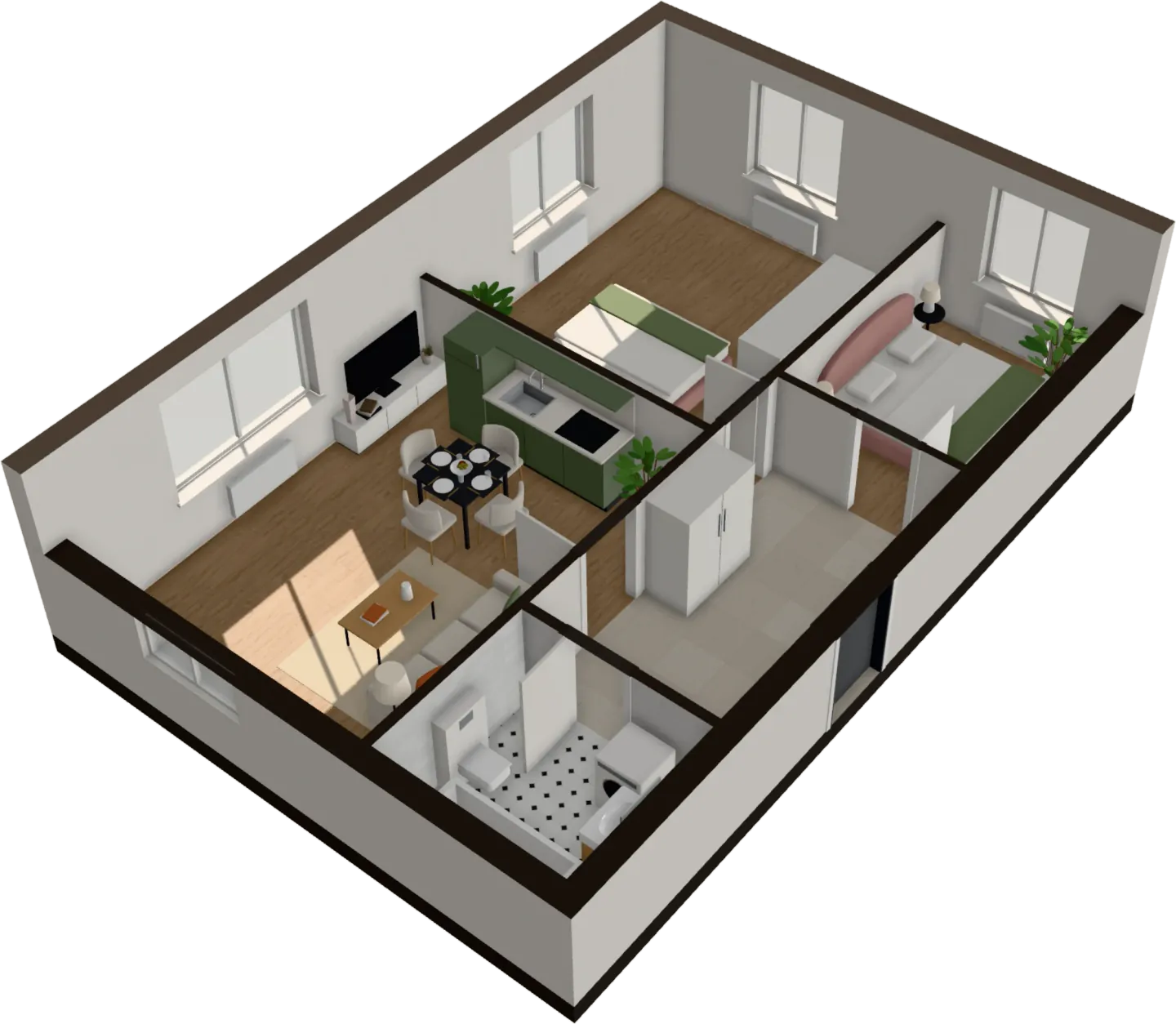
A browser app that reads your 2D floor plan (PNG, JPG, SVG or PDF) in a few seconds, furnishes every room and lets you walk through it in first person, with five renovation styles and sunlight for any date. You see the plan read before paying; keeping an apartment is $29 once.
FloorTo3D vs Getfloorplan, side by side →
$29 an apartment, paid after you see it · Read in seconds · No install
2. Planner 5D
A home design app for drawing and furnishing rooms, with apps for web, phone and desktop.
- From your plan
- Read automatically, on Premium
- Walking through it
- 360° walkthroughs on Professional
- Price
- Plan upload needs Premium: $19.99/month or $59.99/year
Choose Planner 5D to draw a home from scratch, edit walls, import CAD files or work in a phone app with a large furniture catalog.
3. RoomSketcher
Floor plan software for measured 2D and 3D plans, popular with agents; also sells redrawn plans.
- From your plan
- AI conversion, or redrawn by their team
- Walking through it
- Live 3D on Pro and Team
- Price
- 1 free AI conversion, then $20 per floor plan; Pro $24/month
Choose RoomSketcher for precise, editable, branded 2D floor plans for listings, or to order plans redrawn by their team.
4. floorplanto3d.ai
A service for real estate marketing: upload a plan and get photoreal renders, a furnished 3D floor plan and a virtual tour, paid in credits.
- From your plan
- Uploaded plan built to its printed sizes
- Walking through it
- Virtual tour link
- Price
- $5 a floor in one interior design (50 credits; 10 credits cost $1), $5 for each extra design; free account
Choose floorplanto3d.ai for photoreal renders and a tour link to market a listing, at $5 a floor.
5. WalkMyHome
A browser home designer sold for a one-time payment: generate or import a plan, furnish it and walk through it.
- From your plan
- Plan image imported
- Walking through it
- Yes, with video export
- Price
- $47 or $67 once, shown as 81% off
Choose WalkMyHome to design a house from scratch with AI, make 4K renders and videos, or export 3D files for a builder.
6. Floorplanner
A browser floor planner for drawing a home and furnishing it from a large library of branded 3D models, free for basic use.
- From your plan
- Traced by you over a backdrop, or redrawn in 1–2 days
- Walking through it
- 3D tours, paid in credits
- Price
- Free to draw, with watermarked SD images; HD images from 5 credits ($8.15 for 5), Pro $29/month
Choose Floorplanner to draw a home from scratch for free, furnish it with real branded products, export 4K or 8K images, or work as a team through its API.
7. magicplan
A phone app for measuring rooms on site with LiDAR, the camera or a laser meter, made for remodeling, restoration and inspection pros.
- From your plan
- Traced by you over an imported photo
- Walking through it
- 3D view; no walk listed
- Price
- From $25 per project, with at least 10 projects a month ($250–400 a month); 2 free projects to start
Choose magicplan to measure a real home on site, produce reports and estimates for clients, or export IFC files for BIM.
8. Homestyler
A browser-based 3D home design tool: draw or import a floor plan, furnish it from a model library and render images, panoramas and videos.
- From your plan
- Walls built from the image (beta)
- Walking through it
- 720° tour from rendered panoramas
- Price
- Free: Import Floor Plan with Auto Generate (Beta) builds walls from an image; multi-floor DWG import needs Pro+
Choose Homestyler to design and decorate an interior yourself on a free plan, with lighting control, a large model library and high-resolution renders.
9. Coohom
A browser-based interior design and rendering platform for designers, with a floor planner, a large library of branded models and 360° panoramas.
- From your plan
- Walls, doors and windows detected
- Walking through it
- 360° panoramas; VR tour on Pro
- Price
- Free Basic plan, up to 3 projects: an uploaded plan’s walls, doors and windows are detected
Choose Coohom if you are an interior designer who needs branded furniture, high-resolution renders, construction drawings and team sharing on a subscription.
10. Cedreo
Online home design software for builders and remodellers: 2D plans with a live 3D view, photoreal renders and plan sets.
- From your plan
- Traced by you over a backdrop
- Walking through it
- Real-time 3D view
- Price
- Free plan imports a plan as a scaled backdrop and you trace the walls over it; Pro €79/month, €49 yearly
Choose Cedreo if you design or sell new homes and need accurate plans, elevations, roofs, site plans and client presentations.
11. Sweet Home 3D
Free, open-source interior design software for computers, phones and the browser: draw a plan, furnish it and look around it in 3D.
- From your plan
- Traced by you over a background image
- Walking through it
- First-person “virtual visitor”
- Price
- Free, under the GPL license
Choose Sweet Home 3D for a free tool that runs offline, to draw and furnish a home in detail yourself, with no account and nothing to pay.
12. HomeByMe
A browser home design tool: import or draw a floor plan, furnish it from a branded catalog and walk through it.
- From your plan
- Traced by you, or drawn for you in up to 3 working days
- Walking through it
- First-person
- Price
- Starter free for 2 projects; Essentials $29/month ($25 yearly), Pro $65/month ($53 yearly)
Choose HomeByMe to design a home in detail with real branded furniture, or to have their team draw your plan for you.
13. Ritn3D
An AI floor plan to 3D app for the web, iOS, Android and Windows, with a walk mode and a done-for-you service.
- From your plan
- Read by AI, then reviewed by you
- Walking through it
- First-person, on Pro
- Price
- Free: 3 bird’s-eye renders a month; Pro $9.99/month with a 7-day trial, Pro+ $19.99/month; done for you from $199 per floor
Choose Ritn3D for a low monthly price with phone and desktop apps, or to have a whole floor modeled for you.
14. Home3D Studio
A browser app that reads a floor plan with an AI vision service and builds a 3D home you can walk through and light by the real sun.
- From your plan
- Read by AI
- Walking through it
- First-person
- Price
- €4.99 once for 1 plan, €9.99 for up to 6; Plus €24.99/month, Pro €39.99/month
Choose Home3D Studio for the lowest one-off price, or for a sun study set to your exact address.
From each vendor’s own pricing and help pages; each comparison links its sources and the date they were read. Prices change; check their sites for the latest.
Try it on your plan. See it read first.
It takes less time than reading this page, and you see your plan read before you pay anything.
$29 an apartment, paid after you see it · Read in seconds · No install