FloorTo3D vs HomeByMe
HomeByMe or FloorTo3D: which fits your plan?
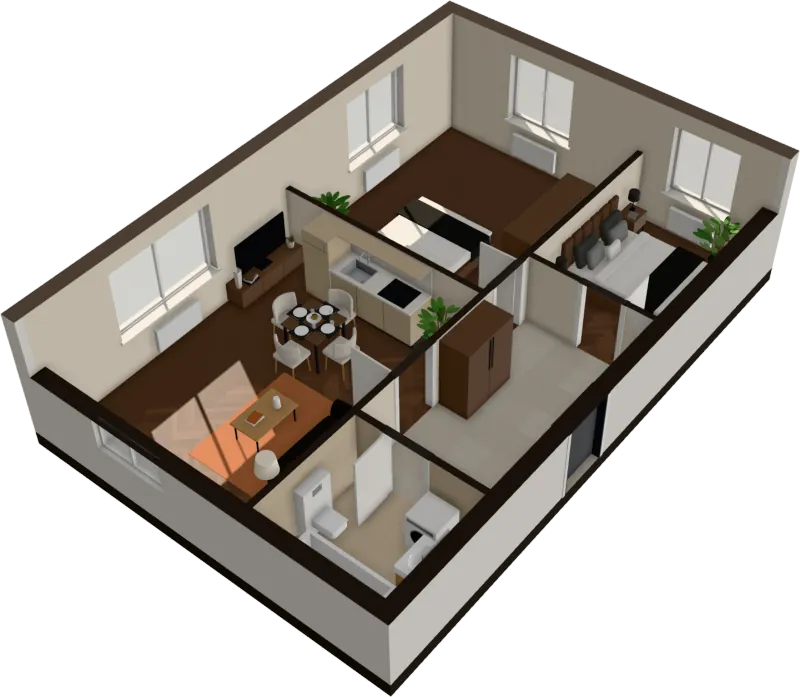
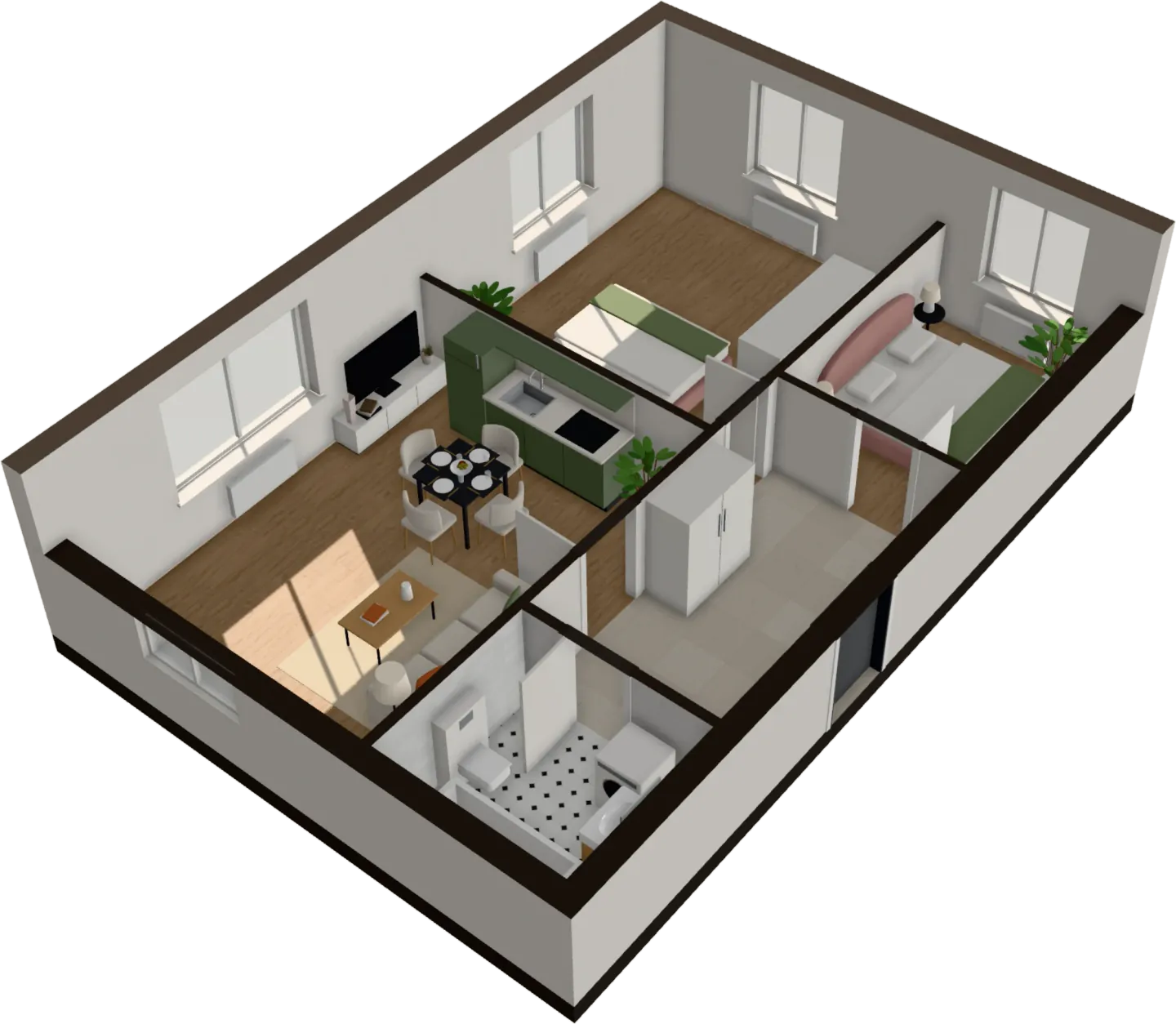
HomeByMe is a browser home design tool: import or draw a floor plan, furnish it from a branded catalog and walk through it. FloorTo3D does one thing: turns your floor plan into a furnished 3D apartment you can walk through, in seconds.
$29 an apartment, paid after you see it · Read in seconds · No install
Side by side
| HomeByMe | FloorTo3D | |
|---|---|---|
| Price | Starter free for 2 projects; Essentials $29/month ($25 yearly), Pro $65/month ($53 yearly) | $29 per apartment once, $59 for 3, or from $39 a month; the plan is read before you pay |
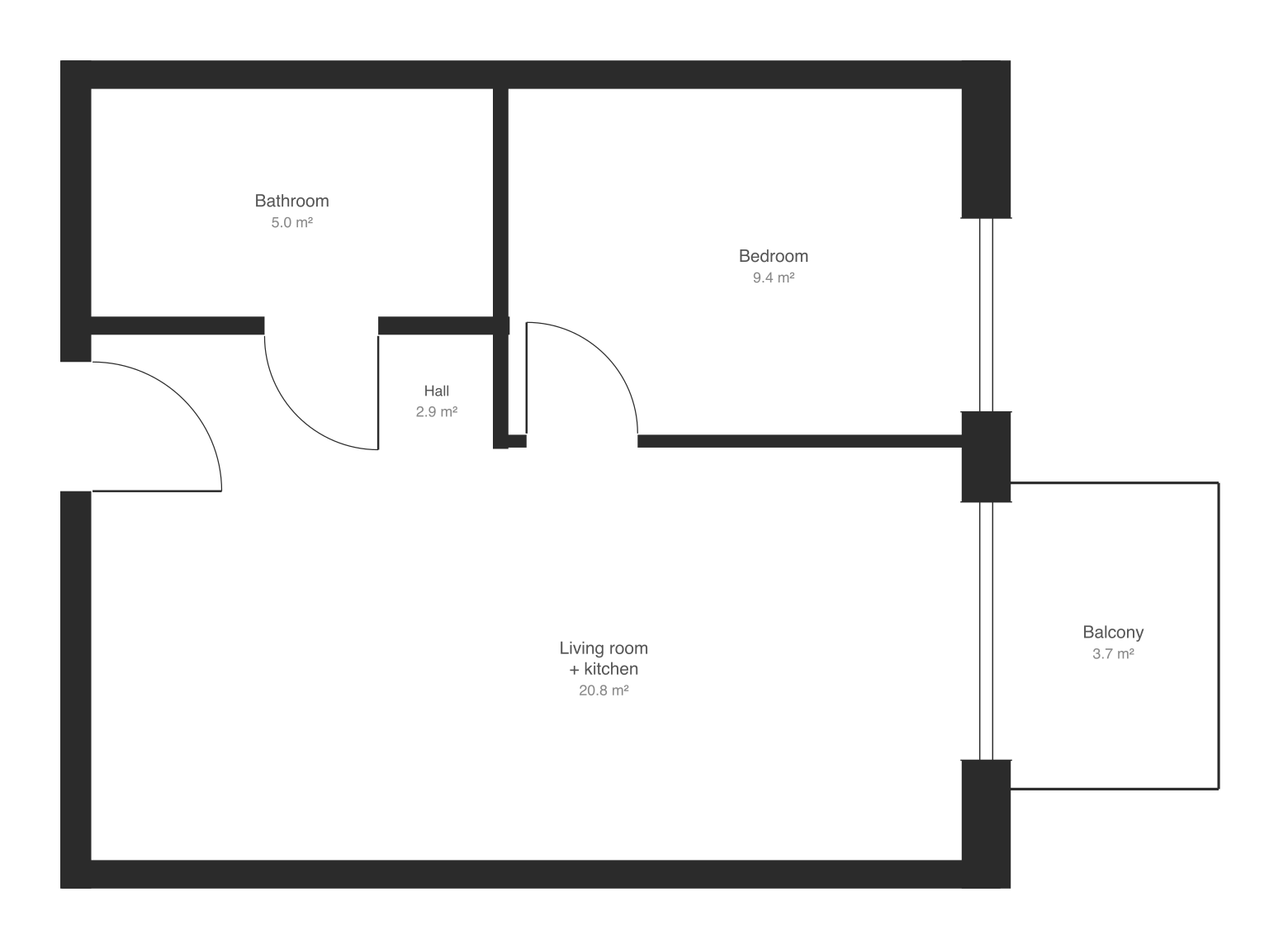
| From a plan image | PNG, JPEG or PDF as a background, walls traced by hand; or drawn for you for $14.99 ($19.99 furnished) within 3 working days | Read automatically in seconds |
| Furniture | Placed by hand from a branded catalog | Placed automatically; move, turn and swap any piece |
| Walkthrough | First-person; 360° images on Pro | Yes, first-person |
| Renovation styles | Not listed on its pricing page | 5 whole-apartment renovation styles in one click |
| Sunlight | Light modes: warm, cold, golden hour and night; no date-and-time sun | Sun and shadows for any date and time |
| Account | Account needed | Only to buy |
HomeByMe details as published on HomeByMe offers, its drawing service, its help on importing a plan, checked November 2026. “Not listed” means that page doesn’t mention it; HomeByMe may still offer it. Prices change; check their site for the latest.
Where FloorTo3D is different
- Read in seconds, not traced by you or delivered in 3 working days
- Furnished for you, with five whole-apartment renovation styles
- Sun for any date and time, with each room’s hours of sun
$29 an apartment, paid after you see it · Read in seconds · No install
When HomeByMe is the better choice
Choose HomeByMe to design a home in detail with real branded furniture, or to have their team draw your plan for you.
FloorTo3D starts from a drawing you already have: it doesn’t design a home from scratch or open CAD files.
Questions, answered
How does HomeByMe turn a floor plan into 3D?
Traced by you, or drawn for you in up to 3 working days. FloorTo3D reads the walls, doors, windows and rooms from the plan image or PDF in a few seconds and furnishes every room, with nothing to trace.
Can you walk through the apartment in HomeByMe?
HomeByMe: first-person. FloorTo3D: a first-person walk through the furnished apartment, in the browser.
How much does HomeByMe cost compared to FloorTo3D?
HomeByMe: Starter free for 2 projects; Essentials $29/month ($25 yearly), Pro $65/month ($53 yearly). FloorTo3D: $29 per apartment once, $59 for 3, or from $39 a month; the plan is read before you pay. From HomeByMe’s own pages, checked November 2026; prices change.
When is HomeByMe the better choice?
Choose HomeByMe to design a home in detail with real branded furniture, or to have their team draw your plan for you.
Try it on your plan. See it read first.
It takes less time than reading this page, and you see your plan read before you pay anything.
$29 an apartment, paid after you see it · Read in seconds · No install